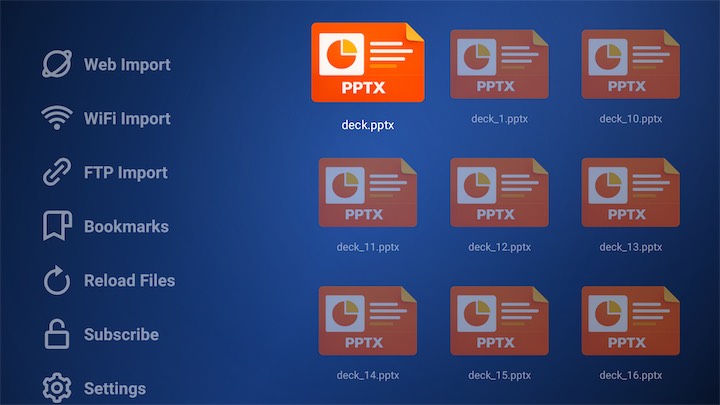
Open PPTX PPTX files on your Android TV with a clean, remote-friendly interface. Import presentations using Web Import, WiFi Upload, FTP, or USB, then view slides with zoom, bookmarks, search, night mode, animation mode, and resume support.
Install TV PPTX Viewer on your Android TV or Fire TV device.
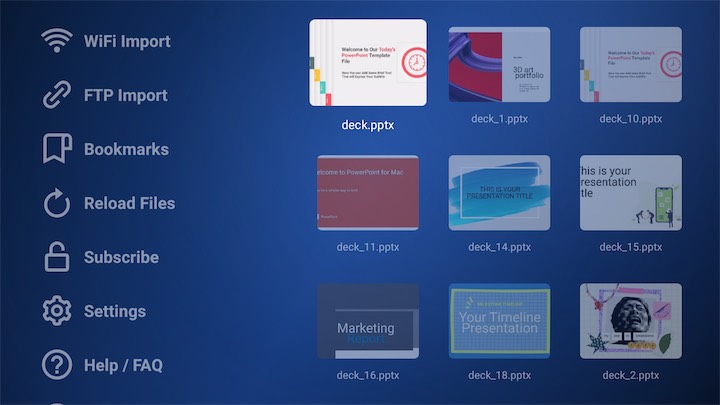
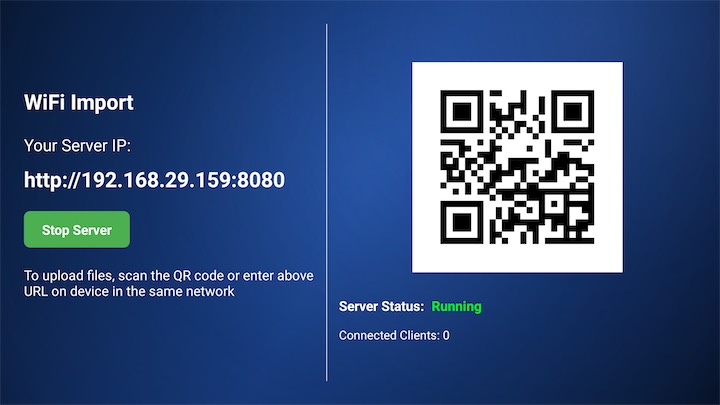
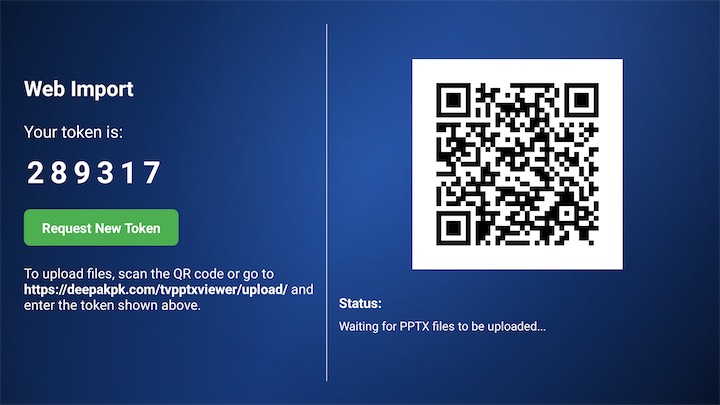
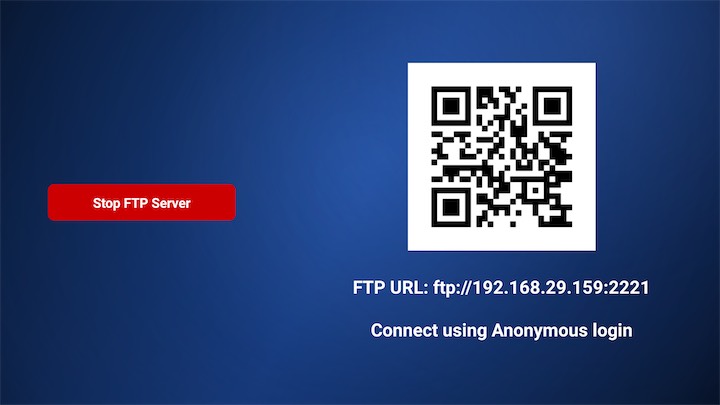
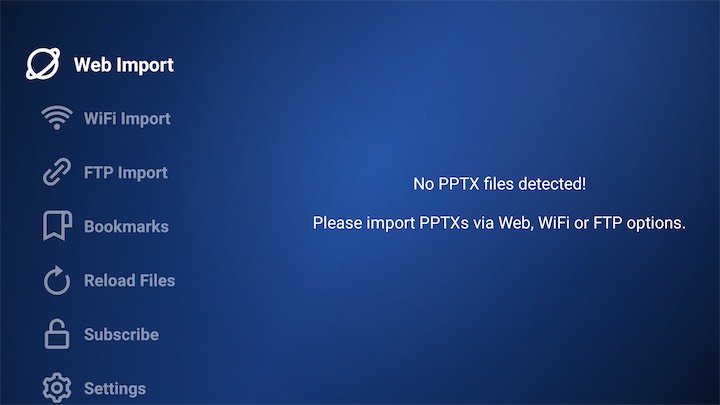
Add files with Web Import, WiFi Upload, FTP Import, or reload/scan PPTX files from available storage.
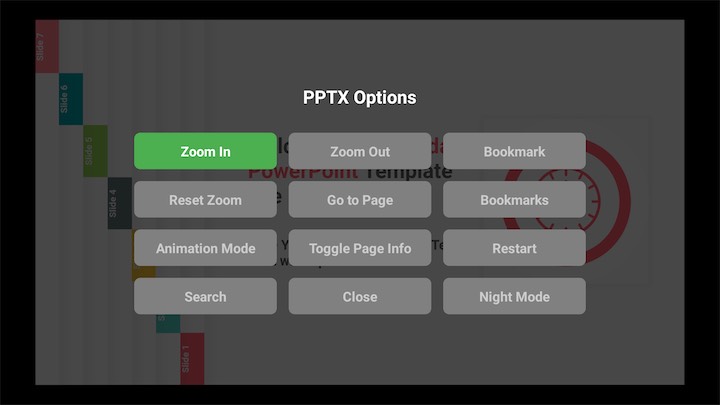
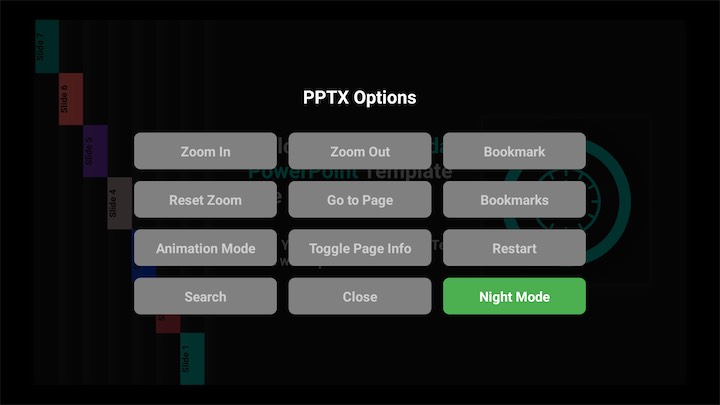
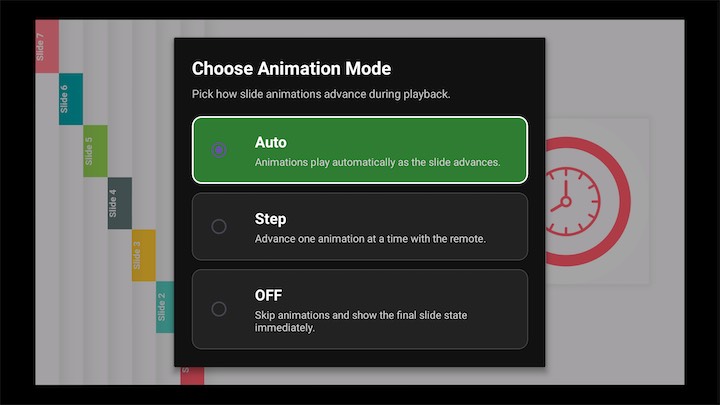
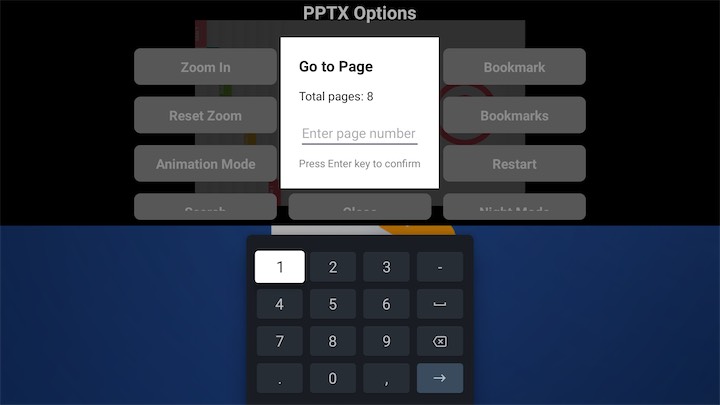
Select a PPTX with the OK button, then use the overlay menu for zoom, bookmarks, search, go to slide, night mode, animation mode, and restart.
Show lesson slides, training material, and study presentations on a TV without needing a computer connected all the time.
Open business PPTX files on meeting-room TVs with quick import options and remote-friendly navigation.
View school projects, event slides, photo presentations, or saved PPTX files directly on Android TV.
Use PPTX slides for lightweight information display where easy import, viewing, and slide navigation matter.
TV PPTX Viewer is an Android TV app for opening and viewing PPTX PPTX files on a TV using a remote-friendly interface.
You can import PPTX files using Web Import, WiFi Upload, FTP Import, or by scanning available PPTX files from connected storage such as USB.
No. Web Import uses a token-based flow, so the sending device does not need to be on the same network as the TV.
Use WiFi Upload when your sending device and Android TV are on the same network. It is designed for faster local file transfer.
Yes. FTP Import uses an anonymous FTP connection and requires the sending device to be on the same network as the TV.
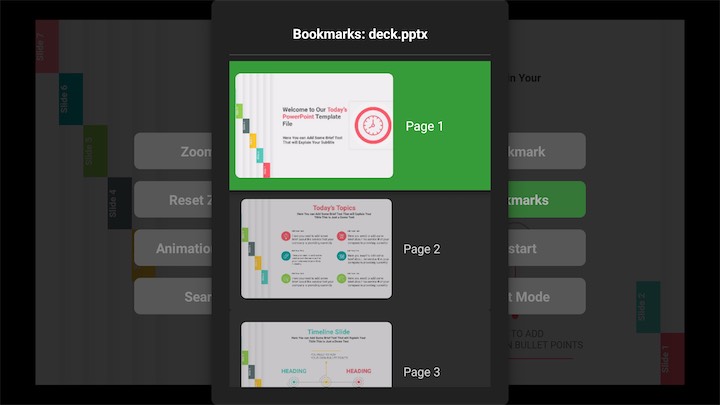
Yes. You can bookmark the current slide, view bookmarks for the current PPTX, and also browse bookmarks across all PPTX files.
Yes. The viewer can reopen a PPTX with the last viewed slide number and last used view settings such as zoom and night mode.
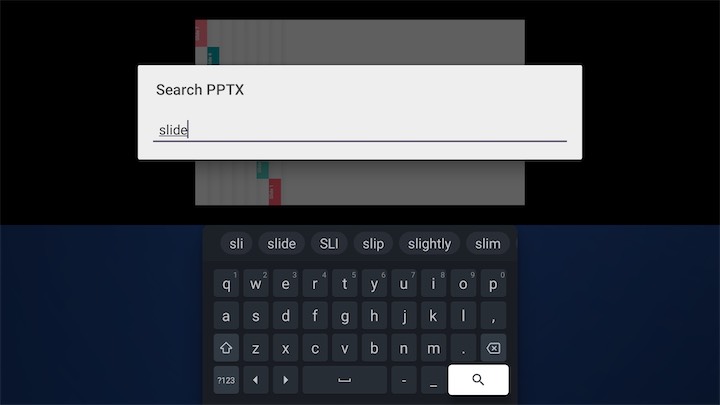
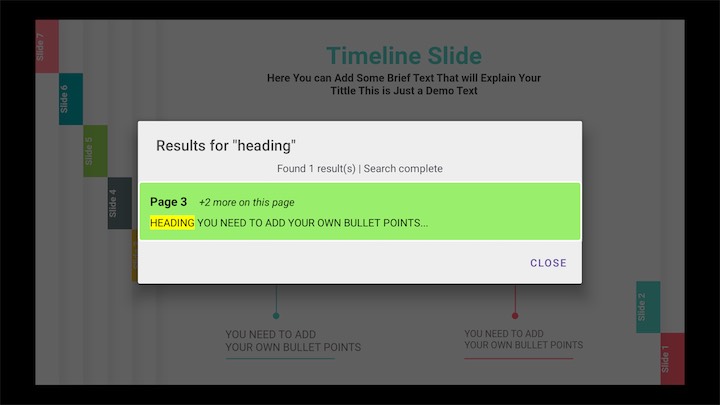
Yes. The viewer includes a search option to find text inside supported PPTX files.
Yes. Long-press OK on a focused PPTX file to view file info and options such as open and delete. Settings also include an option to clear all PPTXs in the imports folder. USB files are not deleted.
The app includes a subscribe page and a manage subscription page with information about managing your subscription.
Download TV PPTX Viewer and turn your Android TV into a simple, remote-friendly PPTX presentation viewer.