TV PPTX Viewer App Icon

TV PPTX Viewer - View PowerPoint Presentations on Roku TV

Open PPTX presentations on your Roku TV with a clean, remote-friendly interface. Connect from your phone, tablet, or computer on the same Wi-Fi network, choose one or more PPTX files, and view slides on the big screen with zoom, pan, rotate, night mode, thumbnails, search, Go to Slide, Animation Mode, and resume support.

Roku TV Remote-Friendly Viewer
PPTX Presentation File Support
QR / Wi-Fi Simple Local Pairing
TV PPTX Viewer Roku TV screenshot 1

Start Viewing PPTX Presentations on TV in Minutes

1

Install TV PPTX Viewer

Install TV PPTX Viewer on your Roku device.

2

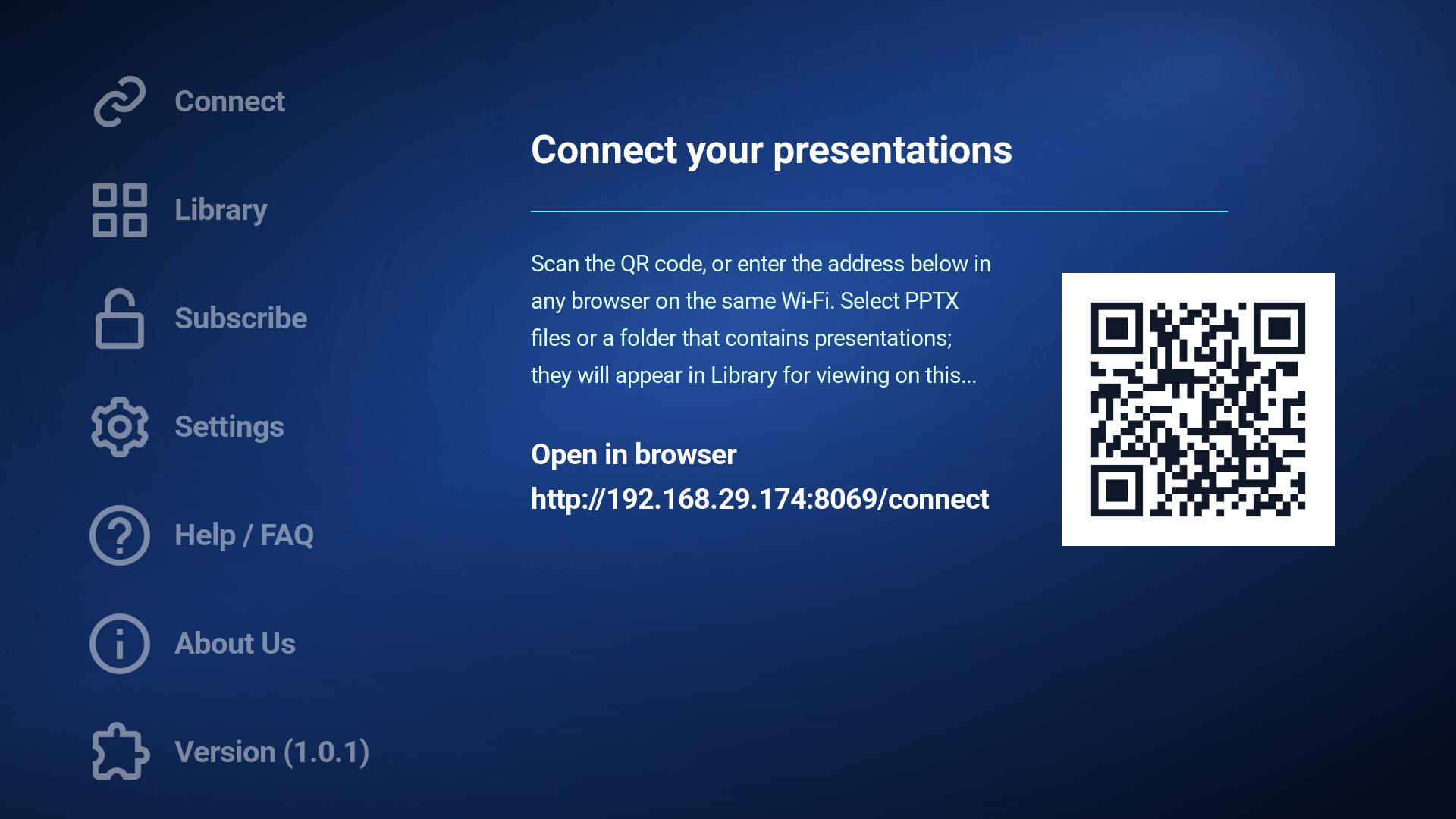
Connect Your Device

Use the QR code or short address on the Connect screen from a phone, tablet, or computer on the same Wi-Fi network.

3

Choose and View PPTX Files

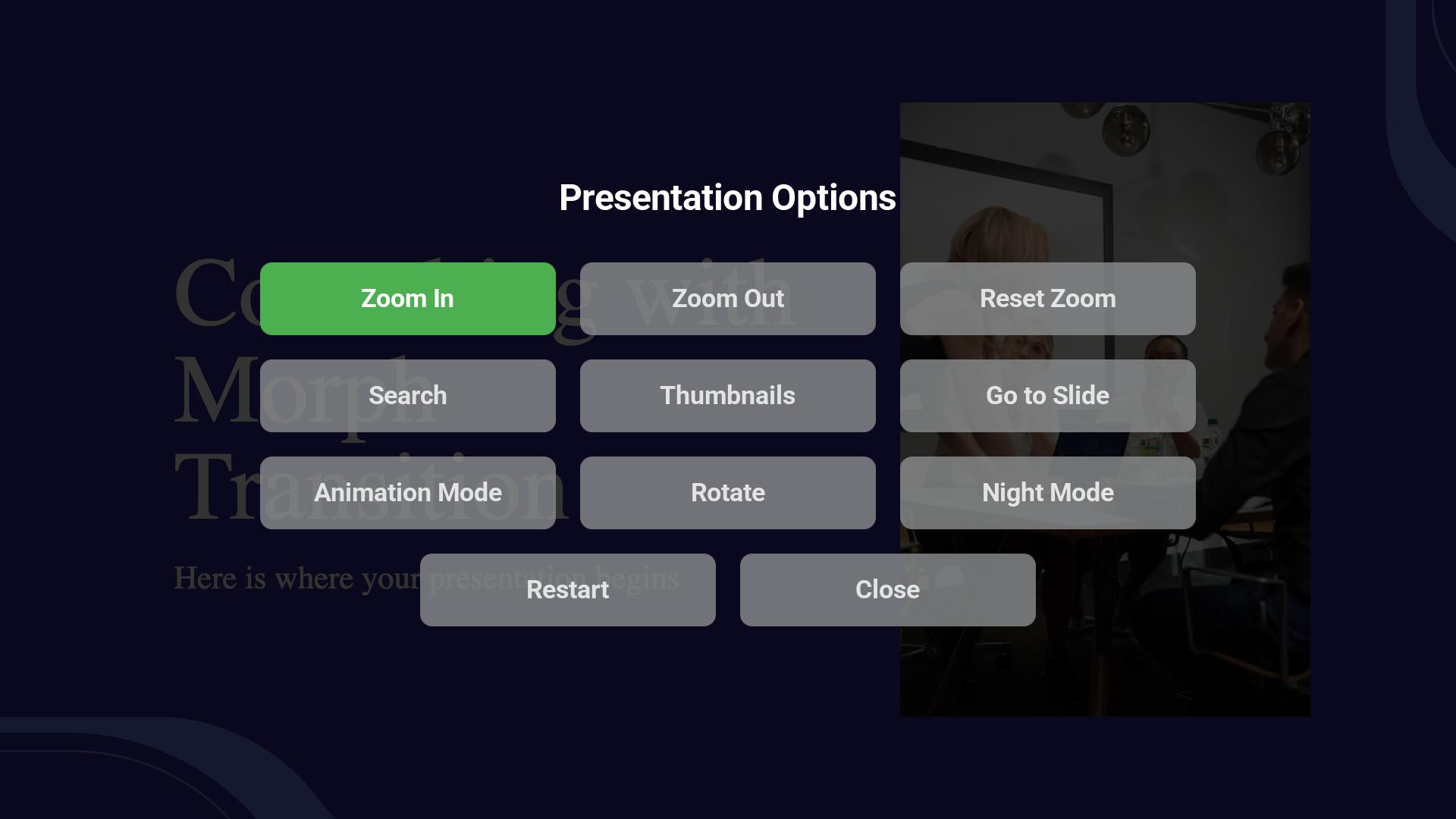
Select one or more PPTX files, open a presentation from the Library, then use the remote-friendly controls for zoom, pan, rotate, night mode, thumbnails, search, Go to Slide, and Animation Mode.

Why Presentation Viewers Will Like It

📺

TV-First Experience

  • Built for Roku TV usage and remote control navigation
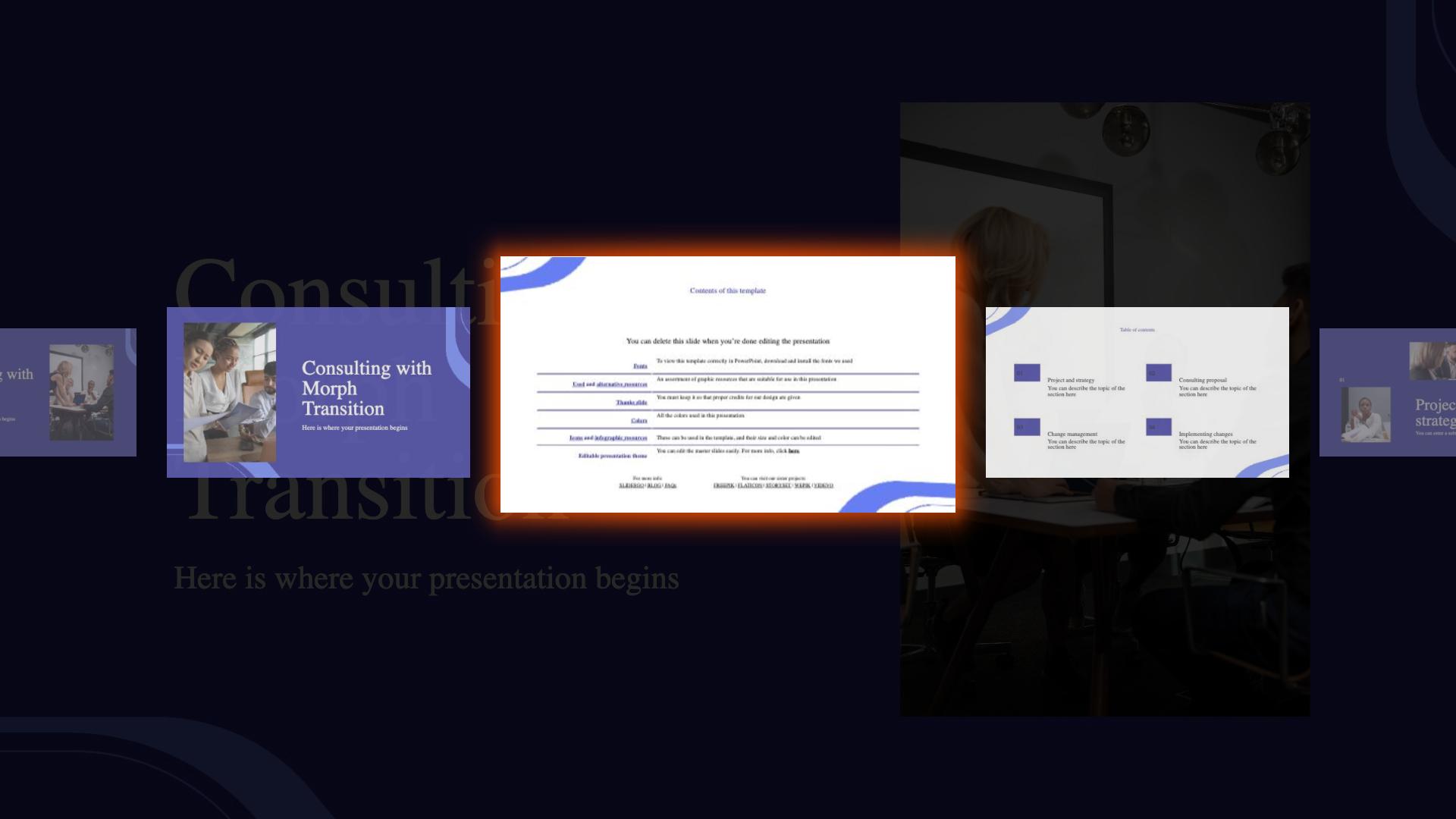
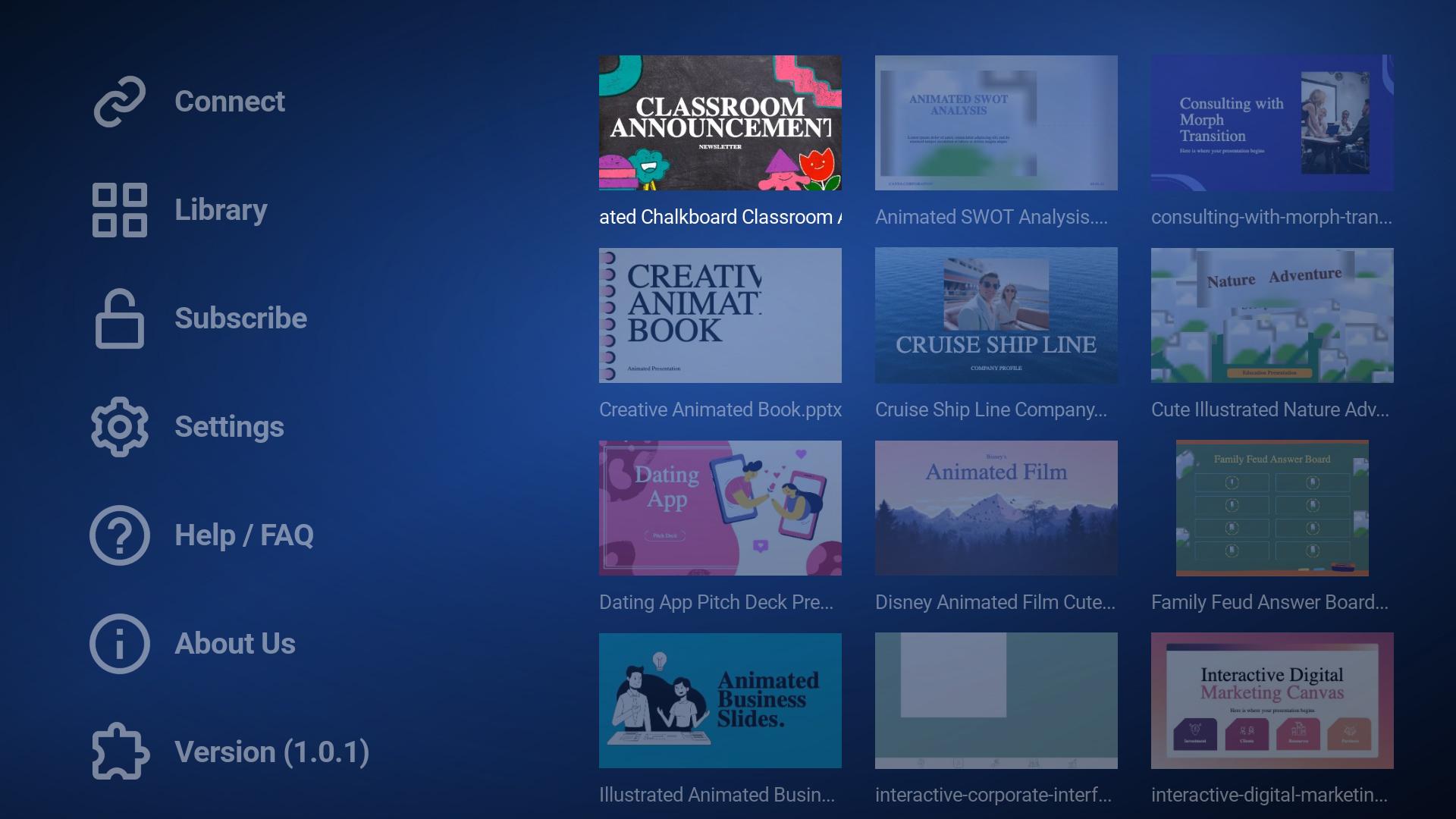
  • Large-screen friendly presentation browsing with thumbnails and clean file names
📥

Simple Local Pairing

  • Scan a QR code or type the short connection address
  • Choose PPTX files from a phone, tablet, or computer on the same Wi-Fi network
🎛️

Presentation Controls

  • Zoom, pan, rotate, reset zoom, night mode, thumbnails, search, and Go to Slide controls
  • Animation Mode and restart options inside the viewer
🔍

Search and Navigation

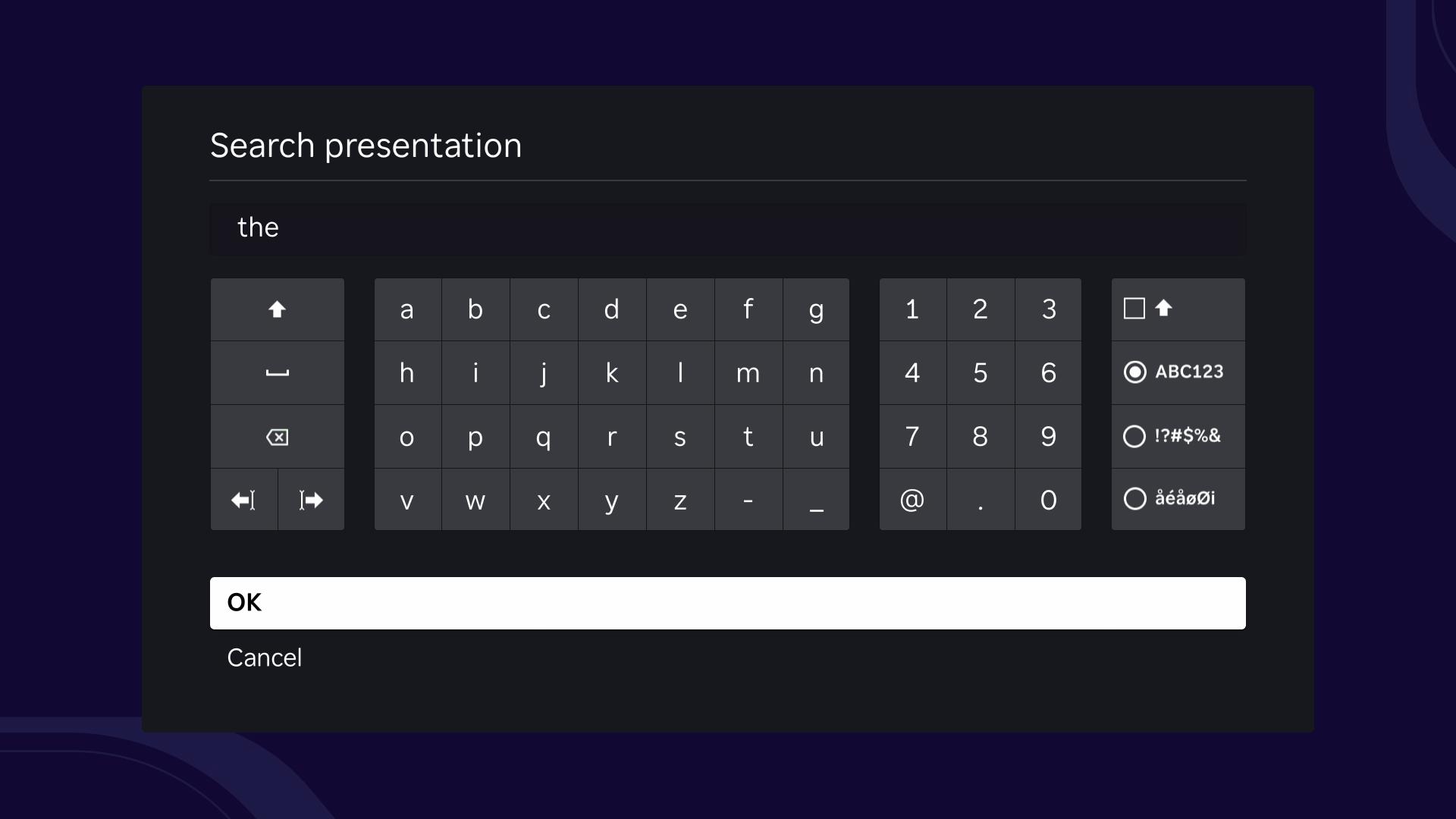
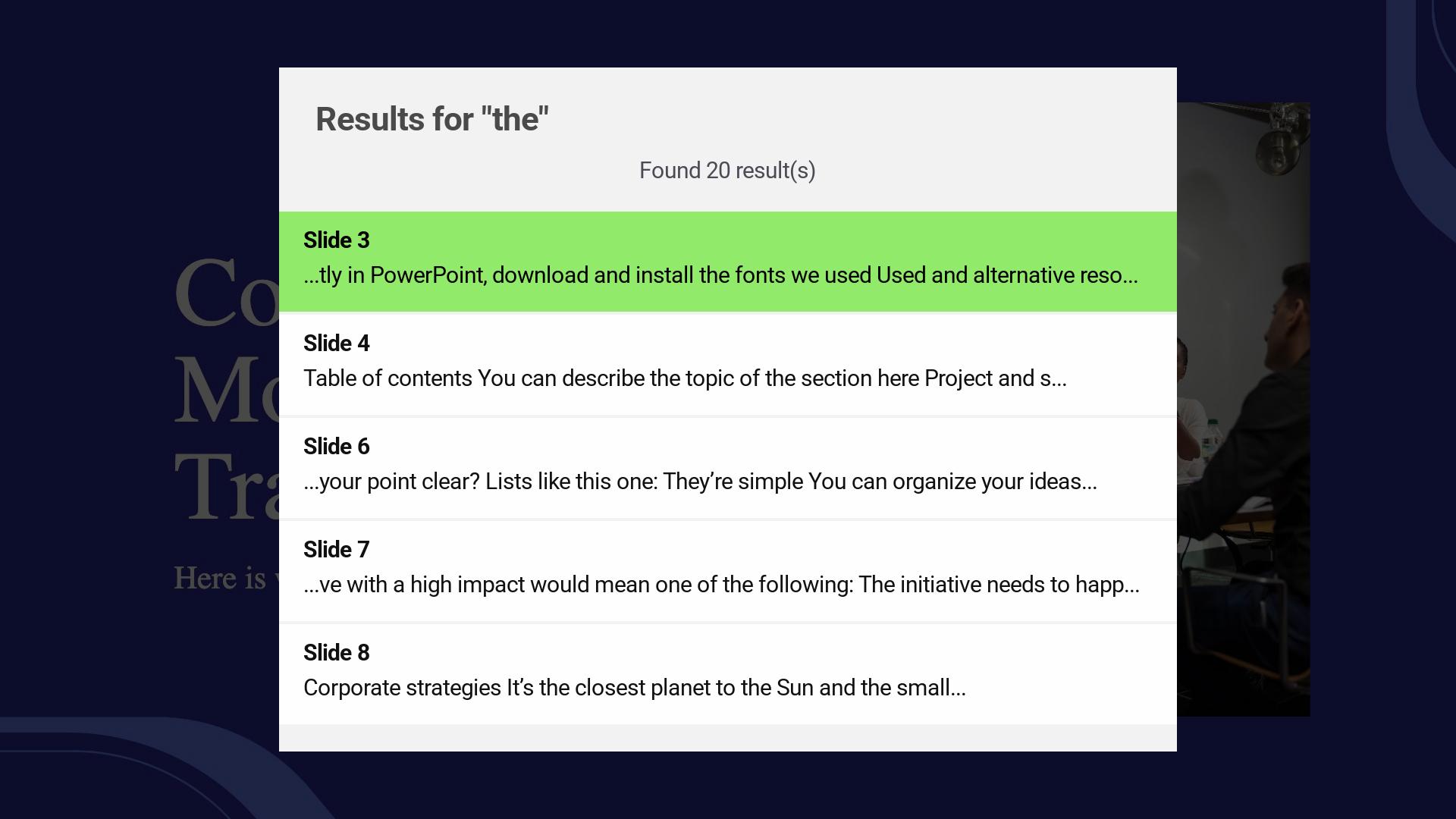
  • Search inside supported presentation text and jump to matching slides
  • Use slide thumbnails or Go to Slide for fast movement through a deck
💳

Subscription Options

  • Subscribe or manage your subscription from the app menu
  • Subscribed users can continue beyond the configured free slide limit
⚙️

Useful App Tools

  • Settings show resolution, screen ratio, temporary file count, and storage usage
  • Clear temporary viewing storage when needed

Perfect For

🎓

Classrooms & Training

Show lesson slides, study material, and training presentations on a Roku TV with simple remote navigation.

💼

Office Presentations

Open business PPTX files on meeting-room TVs without keeping a laptop connected to the TV.

🏠

Home & Personal Use

View school projects, event slides, photo presentations, or saved PPTX files on the big screen.

📱

Local Wi-Fi Viewing

Choose PPTX files from a phone, tablet, or computer on the same Wi-Fi network without using cloud storage.

Frequently Asked Questions

What is TV PPTX Viewer? +

TV PPTX Viewer is a Roku app for viewing PowerPoint presentations on your TV with a remote-friendly interface.

How do I open PPTX files on my Roku TV? +

Open the Connect screen, scan the QR code or enter the short address from a phone, tablet, or computer on the same Wi-Fi network, then choose the PPTX files you want to view.

Which presentation format is supported? +

The app is designed for PPTX presentation files.

Can I choose more than one PPTX file? +

Yes. You can select multiple PPTX files, and folder selection may also be available on supported devices and browsers.

Do my device and Roku need to be on the same Wi-Fi network? +

Yes. The phone, tablet, or computer used to choose PPTX files should be connected to the same local Wi-Fi network as your Roku device.

Can I search inside a presentation? +

Yes. The viewer includes search with results that can jump to matching slides when supported by the presentation.

Can I zoom, rotate, or pan slides? +

Yes. The presentation options menu includes zoom, reset zoom, rotate, and pan support for zoomed slides.

Can I jump to a specific slide? +

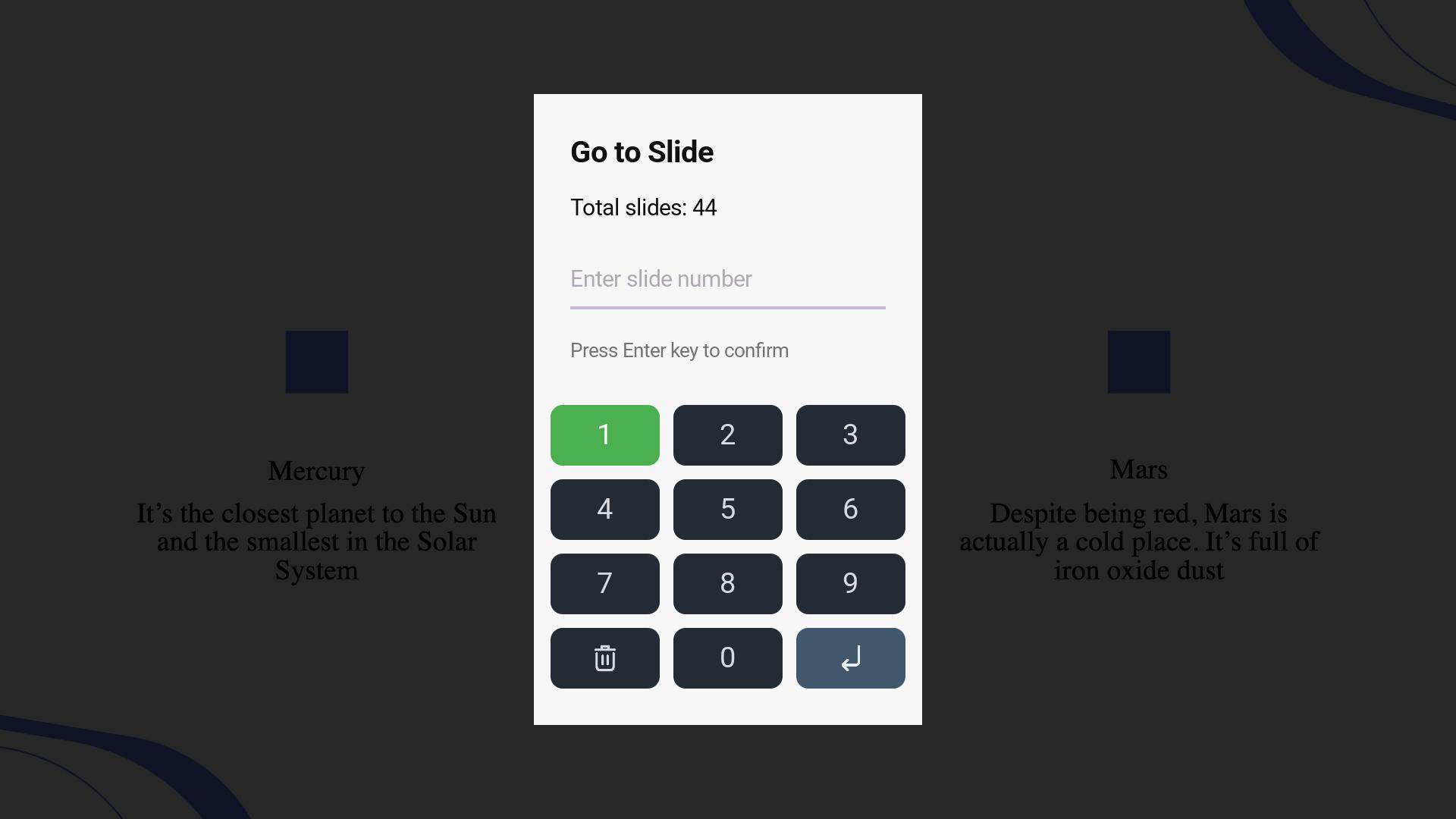
Yes. Use Go to Slide from the presentation options menu and enter a slide number with the TV-friendly keypad.

Does the app remember where I stopped? +

While you are using the app, the viewer can restore per-presentation state such as slide position, zoom, rotation, pan, Night Mode, and Animation Mode.

Does Roku store my original PPTX files? +

No. TV PPTX Viewer is designed for local viewing and is not designed to permanently store original PPTX files on Roku. Temporary viewing data can be cleared from Settings.

Where can I manage subscription information? +

The app includes Subscribe and Manage Subscription options. Subscription purchase and recovery use the Roku channel store flow.

View PPTX Presentations on Your Roku TV

Download TV PPTX Viewer and turn your Roku into a simple, remote-friendly PPTX presentation viewer for the big screen.