Dino USB Player App Icon

Dino USB Player - Watch USB Videos on Roku TV

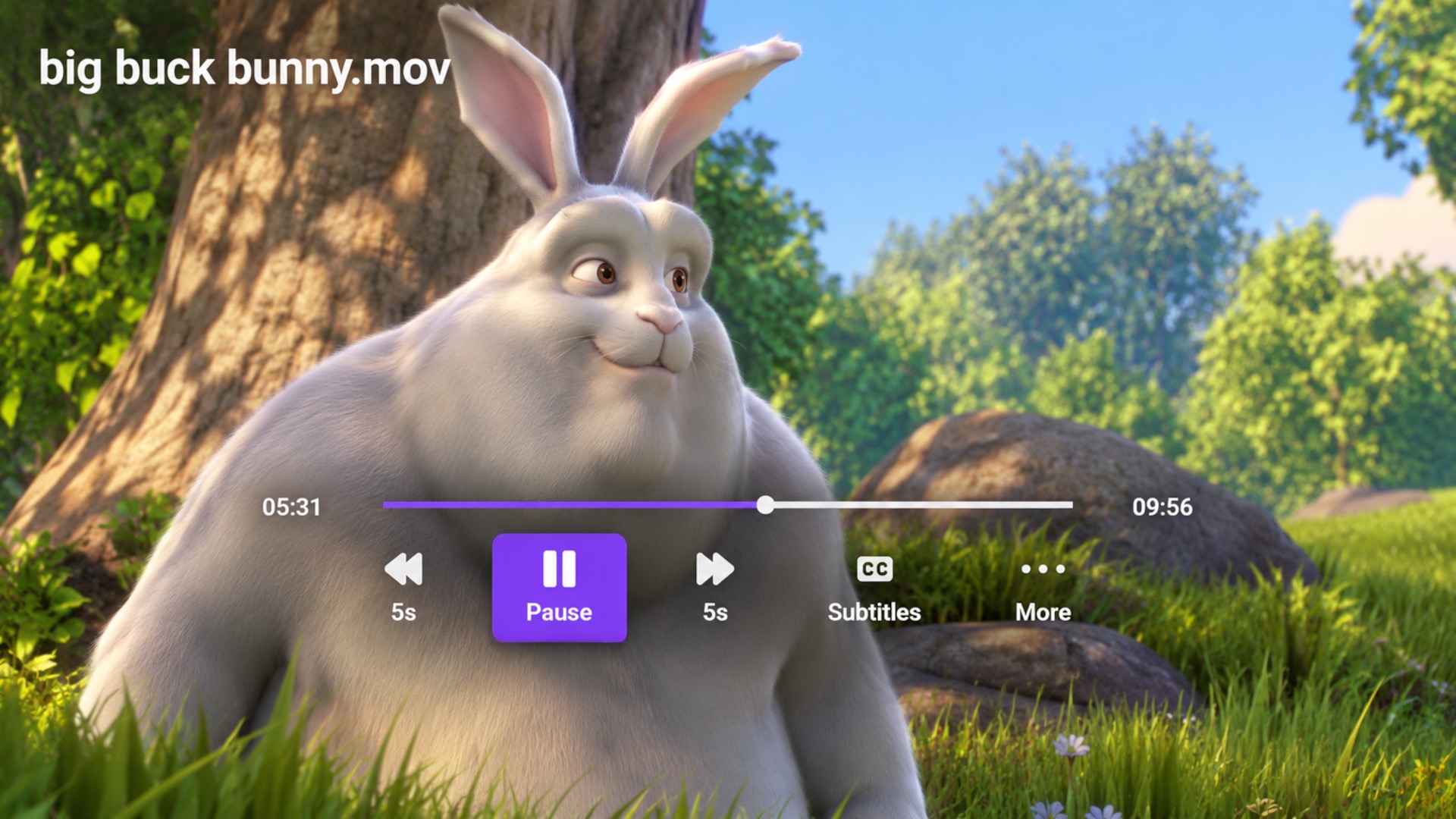
Turn your Roku TV into a USB video player. Connect a USB drive, browse videos from folders and subfolders, and enjoy full-screen playback with subtitles, resume support, quick seek controls, restart, and a clean Roku remote-friendly interface.

USB External Drive Video Playback
MP4 / MKV / AVI Popular Video Format Detection
Subtitles Same-Folder Caption Support
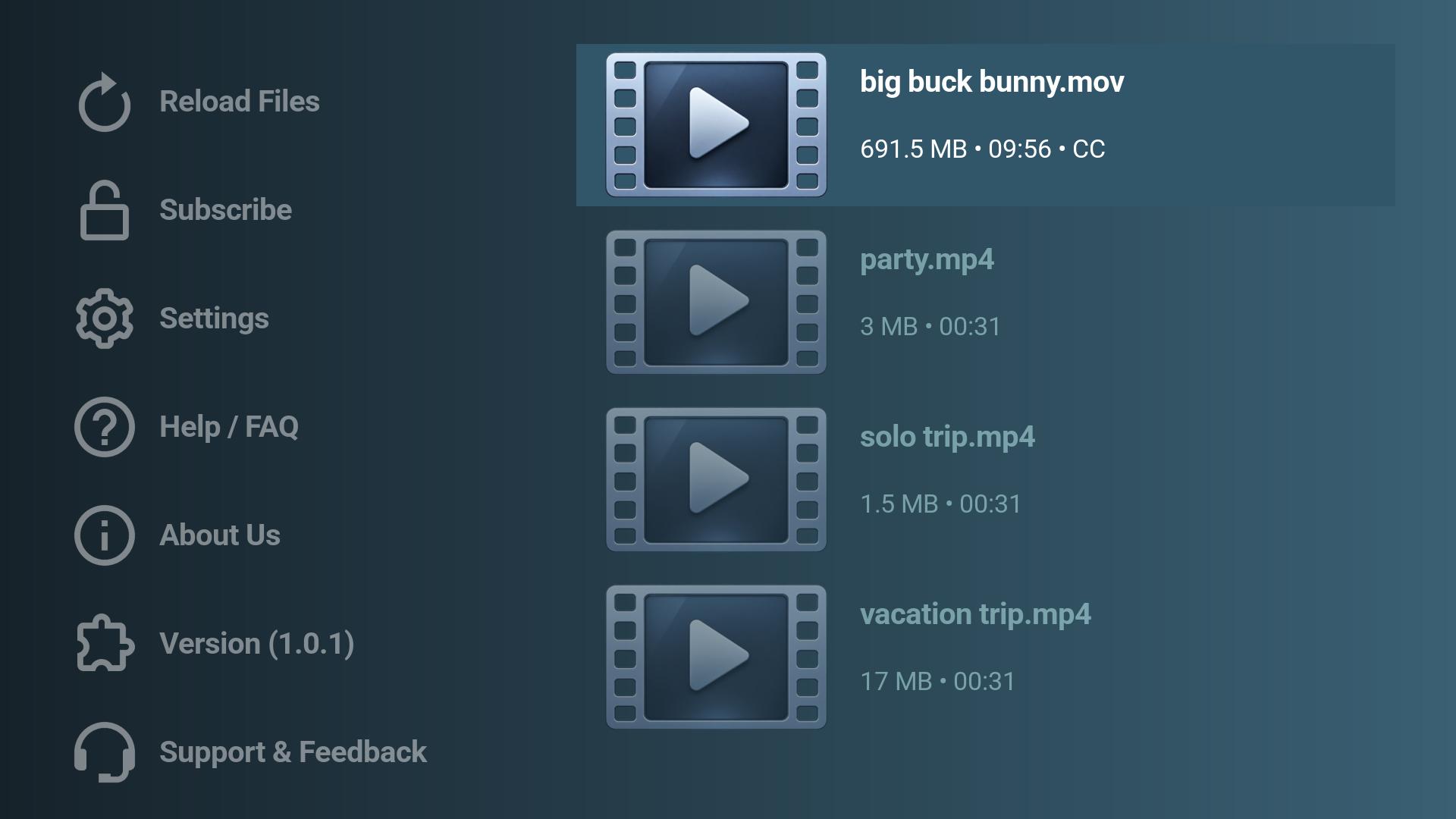
Dino USB Player Roku TV screenshot

Start Watching USB Videos on Roku in Minutes

1

Install Dino USB Player

Install Dino USB Player on your Roku device.

2

Connect a USB Drive

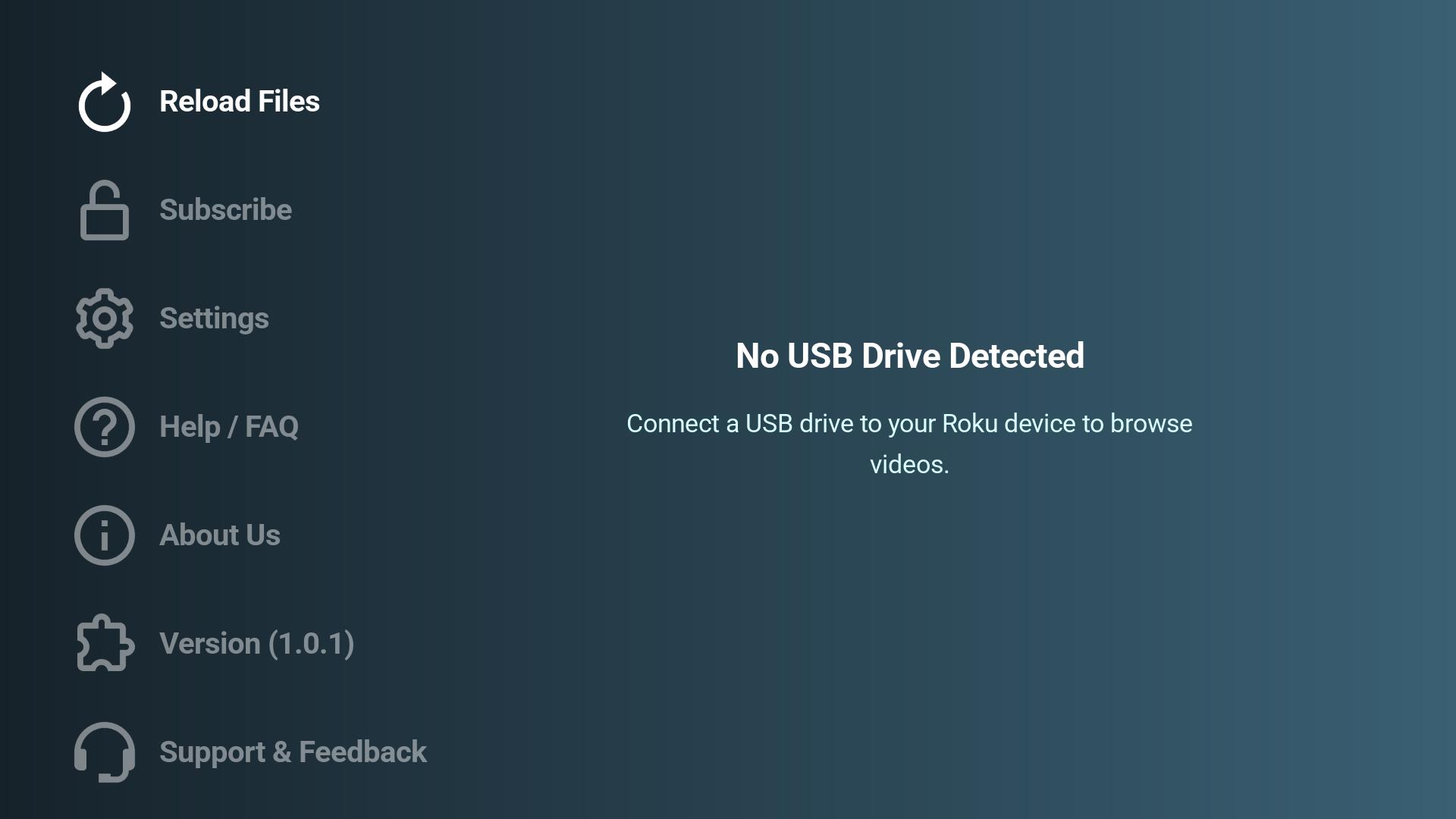
Attach a USB storage device with compatible video files to your Roku device.

3

Browse and Play

Let the app scan your drive, choose a video from the USB browser, then use the full-screen player for play, pause, quick seek, subtitles, restart, and resume.

Why USB Video Viewers Will Like It

💾

USB Library Scanning

  • Finds compatible videos on connected USB storage
  • Scans folders and subfolders while filtering hidden and system entries
🎬

Popular Video Formats

  • Recognizes MP4, MKV, AVI, MOV, WMV, FLV, WebM, MPEG, VOB, TS, M2TS, and more
  • Playback compatibility depends on the media encoding and Roku device support
⏯️

Full-Screen Controls

  • Custom transport overlay with elapsed time, duration, and progress
  • Quick 5-second rewind and forward controls, play/pause, replay, and restart
🔖

Resume Watching

  • Saves playback position while watching
  • Clears completed or near-end progress so finished videos start cleanly
💬

Subtitle Tools

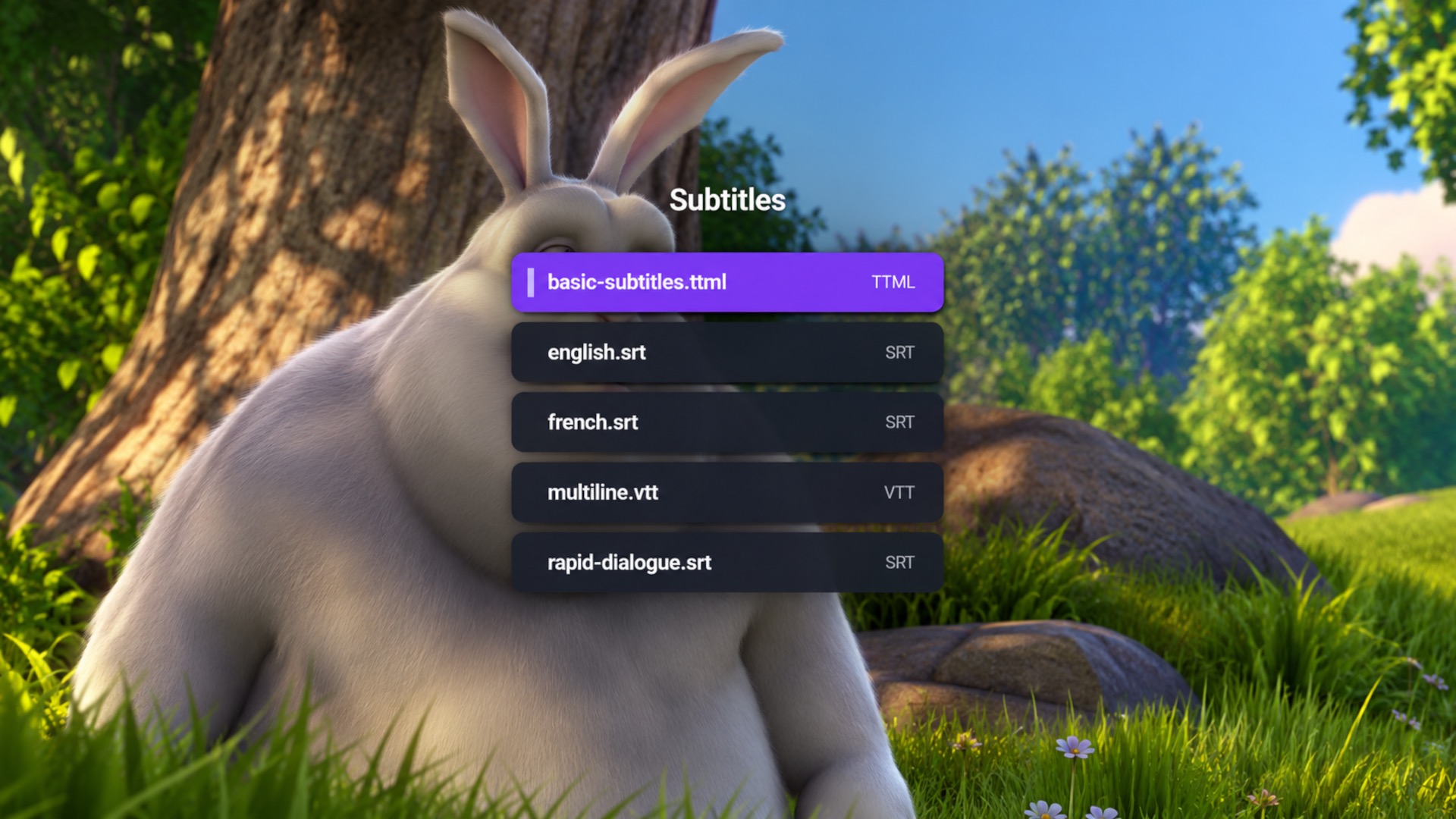
  • Detects same-folder SRT, VTT, ASS, SSA, TTML, DFXP, and XML subtitles
  • Choose from multiple subtitle files or turn subtitles off
💳

Subscription Options

  • Try the first sorted video for free
  • Subscribe through Roku to unlock the full USB library and extended subtitle access

Perfect For

🎥

USB Movie Nights

Play compatible movies from a USB drive on your Roku TV.

🏠

Home Videos

Watch family videos, clips, and personal recordings on the big screen.

🧳

Offline Video Libraries

Keep videos on a local USB drive and browse them from the couch.

💬

Subtitle Playback

Use subtitle files stored next to your videos for easier viewing.

Frequently Asked Questions

What is Dino USB Player? +

Dino USB Player is a Roku app for browsing and playing videos from an attached USB drive.

Do I need a USB drive? +

Yes. Dino USB Player is built around videos stored on a USB storage device connected to your Roku.

Does it list folders? +

The visible browser lists video files only. Folders are scanned in the background so videos inside subfolders can still appear.

Can I use subtitle files? +

Yes. Supported subtitle files in the same folder can be detected and offered in the video player.

Can I resume a video? +

Yes. Dino USB Player saves playback progress and can resume supported videos from where you left off.

Why is a video locked? +

Free users can open the first filename-sorted video. Videos after the free item require a subscription.

Where do I manage my subscription? +

Subscribed users can use Manage Subscription in the app, visit https://my.roku.com/subscriptions, or manage the app subscription from the Roku Home screen.

Watch USB Videos on Your Roku TV

Download Dino USB Player and turn your Roku into a simple, remote-friendly USB video player for movies, home videos, and personal recordings.