TV PDF Viewer App Icon

TV PDF Viewer – Read PDFs on Roku TV

Open PDF documents on your Roku TV with a clean, remote-friendly interface. Connect from your phone, tablet, or computer on the same Wi-Fi network, choose PDFs, and read them on the big screen with zoom, search, thumbnails, page jump, rotation, night mode, and resume support.

📺 Roku TV Remote-Friendly UI
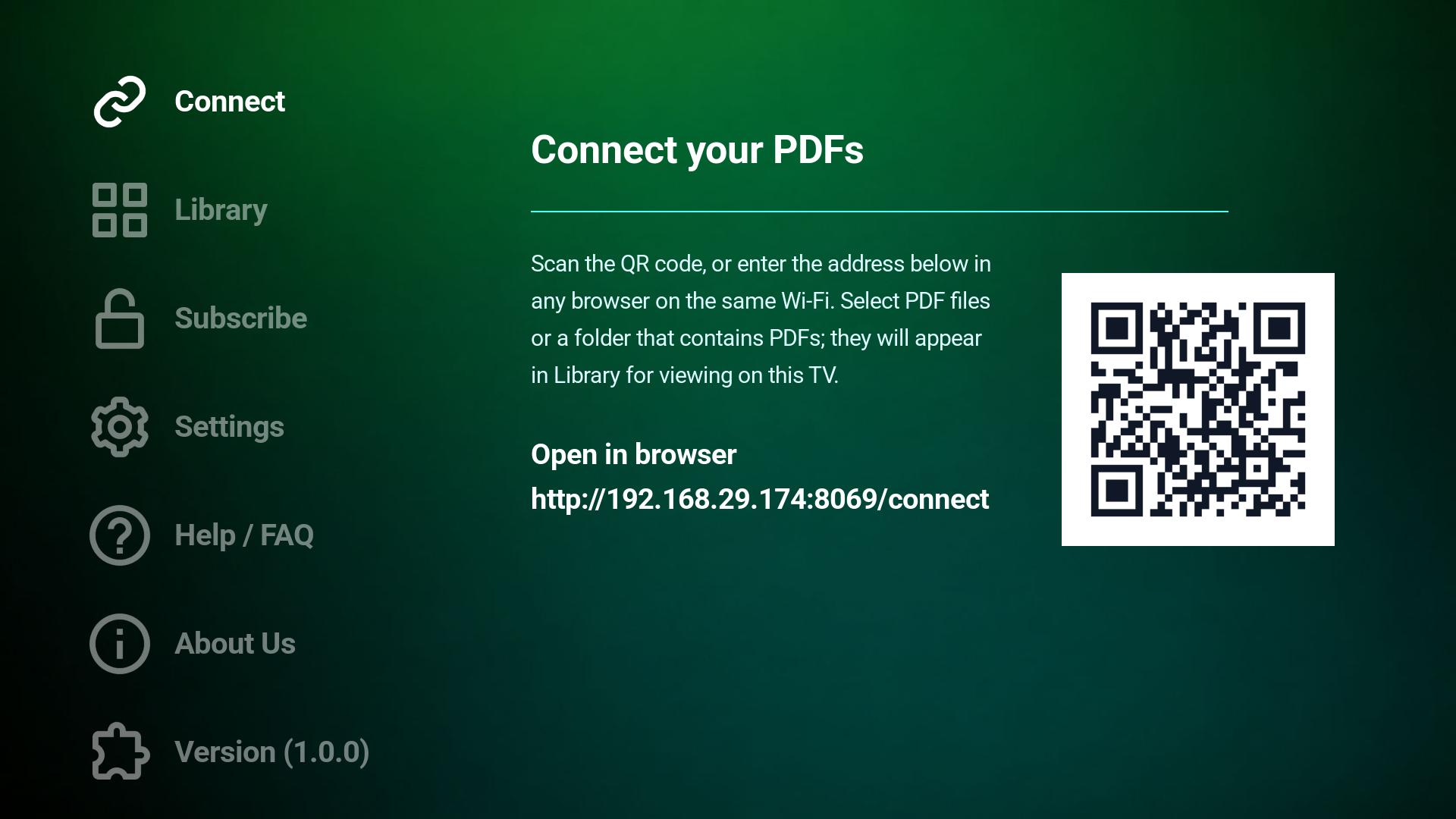
📱 QR / Wi-Fi Simple PDF Connection
🔍 Search + Zoom Fast Page Navigation
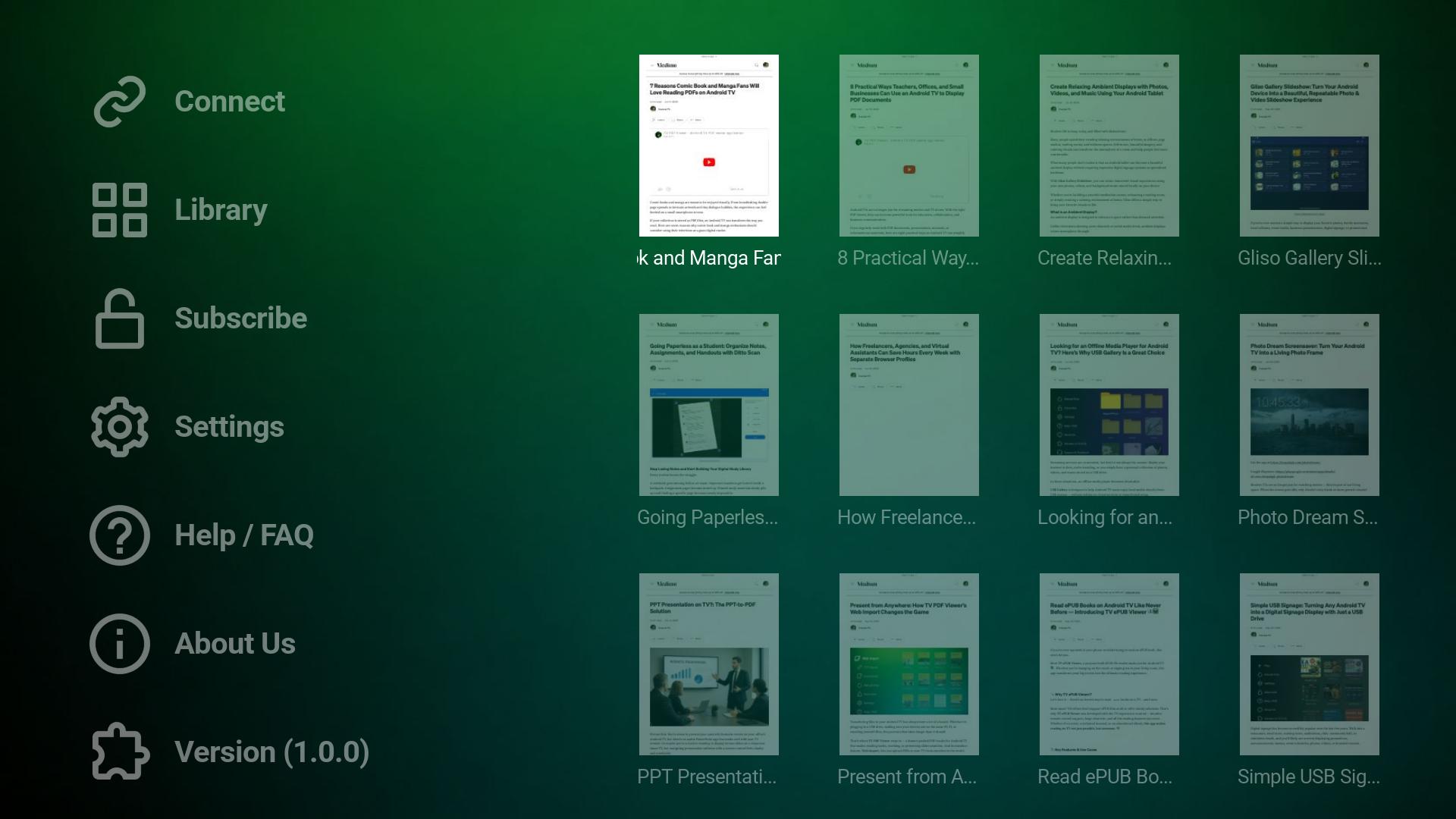
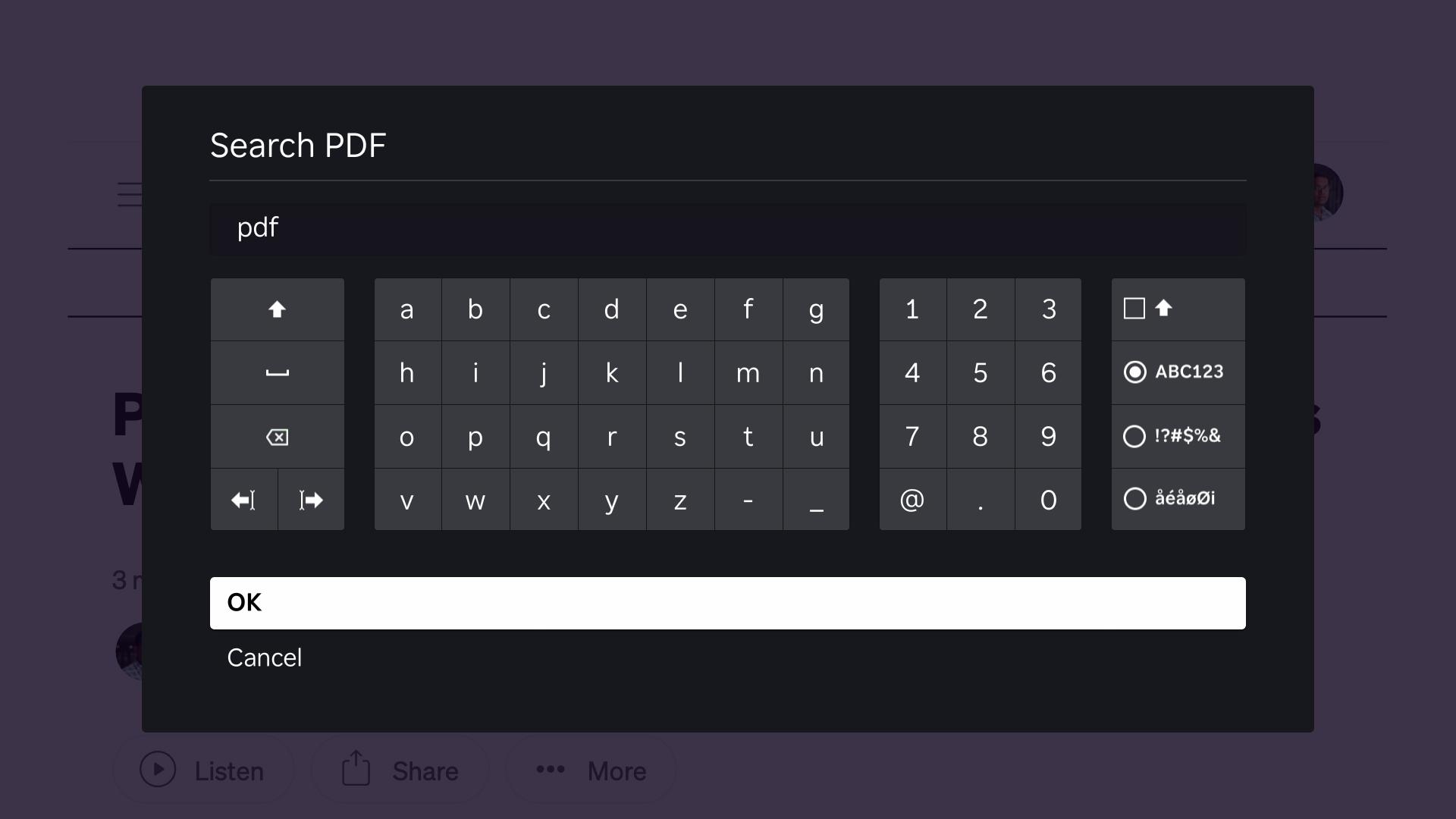
TV PDF Viewer Roku TV screenshot 1
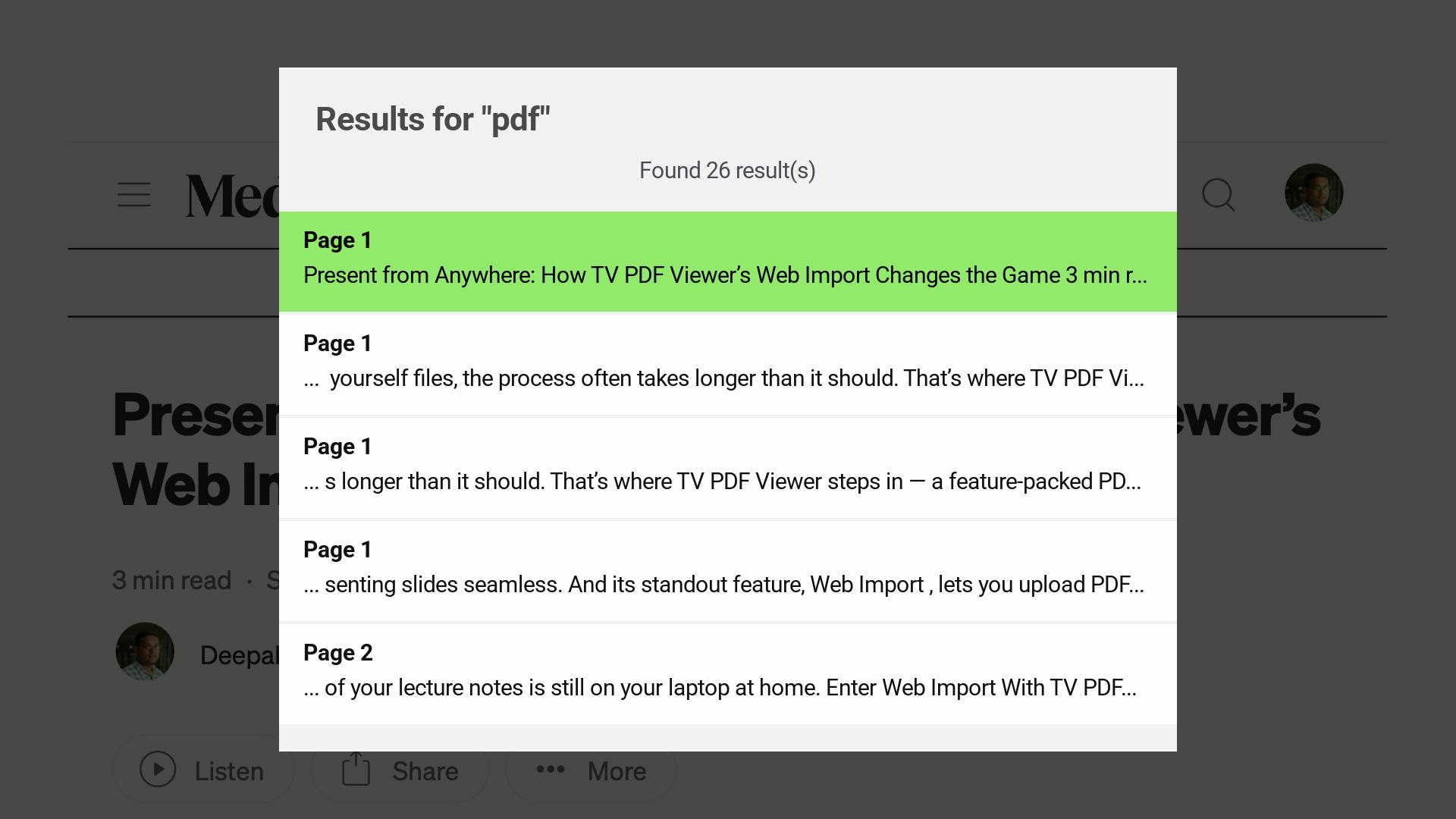
TV PDF Viewer Roku TV screenshot 2
TV PDF Viewer Roku TV screenshot 3
TV PDF Viewer Roku TV screenshot 4
TV PDF Viewer Roku TV screenshot 5
TV PDF Viewer Roku TV screenshot 6
TV PDF Viewer Roku TV screenshot 7
TV PDF Viewer Roku TV screenshot 8

Start Reading PDFs on TV in Minutes

1

Install TV PDF Viewer

Install TV PDF Viewer on your Roku device.

2

Connect Your Device

Use the QR code or short address on the Connect screen from a phone, tablet, or computer on the same Wi-Fi network.

3

Open and Read PDFs

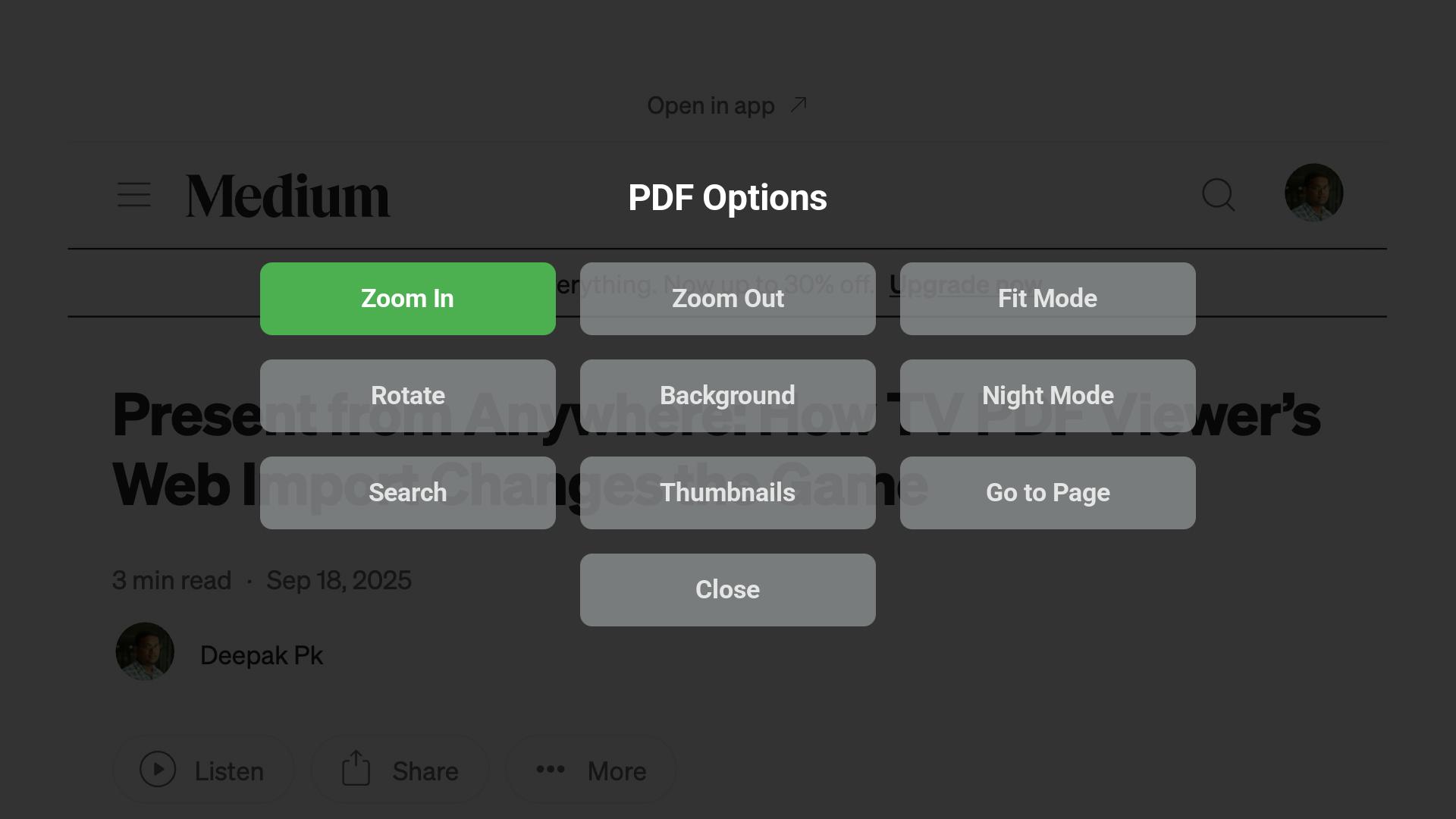
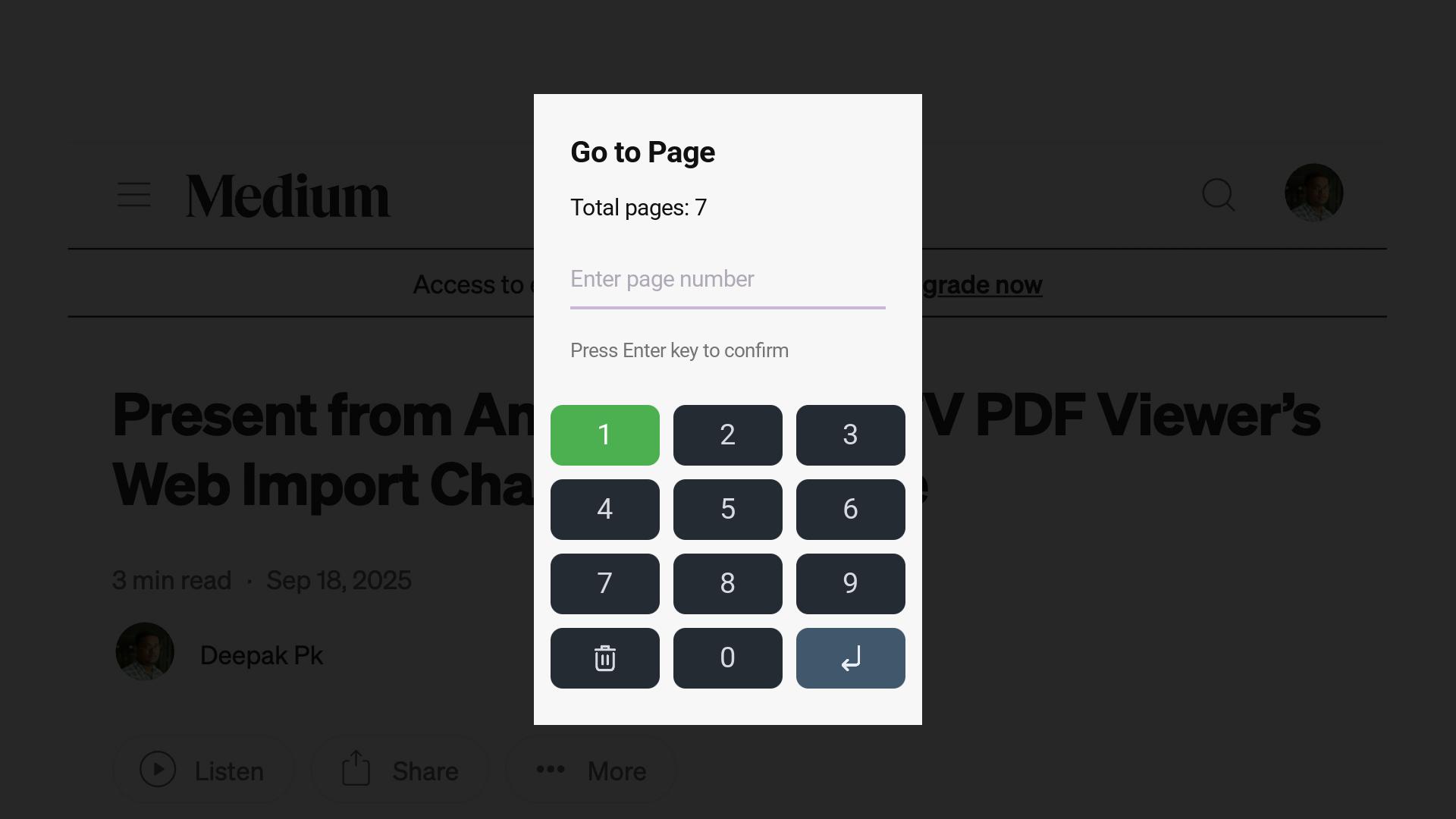
Choose a PDF from the library, then use the options overlay for zoom, fit mode, rotate, search, thumbnails, Go to Page, background color, and night mode.

Why TV Users Will Like It

📺

TV-First Experience

  • Built for Roku TV usage and remote control navigation
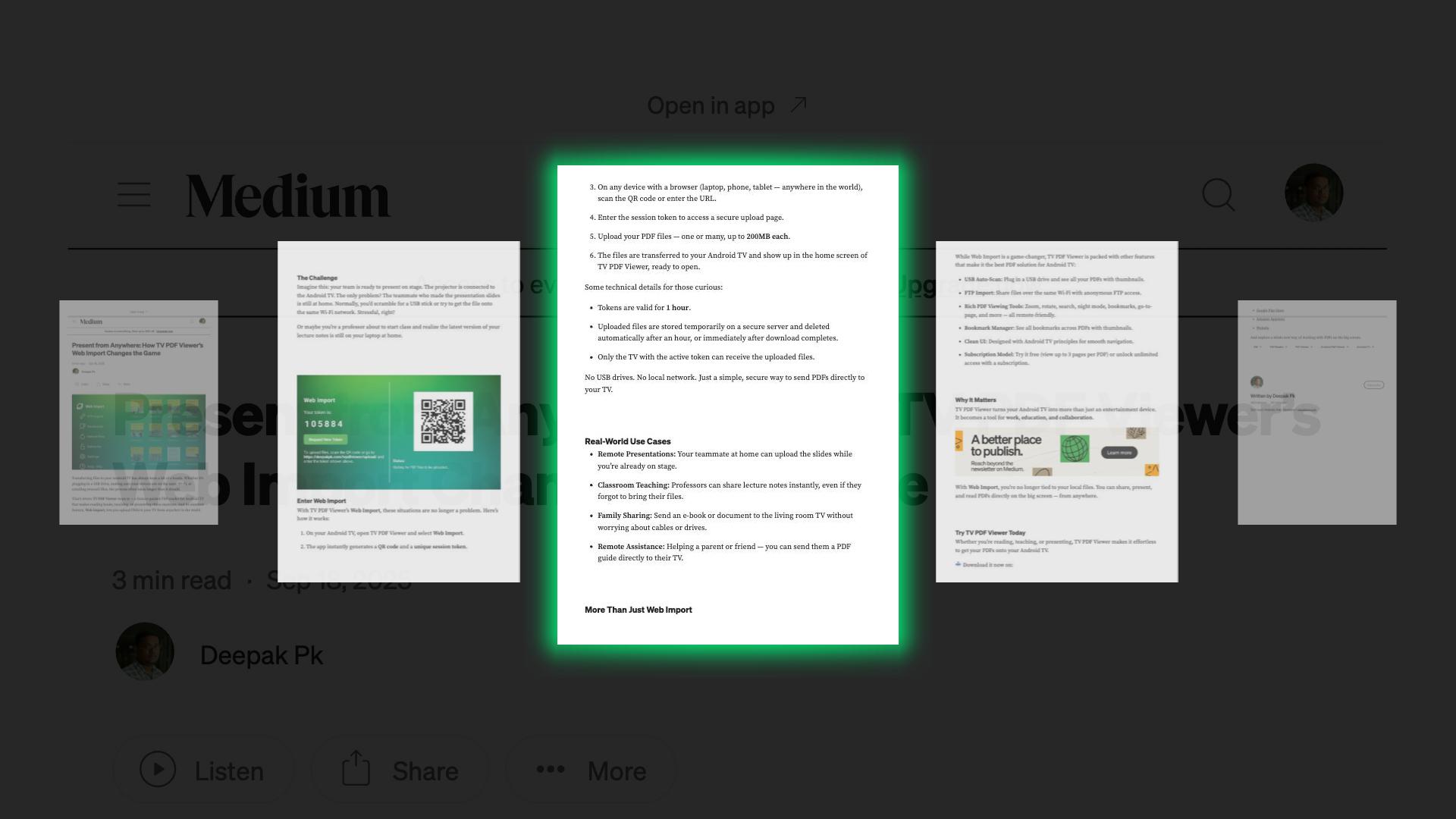
  • Large-screen friendly PDF browsing with thumbnails and file names
📥

Simple Local Pairing

  • Scan a QR code or type the short connection address
  • Choose PDFs from a phone, tablet, or computer on the same Wi-Fi network
🎛️

Reading Controls

  • Zoom, fit mode, rotate, night mode, and background color controls
  • Search, thumbnails, and Go to Page options inside the viewer
⚙️

Useful App Tools

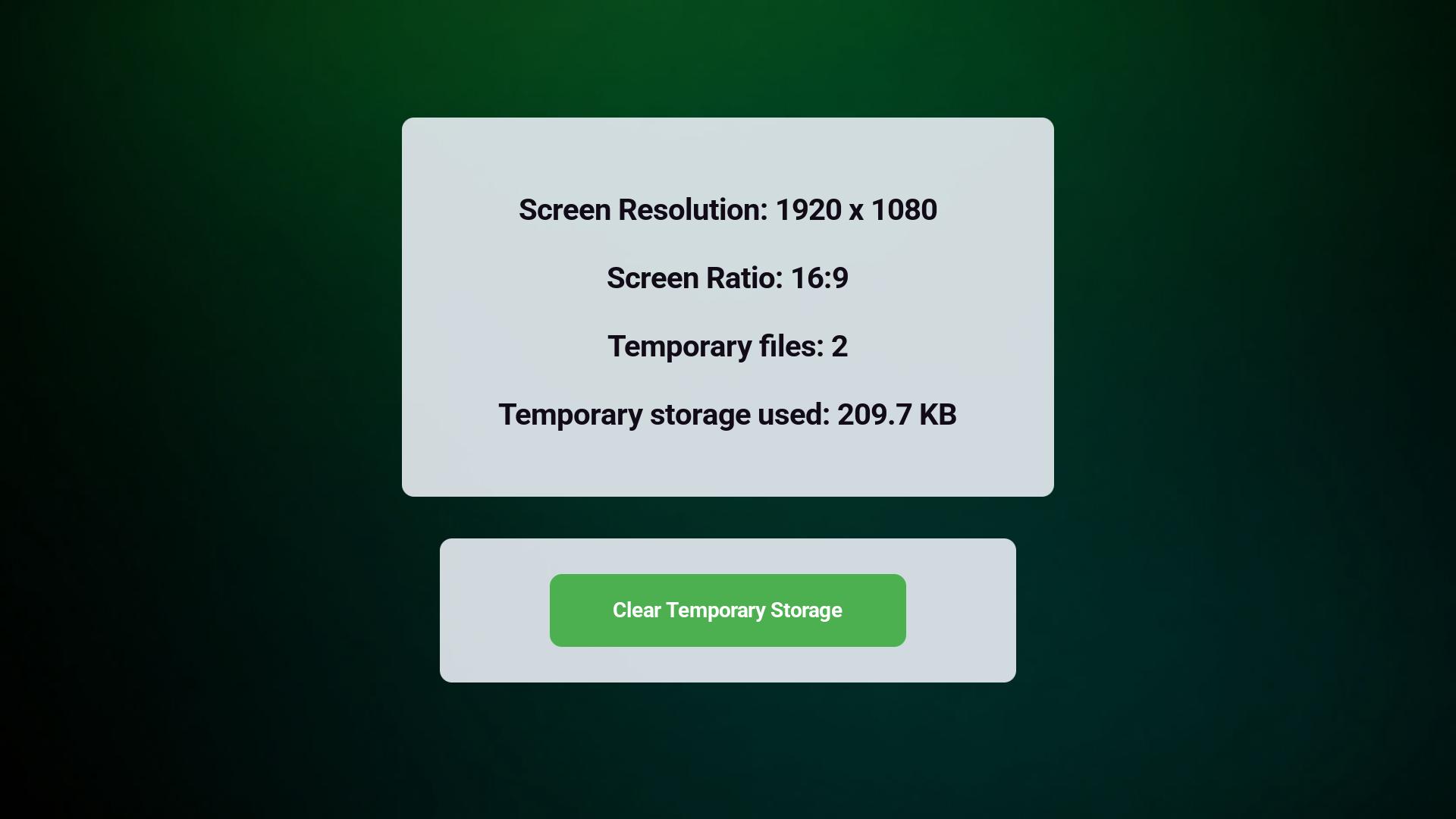
  • Settings show resolution, screen ratio, temporary file count, and storage usage
  • Clear temporary storage when needed

Perfect For

🎓

Study & Training

Read course notes, training manuals, worksheets, and reference PDFs on a TV where everyone can see them.

💼

Office Documents

Review reports, manuals, policies, and shared PDF documents on a meeting-room Roku TV.

🏠

Home & Personal Use

Open recipes, manuals, forms, guides, bills, and saved PDFs directly on the big screen.

🪧

Shared Reading

Use your TV for group reading, quick reference, and document review without passing a small screen around.

Frequently Asked Questions

What is TV PDF Viewer? +

TV PDF Viewer is a Roku app for reading PDF documents on your TV using a remote-friendly interface.

How can I open PDFs on my Roku TV? +

Open the Connect screen, scan the QR code or enter the shown address on a phone, tablet, or computer on the same Wi-Fi network, then choose the PDF files you want to view.

Do my device and Roku need to be on the same Wi-Fi network? +

Yes. The phone, tablet, or computer you use to choose PDFs should be connected to the same local Wi-Fi network as your Roku device.

Can I choose more than one PDF? +

Yes. You can select multiple PDF files, and folder selection may also be available on supported devices.

Can I view password-protected PDFs? +

Yes. If a PDF requires a password, you can unlock it from the device you are using to choose the file.

Can I search inside PDFs? +

Yes. The viewer includes PDF text search with result snippets and page numbers for supported documents.

Does the app remember where I stopped? +

Yes. The viewer can reopen a PDF with the last viewed page and viewing settings such as zoom, fit mode, rotation, background color, and night mode.

Can I zoom, rotate, or change the reading view? +

Yes. The options overlay includes zoom, fit mode, rotate, background color, night mode, search, thumbnails, and Go to Page.

Does Roku store my full PDF files? +

TV PDF Viewer is designed for local viewing. The app keeps temporary viewing data for active documents and includes a Settings option to clear temporary storage.

Where can I manage subscription information? +

The app includes a subscribe page and a manage subscription page with information about managing your subscription.

Read PDF Documents on Your TV 📺

Download TV PDF Viewer and turn your Roku into a simple, remote-friendly PDF reader for the big screen.