TV EPUB Viewer App Icon

TV EPUB Viewer - Read EPUB Books on Roku TV

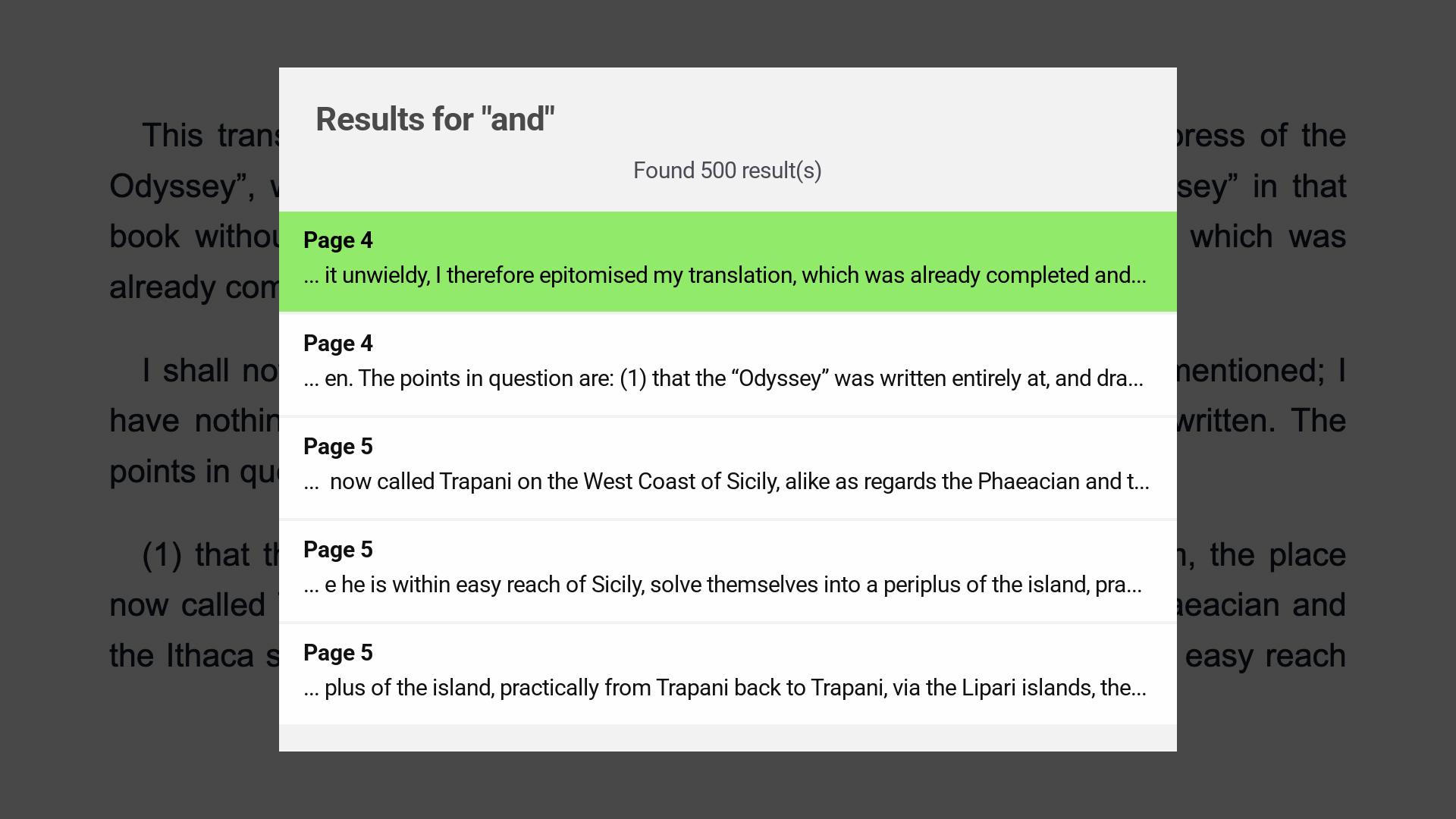
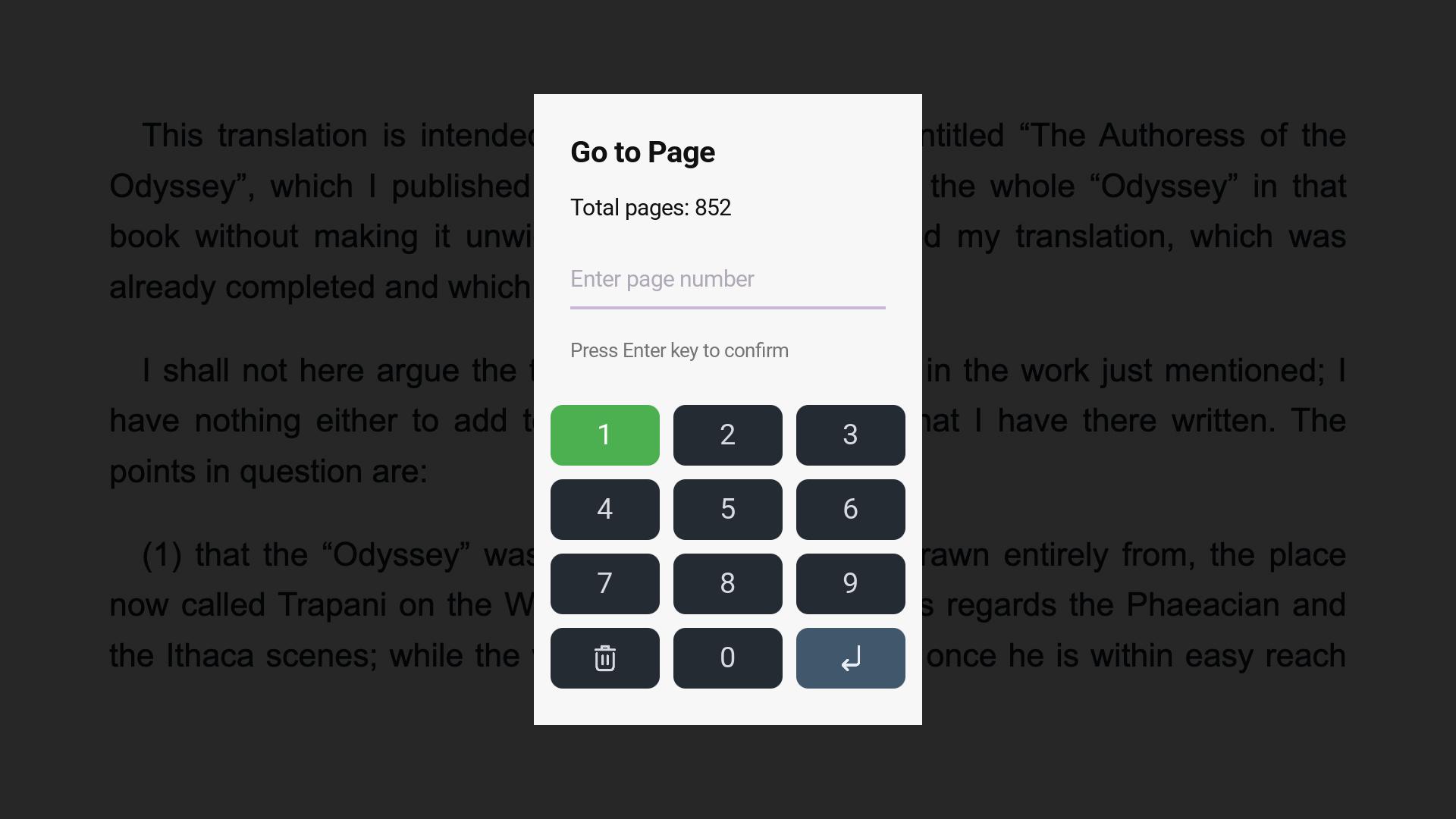
Open EPUB books on your Roku TV with a clean, remote-friendly interface. Connect from your phone, tablet, or computer on the same Wi-Fi network, choose one or more EPUB files, and read them on the big screen with text zoom, night mode, page thumbnails, search, Go to Page, and resume support.

Roku TV Remote-Friendly Reader
EPUB Book File Support
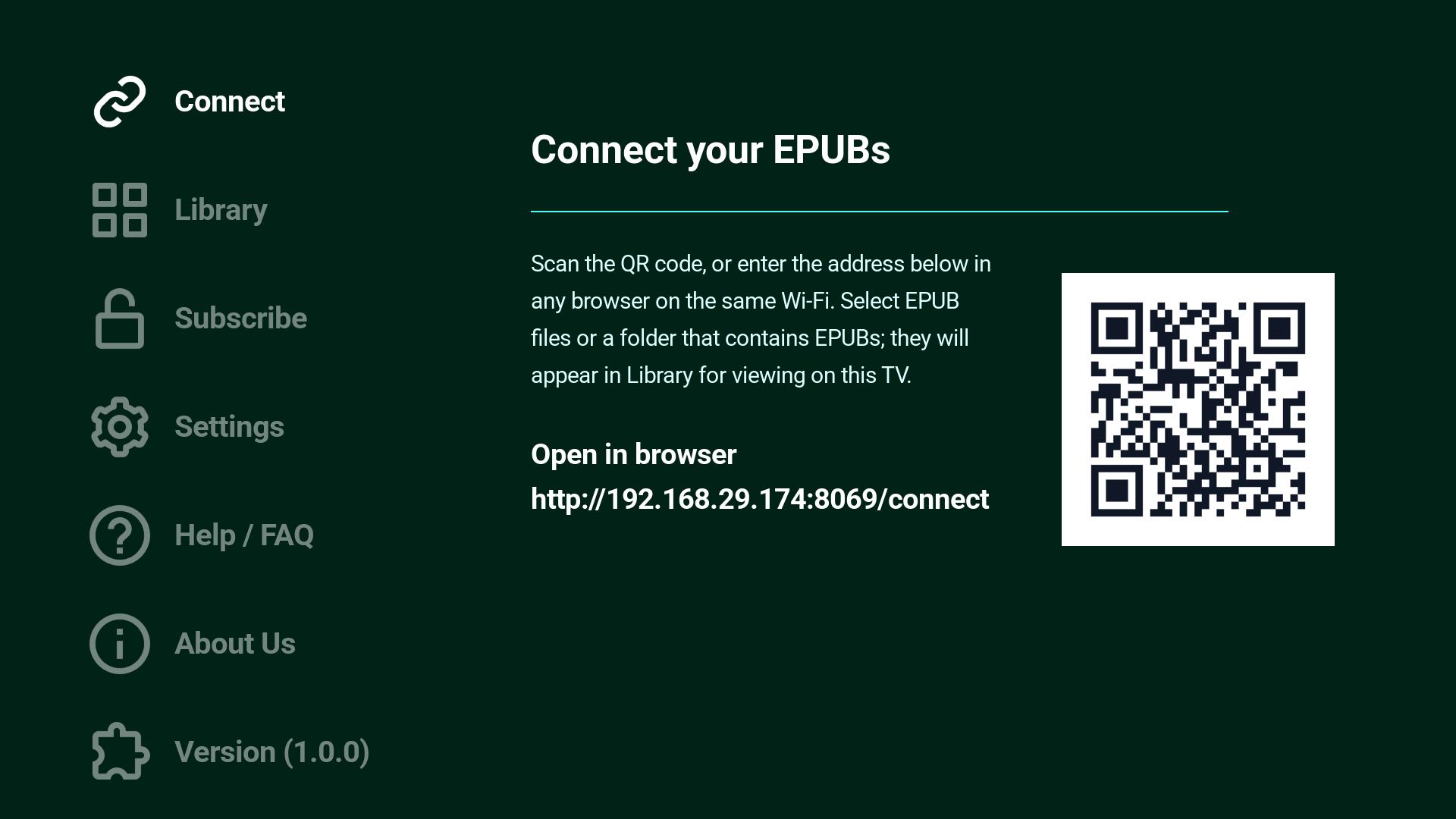
QR / Wi-Fi Simple Local Pairing
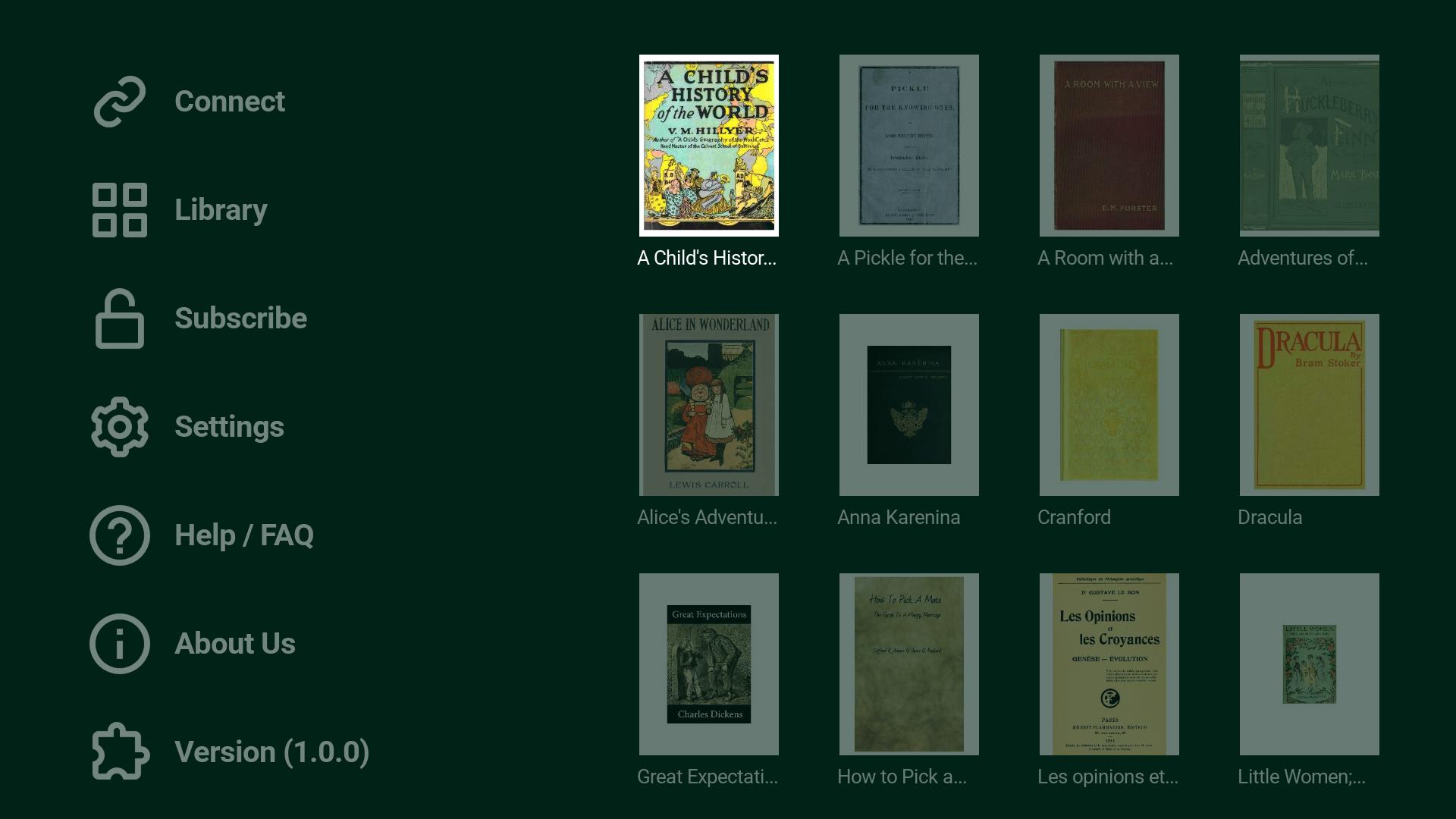
TV EPUB Viewer Roku TV screenshot 1
TV EPUB Viewer Roku TV screenshot 2
TV EPUB Viewer Roku TV screenshot 3
TV EPUB Viewer Roku TV screenshot 4
TV EPUB Viewer Roku TV screenshot 5
TV EPUB Viewer Roku TV screenshot 6
TV EPUB Viewer Roku TV screenshot 7
TV EPUB Viewer Roku TV screenshot 8
TV EPUB Viewer Roku TV screenshot 9

Start Reading EPUB Books on TV in Minutes

1

Install TV EPUB Viewer

Install TV EPUB Viewer on your Roku device.

2

Connect Your Device

Use the QR code or short address on the Connect screen from a phone, tablet, or computer on the same Wi-Fi network.

3

Choose and Read EPUB Books

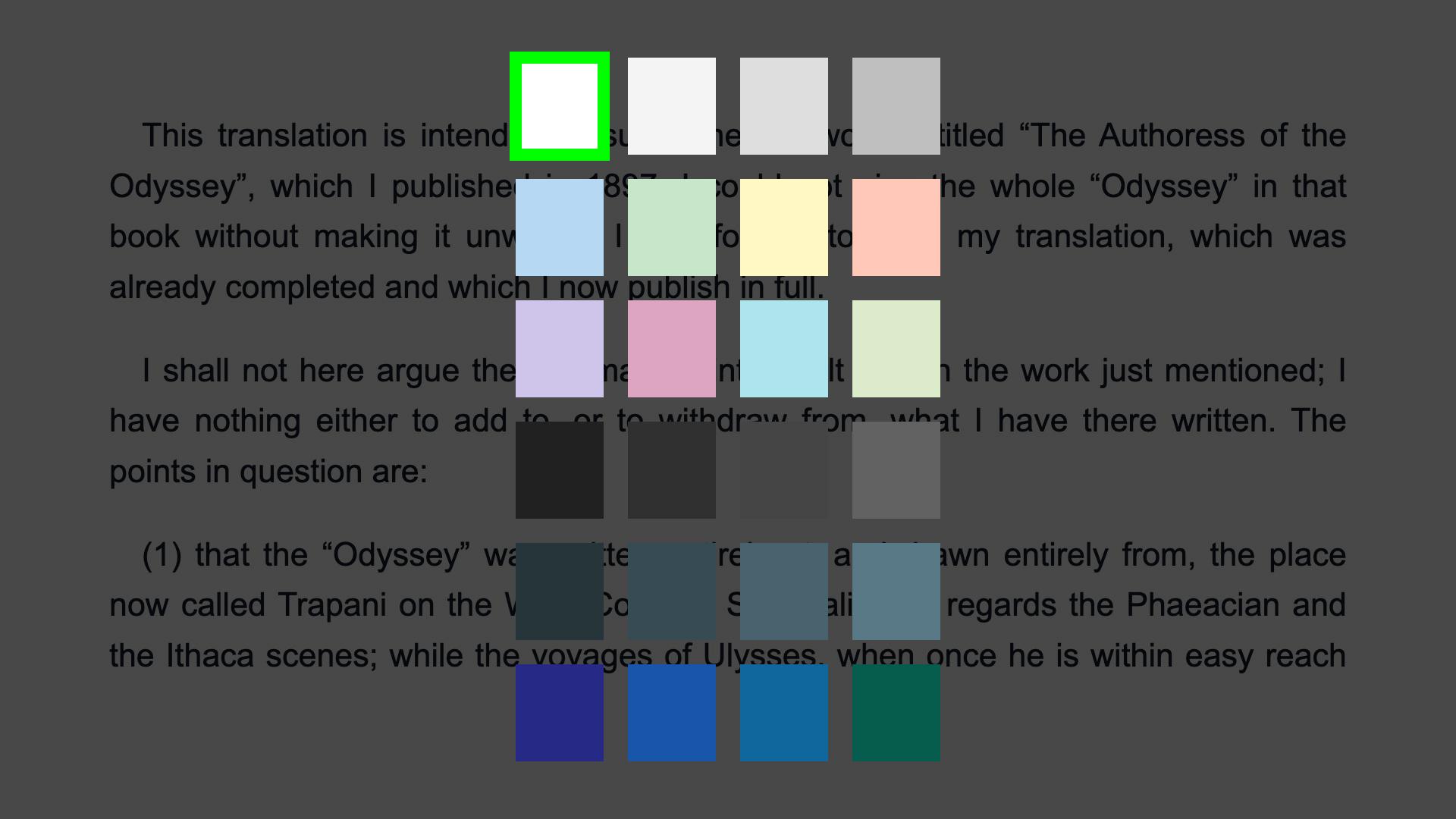
Select one or more EPUB files, open a book from the Library, then use the remote-friendly controls for text zoom, background color, night mode, thumbnails, search, and Go to Page.

Why EPUB Readers Will Like It

📺

TV-First Experience

  • Built for Roku TV usage and remote control navigation
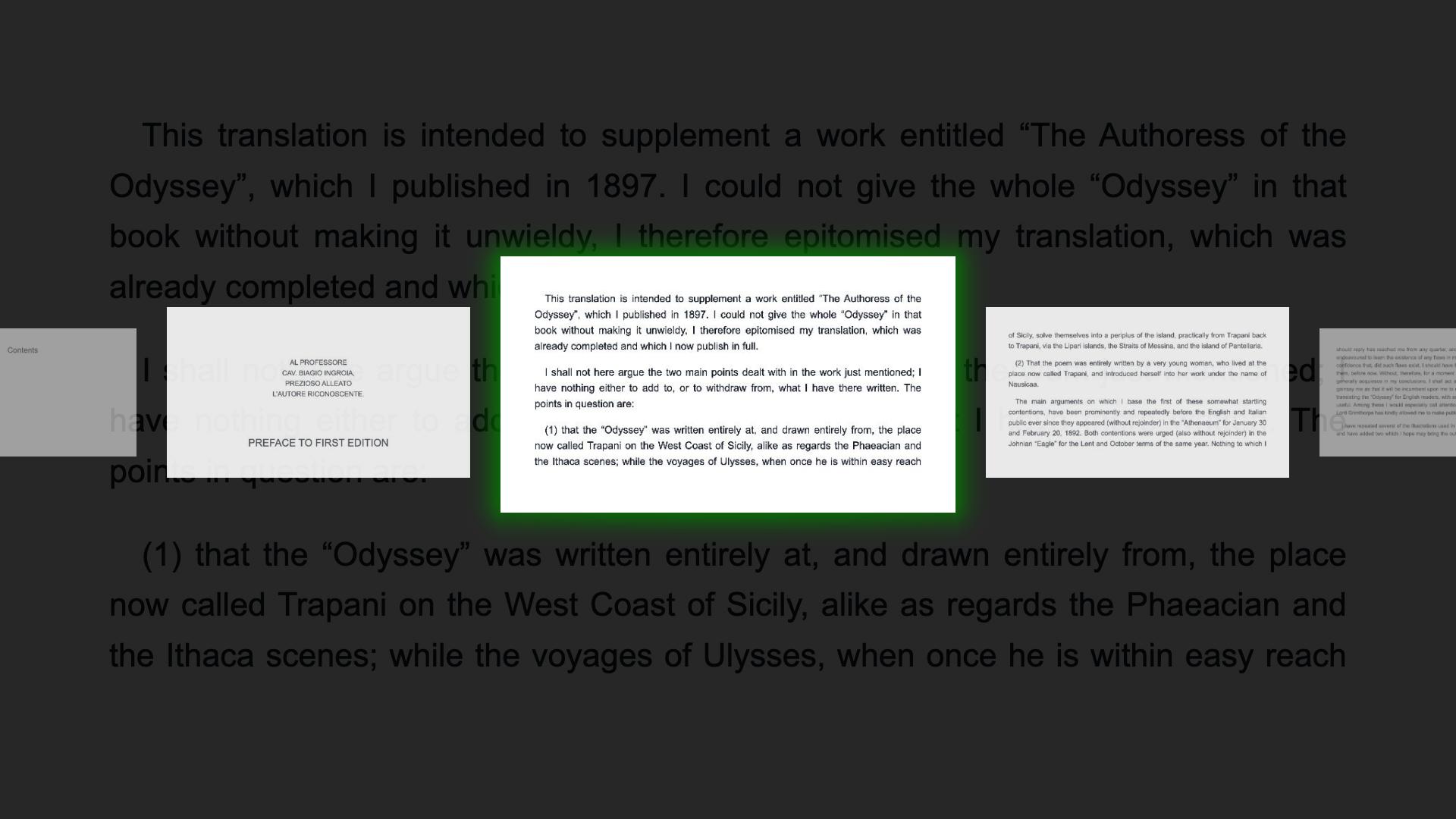
  • Large-screen friendly book browsing with thumbnails and clean file names
📥

Simple Local Pairing

  • Scan a QR code or type the short connection address
  • Choose EPUB books from a phone, tablet, or computer on the same Wi-Fi network
🗂️

EPUB Book Support

  • Supports EPUB books selected from your own device
  • Handles many standard EPUB titles, covers, images, and metadata
🎛️

Reading Controls

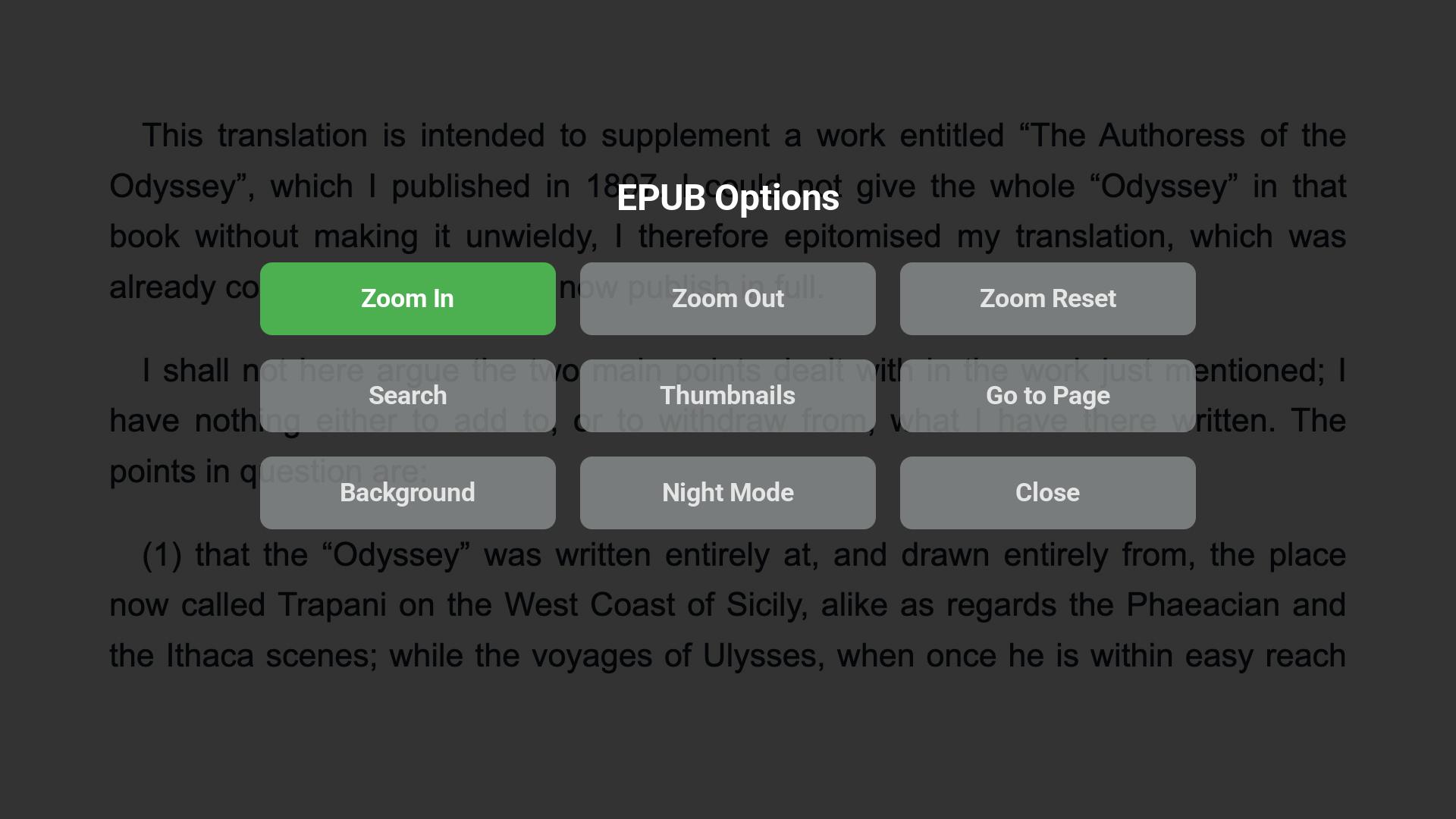
  • Text zoom, background color, night mode, thumbnails, search, and Go to Page controls
  • Resume previously opened EPUBs with saved page and reading settings
💳

Subscription Options

  • Subscribe or manage your subscription from the app menu
  • Subscribed users can continue beyond the configured free page limit
⚙️

Useful App Tools

  • Settings show resolution, screen ratio, temporary file count, and storage usage
  • Clear temporary viewing storage when needed

Perfect For

📚

Digital Book Collections

Read EPUB books from your own collection on a Roku TV.

🛋️

Couch Reading

Enjoy EPUB books on a larger screen with simple remote navigation, text zoom, background colors, and night mode.

👪

Shared Reading

Use the TV for family reading, group browsing, or sharing book pages without passing around a small screen.

📱

Local Wi-Fi Viewing

Choose EPUB files from a phone, tablet, or computer on the same Wi-Fi network without needing an external upload service.

Frequently Asked Questions

What is TV EPUB Viewer? +

TV EPUB Viewer is a Roku app for reading EPUB books on your TV with a remote-friendly interface.

How do I open EPUB books on my Roku TV? +

Open the Connect screen, scan the QR code or enter the short address from a phone, tablet, or computer on the same Wi-Fi network, then choose the EPUB files you want to read.

Which book format is supported? +

The app is designed for EPUB books.

Can I search inside a book? +

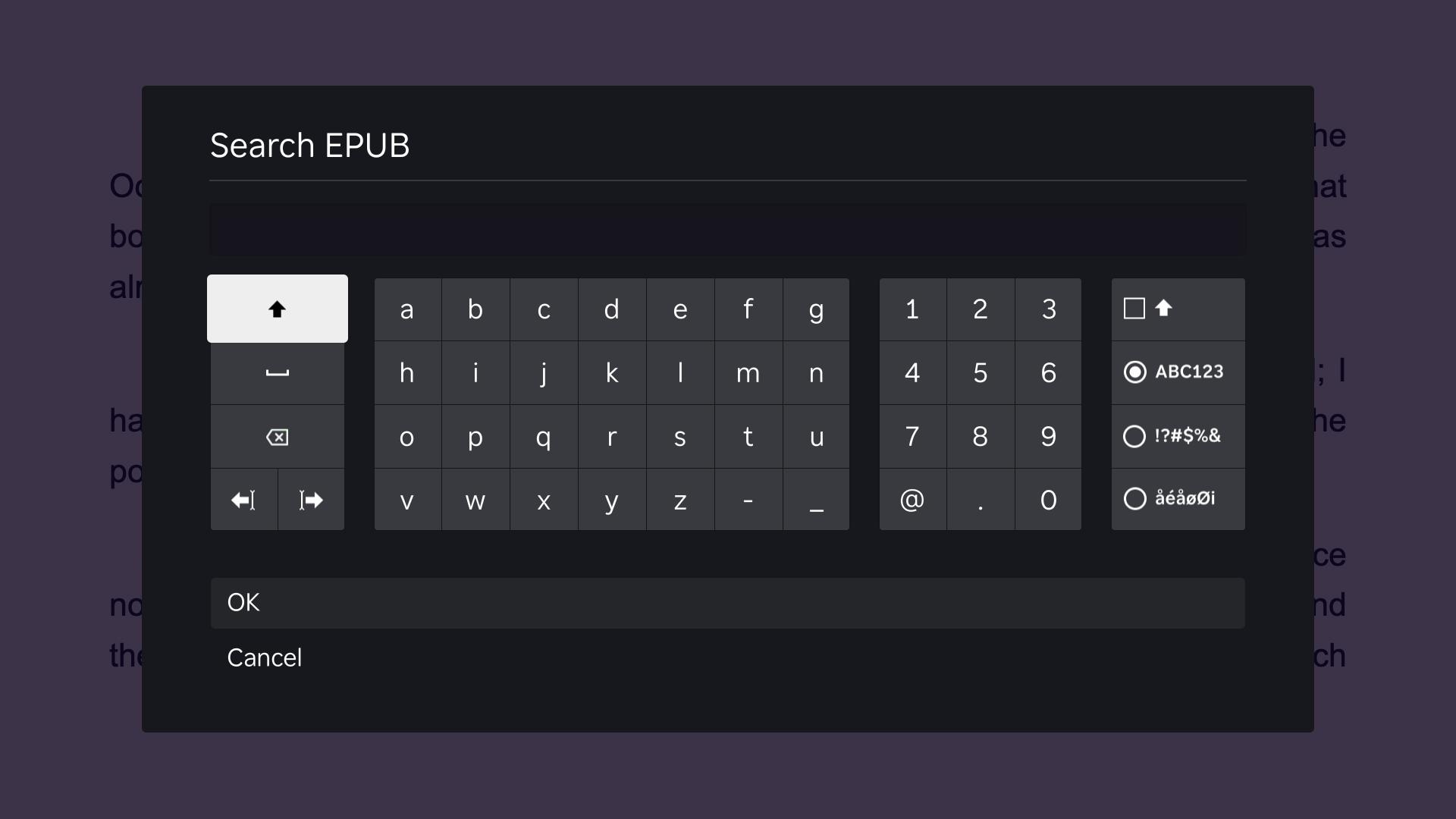
Yes. The reader includes EPUB text search with results that can jump to matching pages.

Can I choose more than one EPUB? +

Yes. You can select multiple EPUB files, and folder selection may also be available on supported devices and browsers.

Do my device and Roku need to be on the same Wi-Fi network? +

Yes. The phone, tablet, or computer used to choose EPUB books should be connected to the same local Wi-Fi network as your Roku device.

Does the app remember where I stopped? +

Yes. The reader can reopen an EPUB with the last page and reading settings such as text size, background color, and night mode.

Can I change the reading view? +

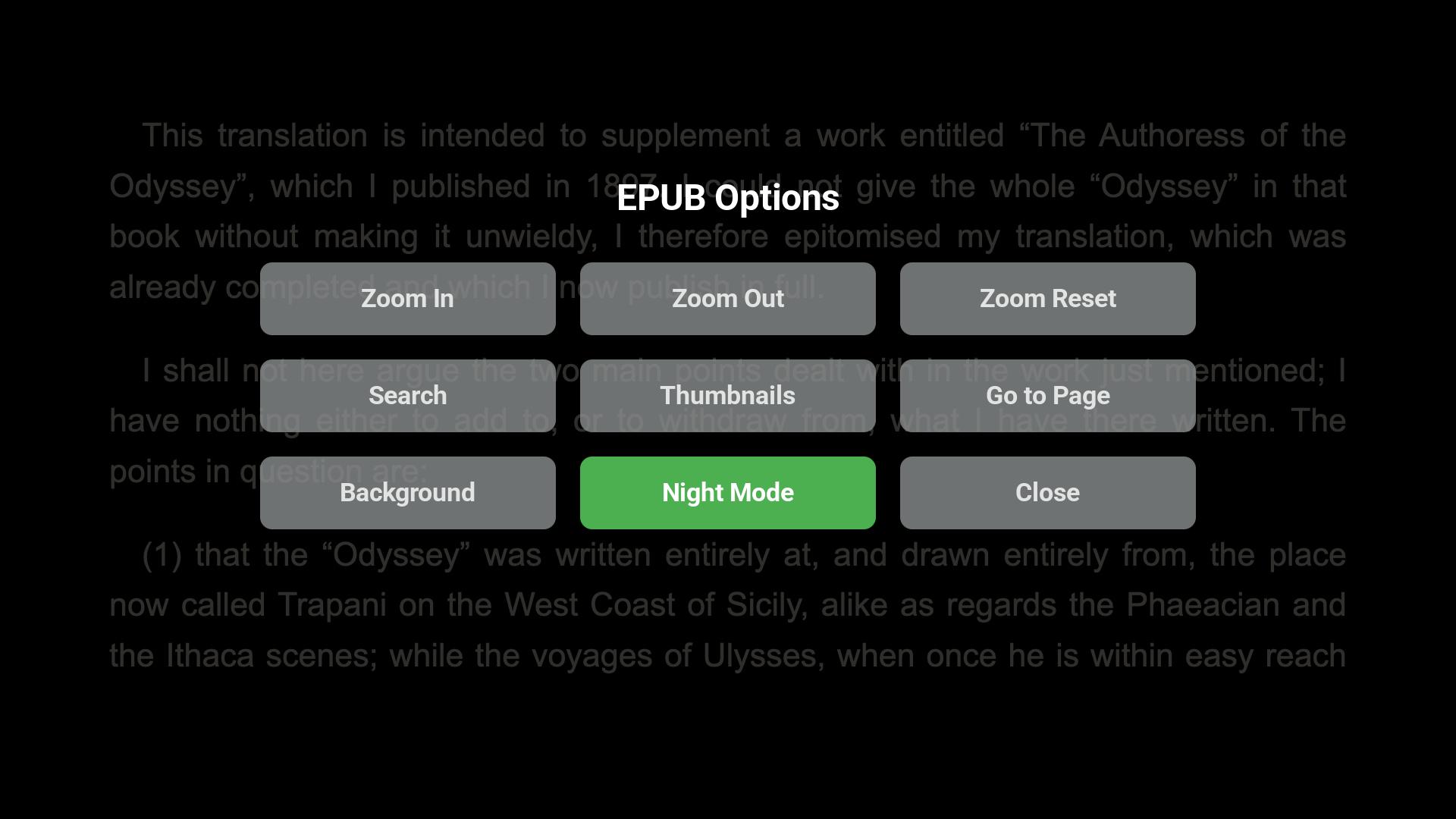
Yes. The options overlay includes text zoom, background color, night mode, thumbnails, search, Go to Page, and close controls.

Does Roku store my original EPUB files? +

No. TV EPUB Viewer is designed for local reading and does not persist original EPUB files on Roku. Temporary viewing data can be cleared from Settings.

Where can I manage subscription information? +

The app includes Subscribe and Manage Subscription options. Subscription purchase and recovery use the Roku channel store flow.

Read EPUB Books on Your Roku TV

Download TV EPUB Viewer and turn your Roku into a simple, remote-friendly EPUB reader for the big screen.