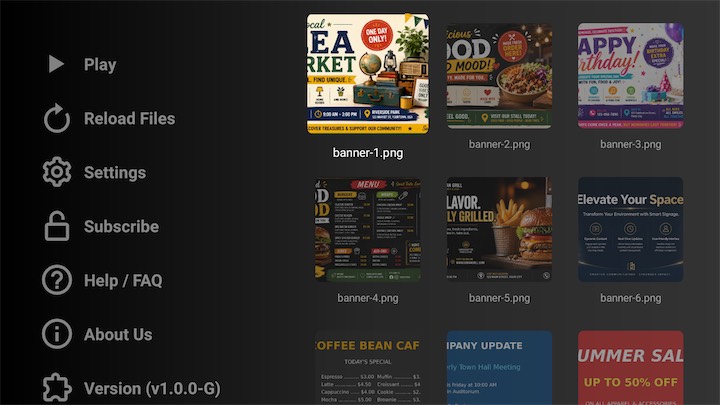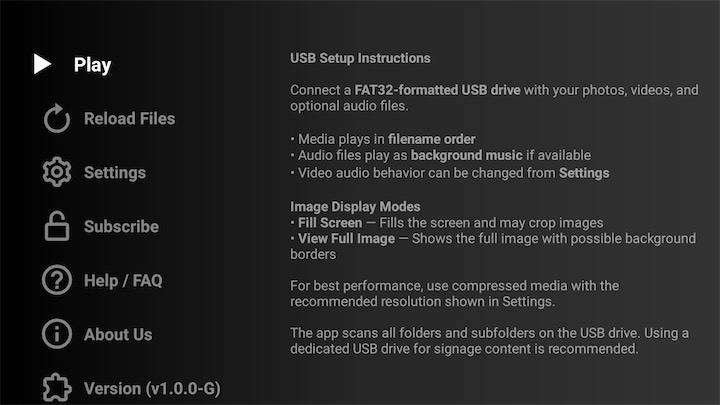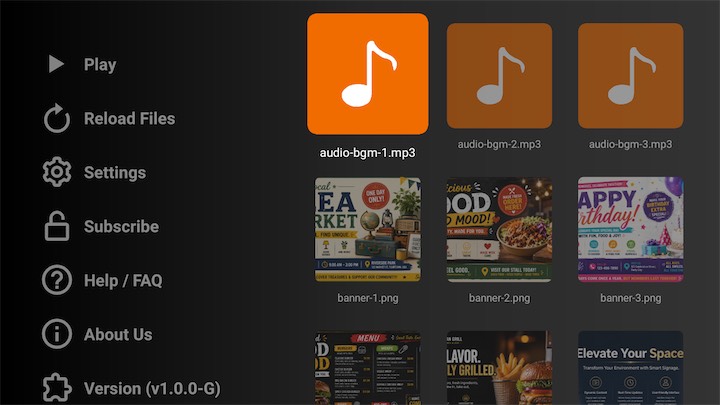
Turn your Android TV, Google TV, or Fire TV into a simple signage player. Connect a USB drive with photos, videos, and optional audio files, then play a continuous full-screen signage loop using a remote-friendly interface.
Copy your signage photos, videos, and optional audio files to a FAT32 USB drive. You can organize files inside folders and subfolders.
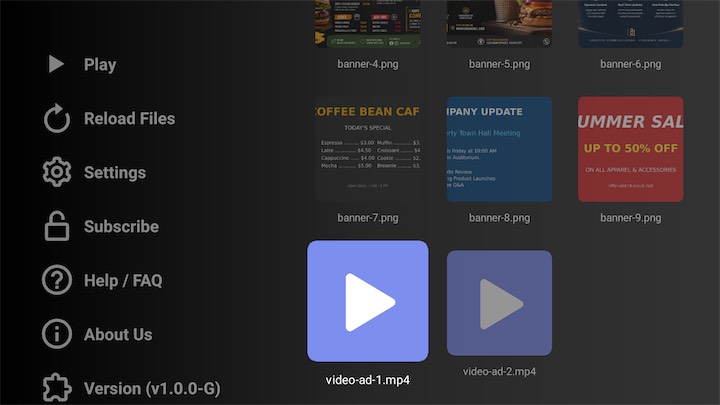
Open Simple USB Signage on your Android TV, Google TV, or Fire TV, allow USB permission, and let the app scan supported media files.
Start signage playback from the Play menu or from a selected visual item. The app loops photos and videos continuously with optional background music.
Run simple promotional screens, offers, product photos, and short videos from a USB drive without a cloud signage system.
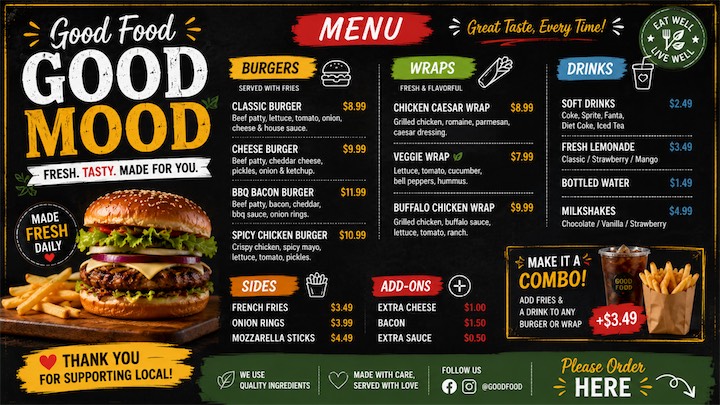
Display menus, combo offers, food photos, and looping videos on a TV using local USB media.
Play birthday slides, welcome screens, event photos, sponsor videos, and background music on a TV.
Use a TV as a simple media signage screen for announcements, schedules, event promotions, and waiting-area displays.
Simple USB Signage is an Android TV app that plays photos, videos, and optional background audio from a connected USB drive as continuous digital signage.
No. The main signage workflow is USB-based, so your photos, videos, and audio files can play locally from the connected USB drive.
Yes. The app recursively scans folders and subfolders on connected USB drives and builds a flat media list for playback.
The app supports common image, video, and audio formats. Images and videos are used for the visual signage playlist, while audio files can be used as optional background music.
Yes. The app supports mixed image and video playback in the same continuous signage session.
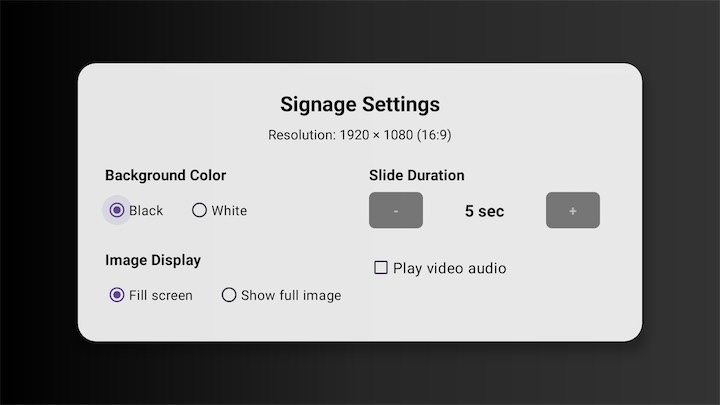
Yes. You can choose Fill screen for edge-to-edge display or Show full image to avoid cropping when the image aspect ratio does not match the TV.
Yes. The image slide duration can be increased or decreased from the settings screen.
Audio files are played as a separate looping background playlist. You can also decide whether videos should play their own audio or stay muted while background audio continues.
Free/demo mode limits the number of unlocked audio, video, and image files shown in the media set. Locked items are blurred and show a lock badge, and demo playback shows a subtle watermark.
Yes. Long-press OK on a media item to open the details dialog, where supported actions such as open and delete are available.
Download Simple USB Signage and play photos, videos, and background music from a USB drive on Android TV.