Photo Dream Screensaver App Icon

Photo Dream Screensaver - Turn Your TV Into a Living Photo Frame

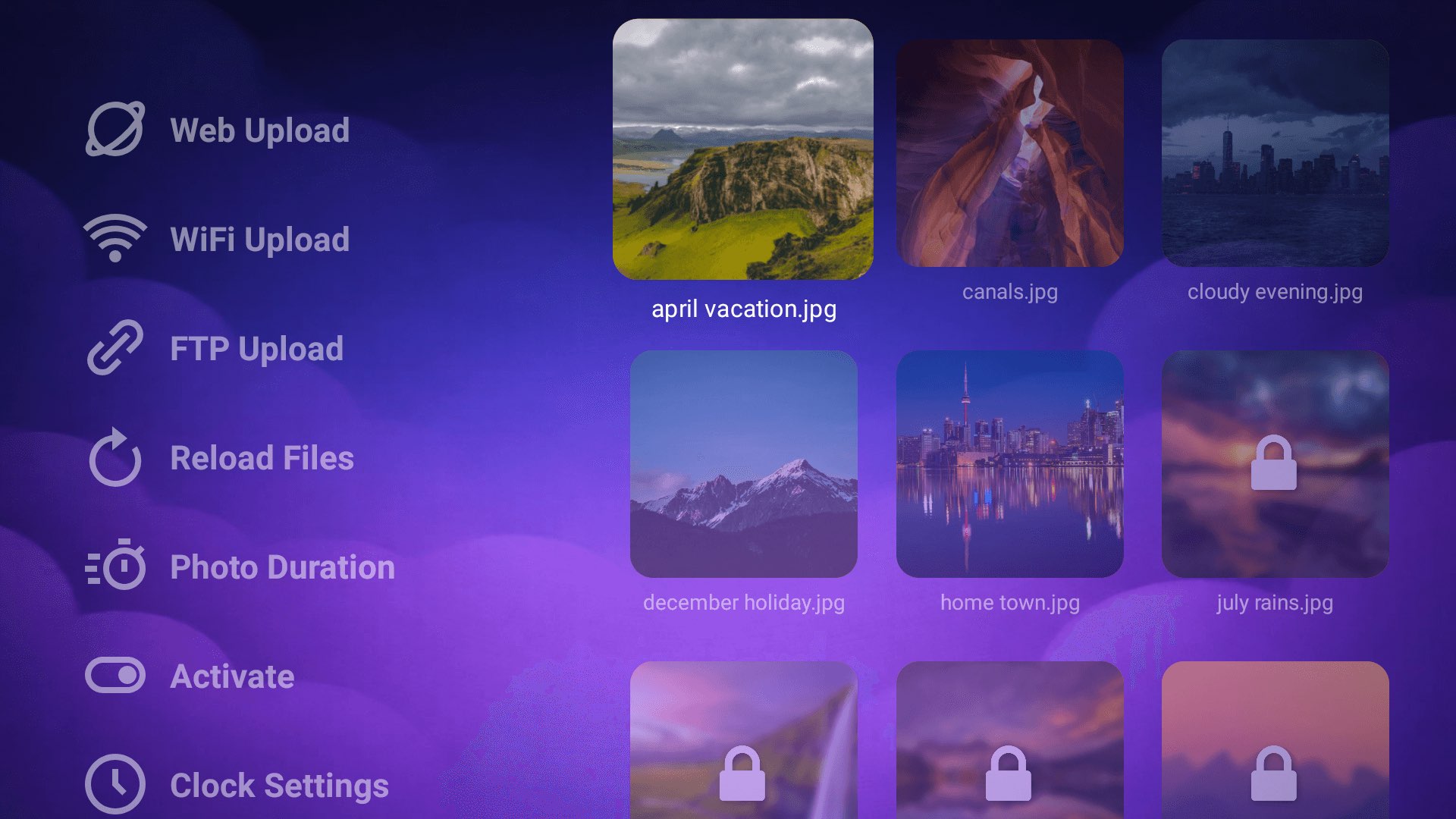
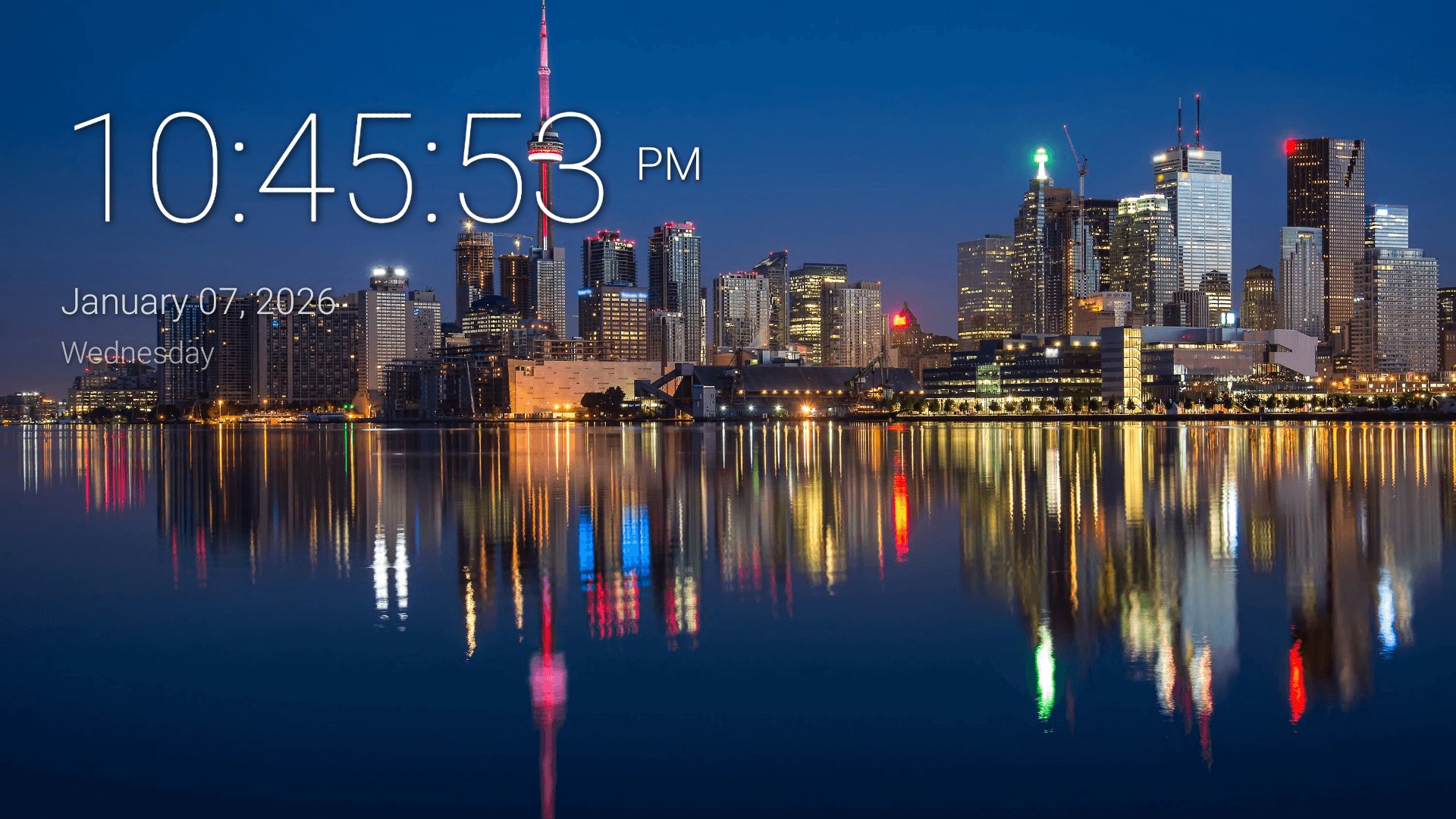
Use your own photos as an Android TV screensaver. Upload images wirelessly and enjoy a smooth slideshow with an optional, customizable clock.

๐Ÿ“ฅ 10K+ Downloads
๐Ÿ“ฆ 1.0.5 Latest Version
TV PDF Viewer Screenshot - Main Home Interface
TV PDF Viewer Screenshot - Bookmark Interface
TV PDF Viewer Screenshot - Web Import Interface
TV PDF Viewer Screenshot - FTP Import Interface
TV PDF Viewer Screenshot - PDF Options Interface
TV PDF Viewer Screenshot - Night Mode Interface
TV PDF Viewer Screenshot - Page Rotate Interface
TV PDF Viewer Screenshot - Search PDF Interface
TV PDF Viewer Screenshot - Search Result Interface
TV PDF Viewer Screenshot - Go To Page Interface
TV PDF Viewer Screenshot - In-PDF Bookmarks Listing Interface
TV PDF Viewer Screenshot - Settings Interface
TV PDF Viewer Screenshot - Empty Home Interface

Super Easy Setup

1

Install the App

Download Photo Dream Screensaver from Google Play.

2

Upload Your Photos

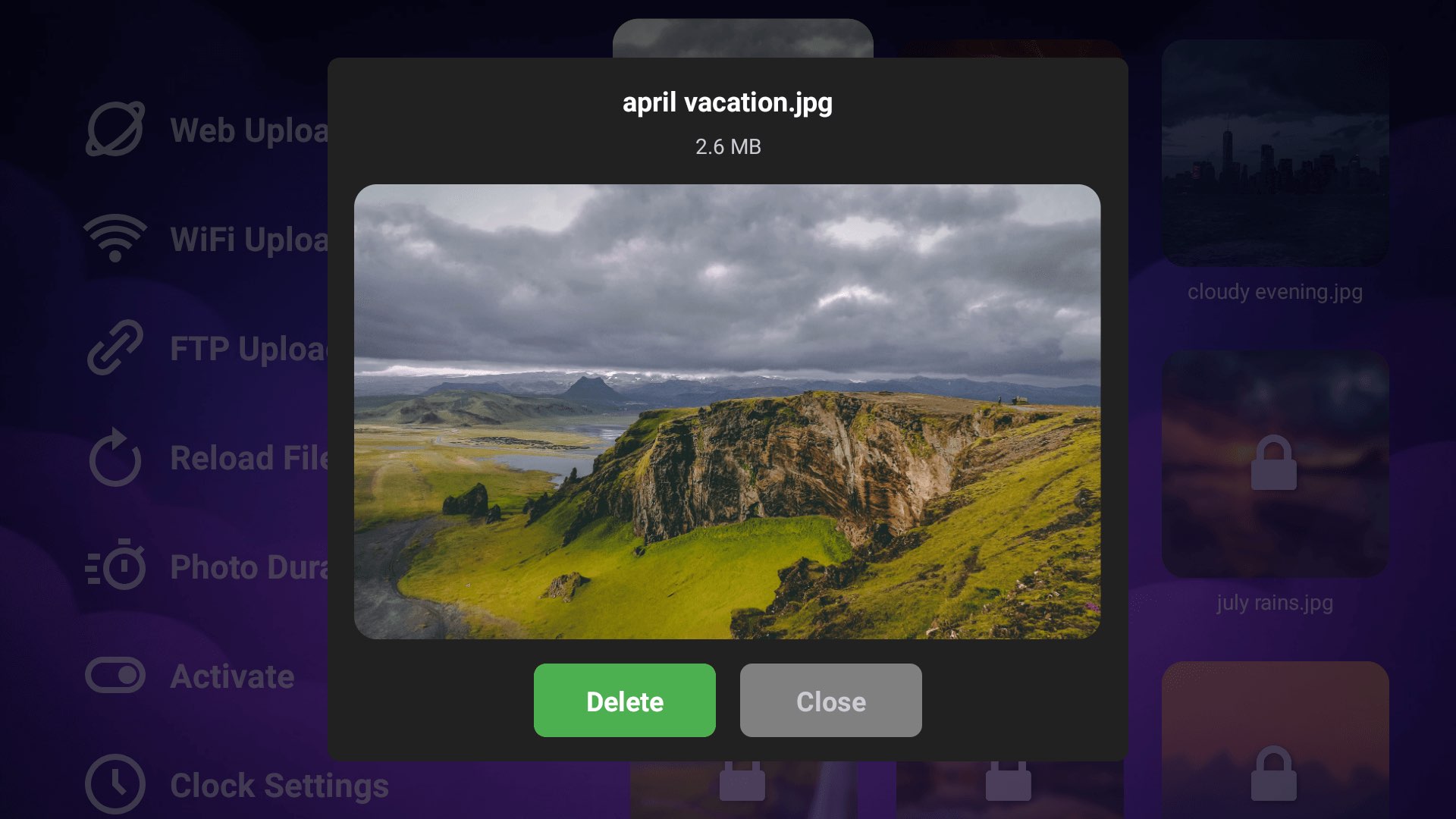
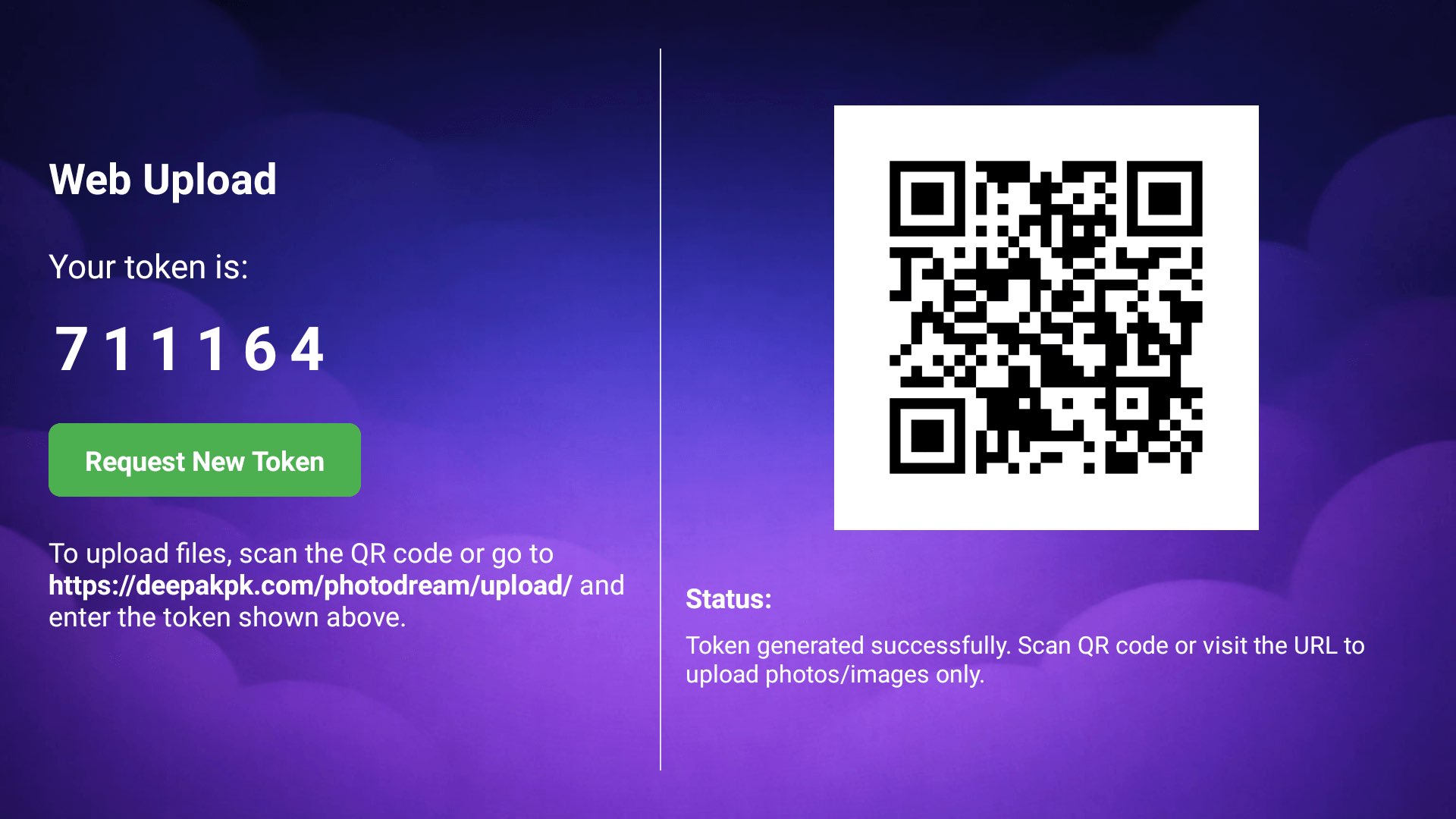
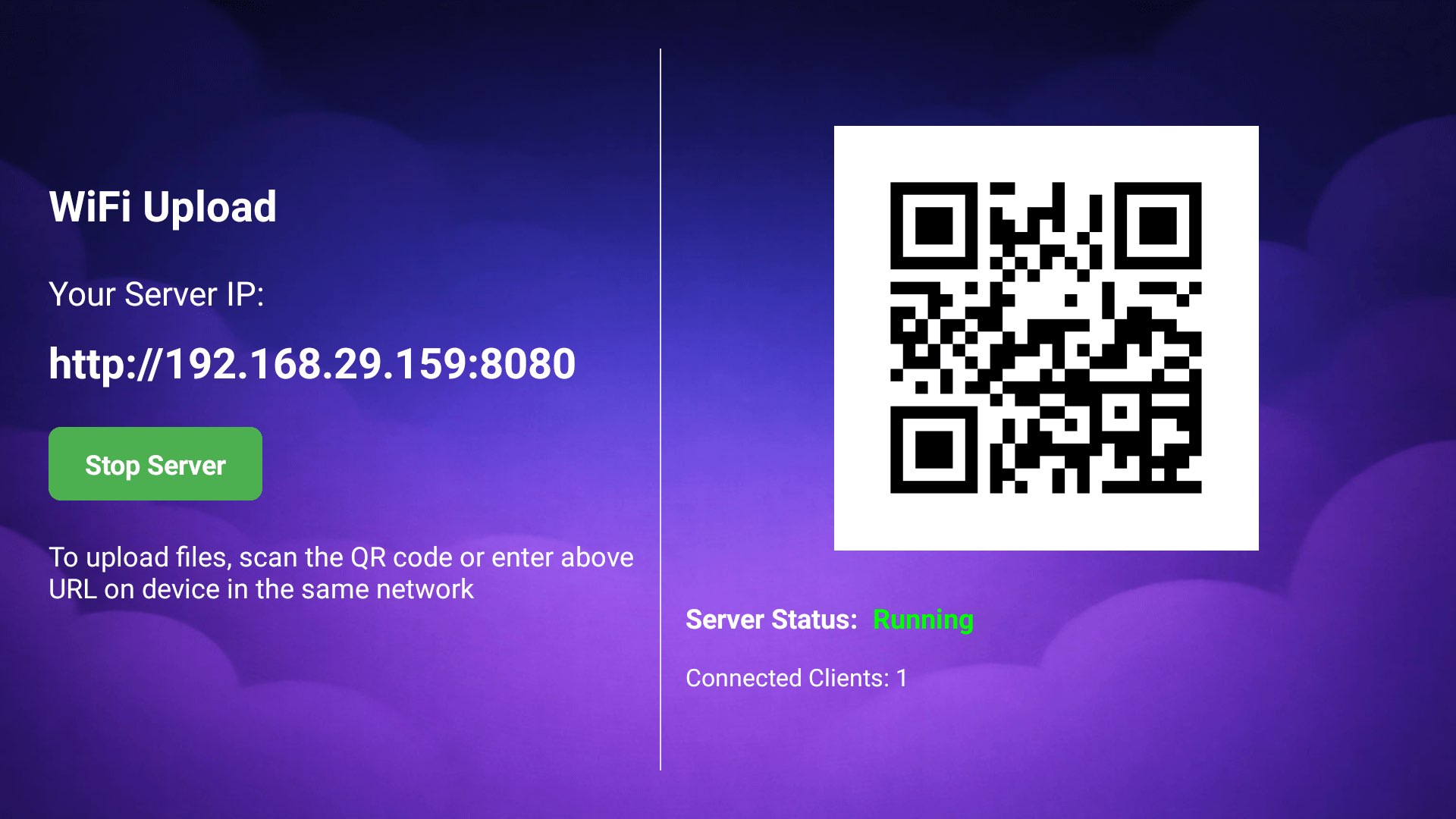
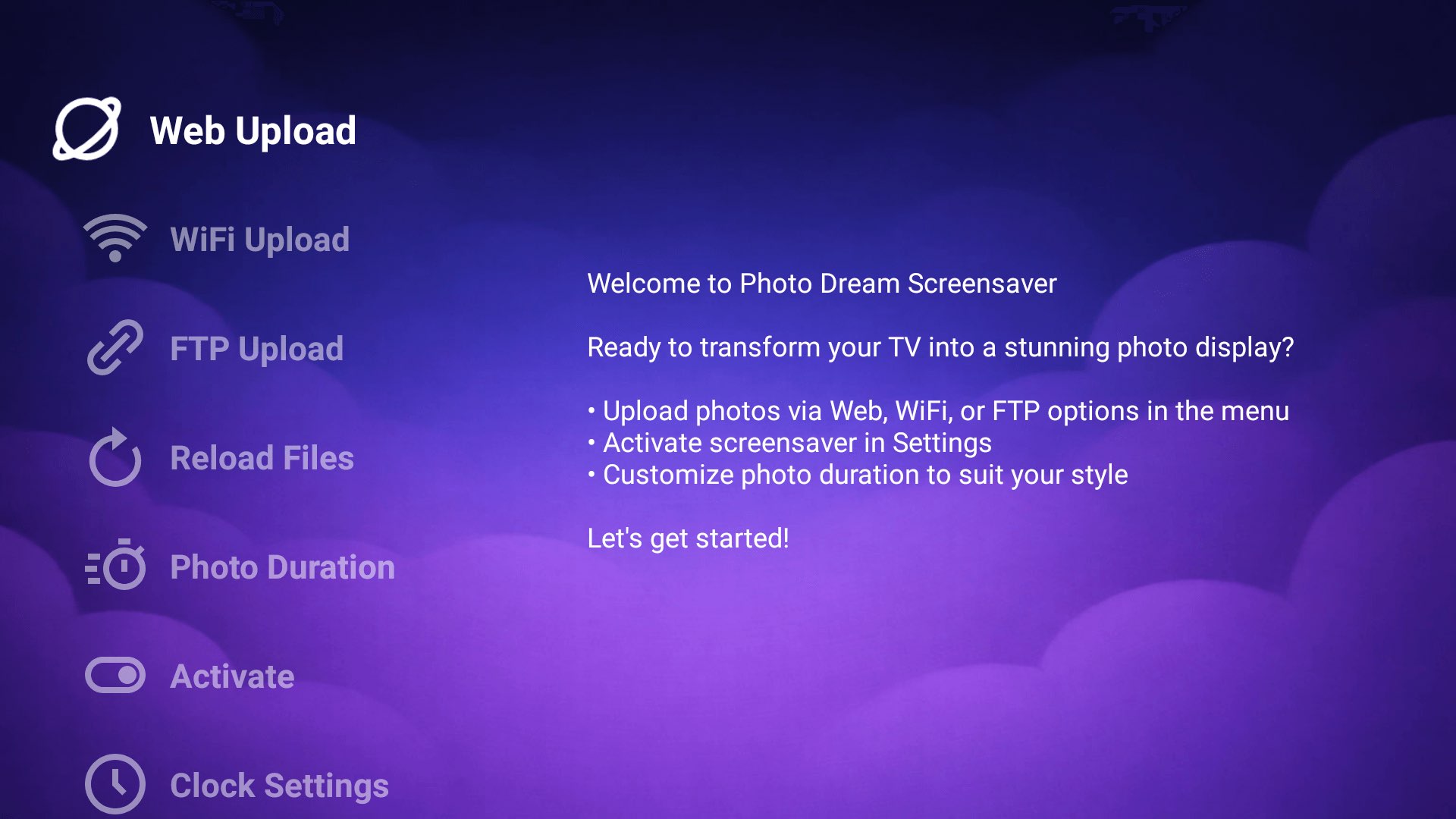
Use web, Wi-Fi, or FTP upload to send photos wirelessly to your TV.

3

Activate Screensaver

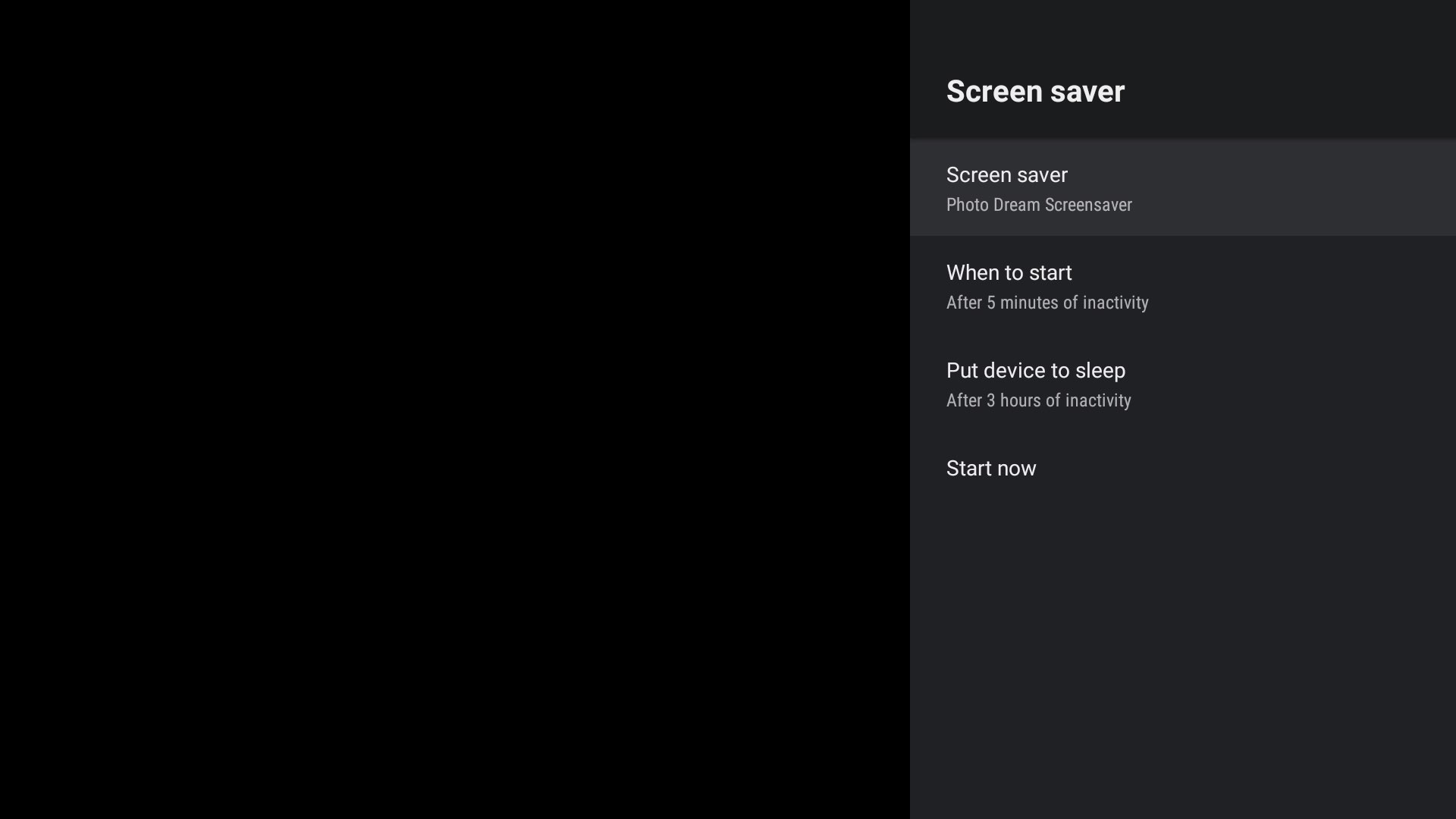
Set Photo Dream as your Android TV screensaver and enjoy.

Why Users Love Photo Dream

๐Ÿ“บ

Made for TV

  • Optimized for remote control navigation
  • Clean 10-foot UI experience
๐Ÿ”

Private & Secure

  • Photos stay locally on your TV
  • No cloud sync required
๐ŸŽจ

Minimal & Elegant

  • Distraction-free slideshow
  • Smooth transitions

Perfect For

๐Ÿ 

Homes & Living Rooms

Turn your idle TV into a calm, beautiful display of memories.

๐Ÿ‘จโ€๐Ÿ‘ฉโ€๐Ÿ‘งโ€๐Ÿ‘ฆ

Families

Relive family moments whenever the TV is idle.

๐Ÿ–ผ๏ธ

Digital Photo Frames

Use your Android TV as a large-screen digital photo frame.

๐Ÿข

Offices & Waiting Areas

Display curated images in a clean, distraction-free way.

Frequently Asked Questions

How do I upload photos to Photo Dream Screensaver? +

You can upload photos using Web upload with a secure token, Wi-Fi upload when on the same network, or FTP upload. QR codes make connecting quick and easy.

Do I need to be on the same Wi-Fi network? +

Not for web upload. The token-based web upload works even if your phone or PC is on a different network.

Can I show a clock on the screensaver? +

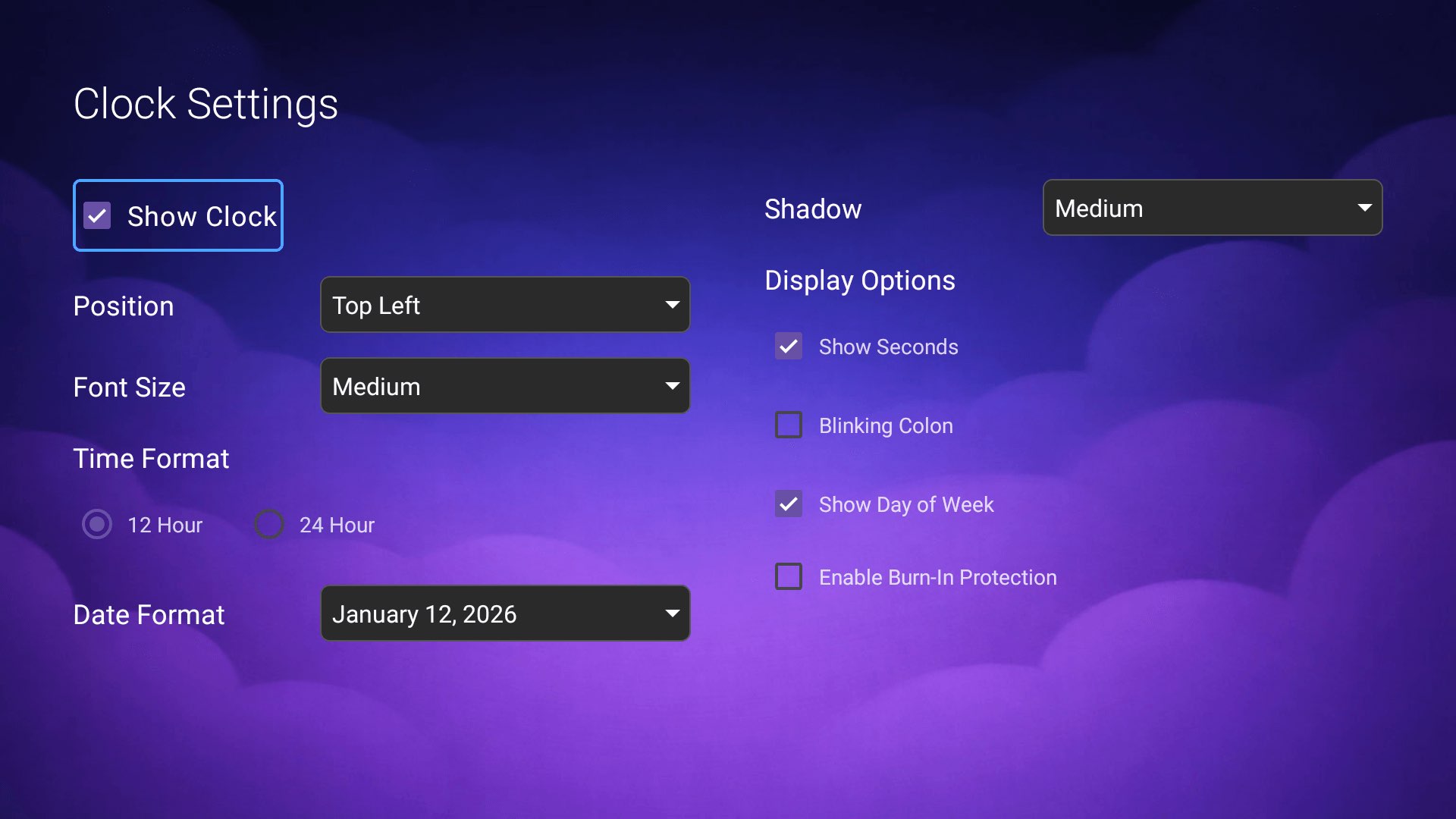
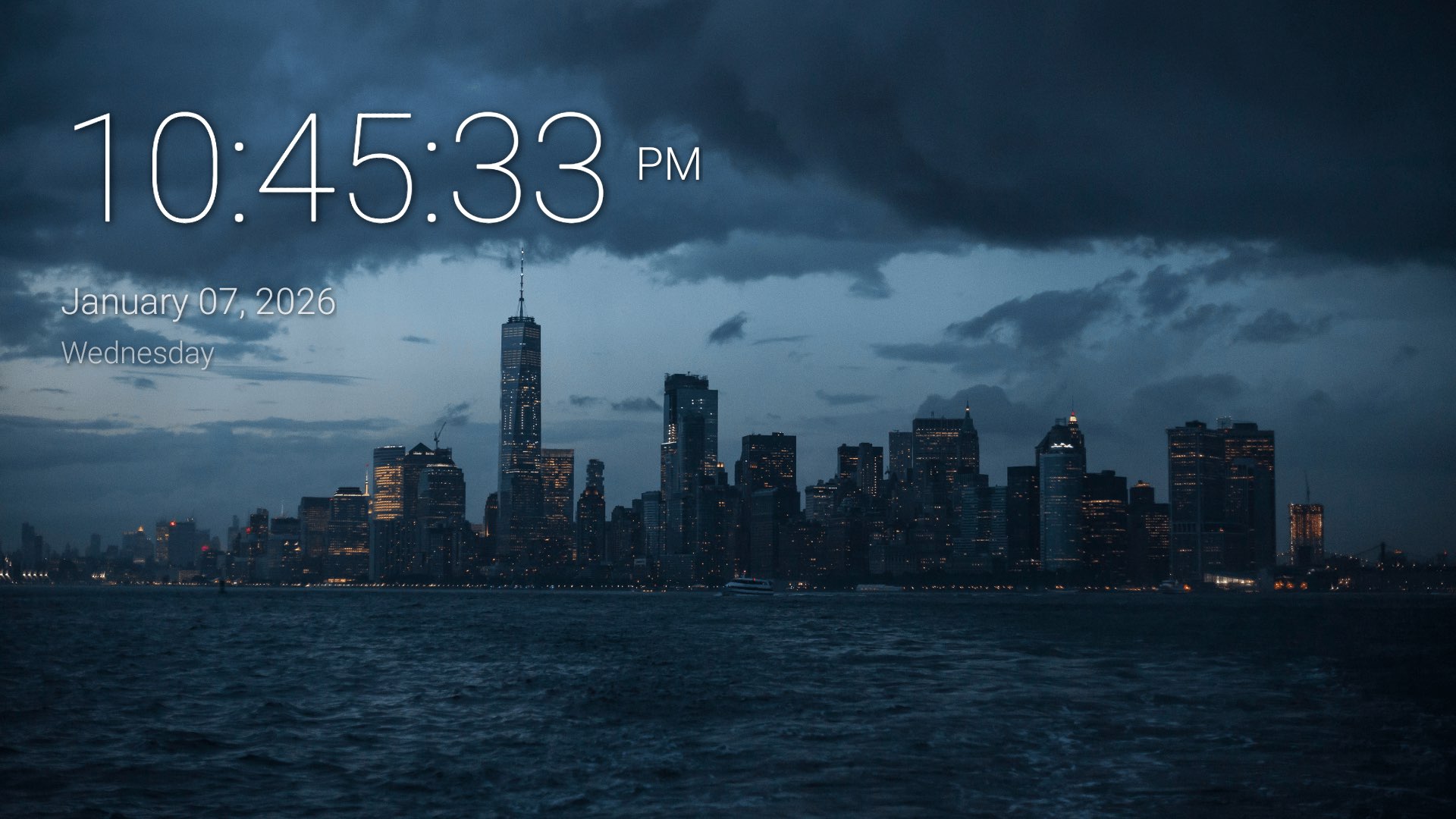
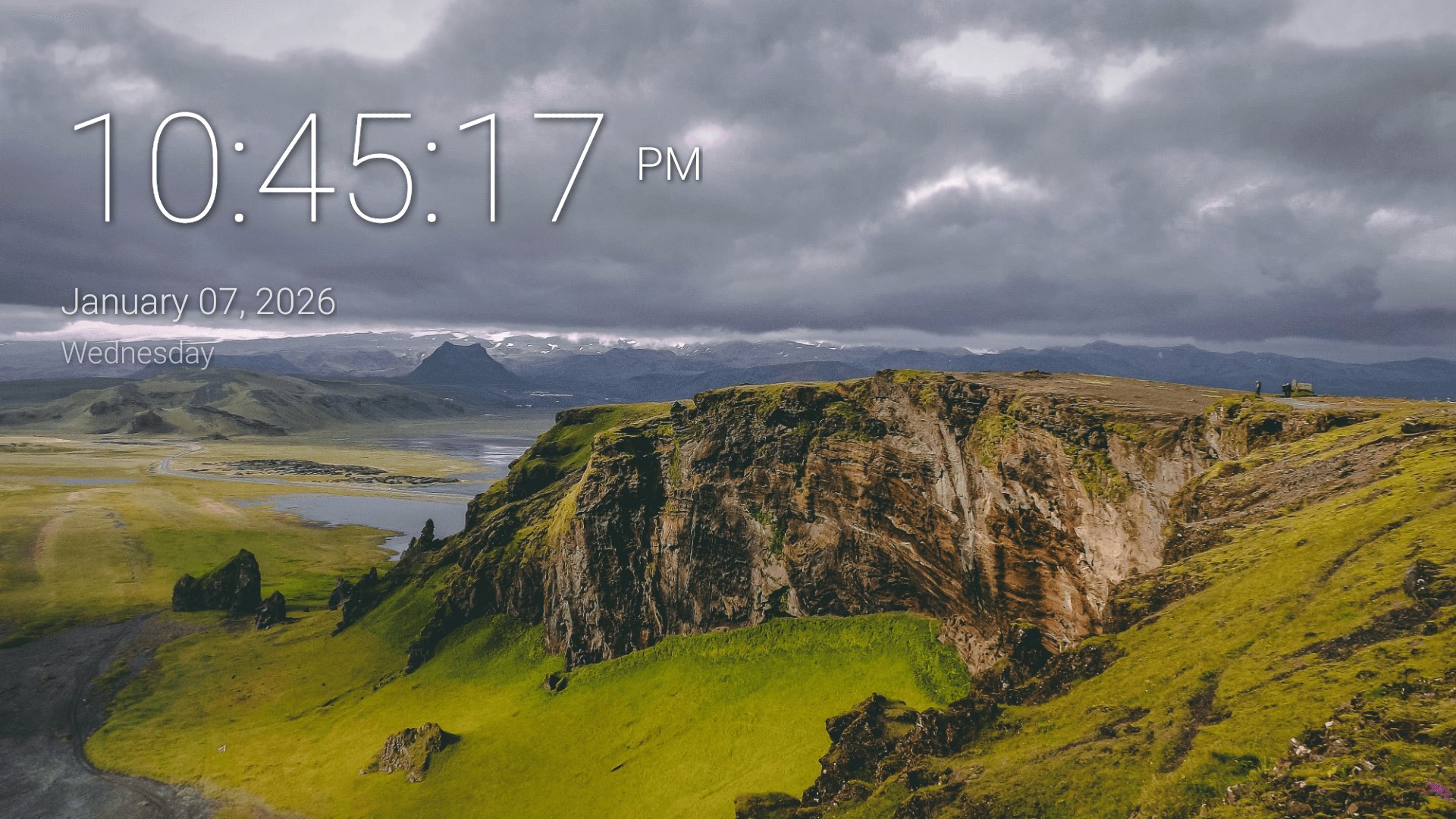
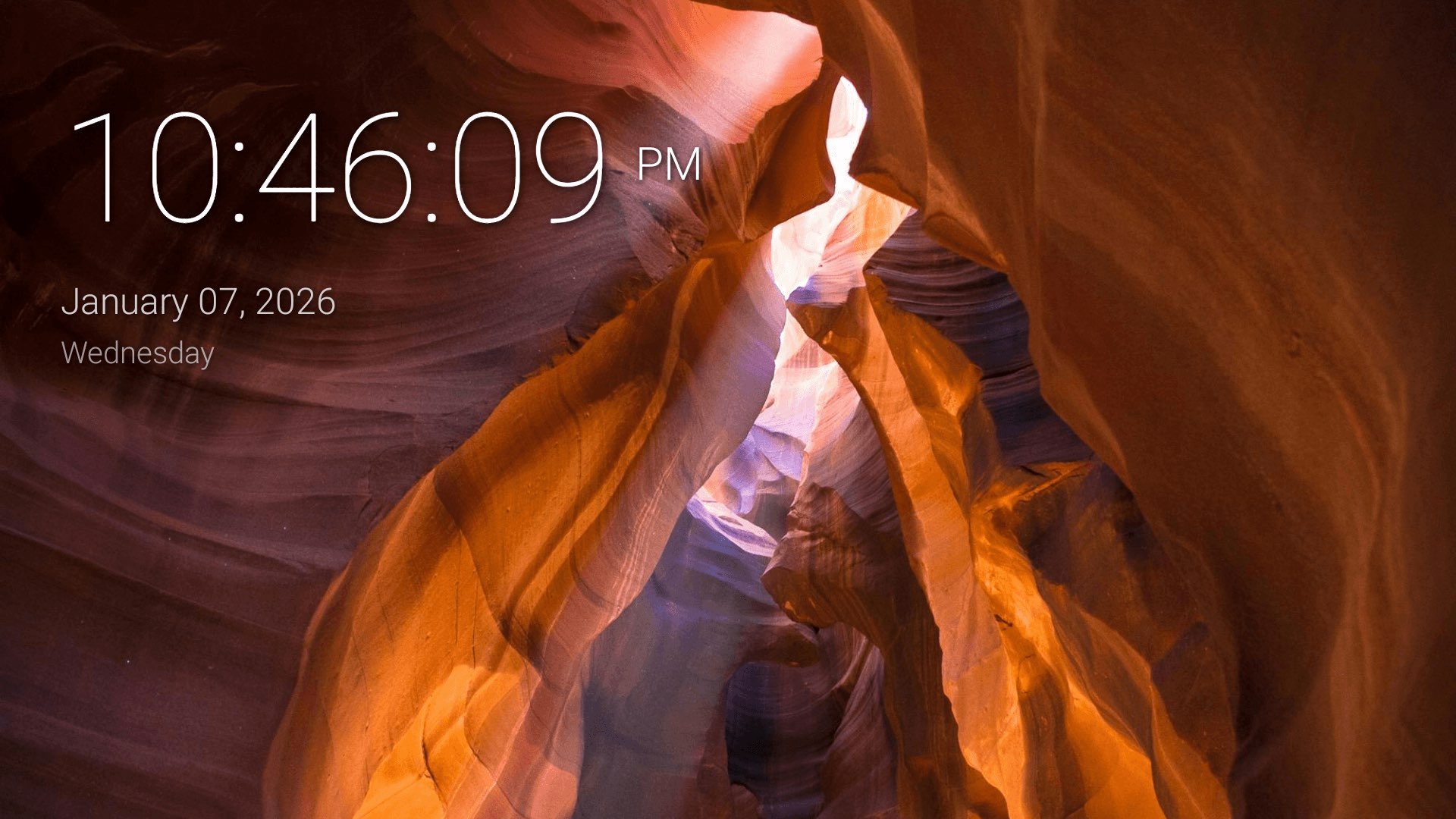
Yes. You can fully customize the clock including position, size, format, seconds, shadow, and burn-in protection.

How do I activate it as my screensaver? +

Use the Activate option inside the app to jump directly to Android TVโ€™s screensaver settings.

Bring Your TV to Life โœจ

Turn idle screen time into a beautiful photo experience.