PDF Viewer App Icon

PDF Viewer – Fast PDF Reader for Android Phones & Tablets

Open PDF files from your phone, file manager, downloads, email attachments, or shared links. Search, bookmark, zoom, listen with read aloud, use OCR fallback for scanned pages, and continue from where you stopped.

📥 10K+ Downloads
🔎 Search Text Search
🔊 Read Aloud OCR Fallback
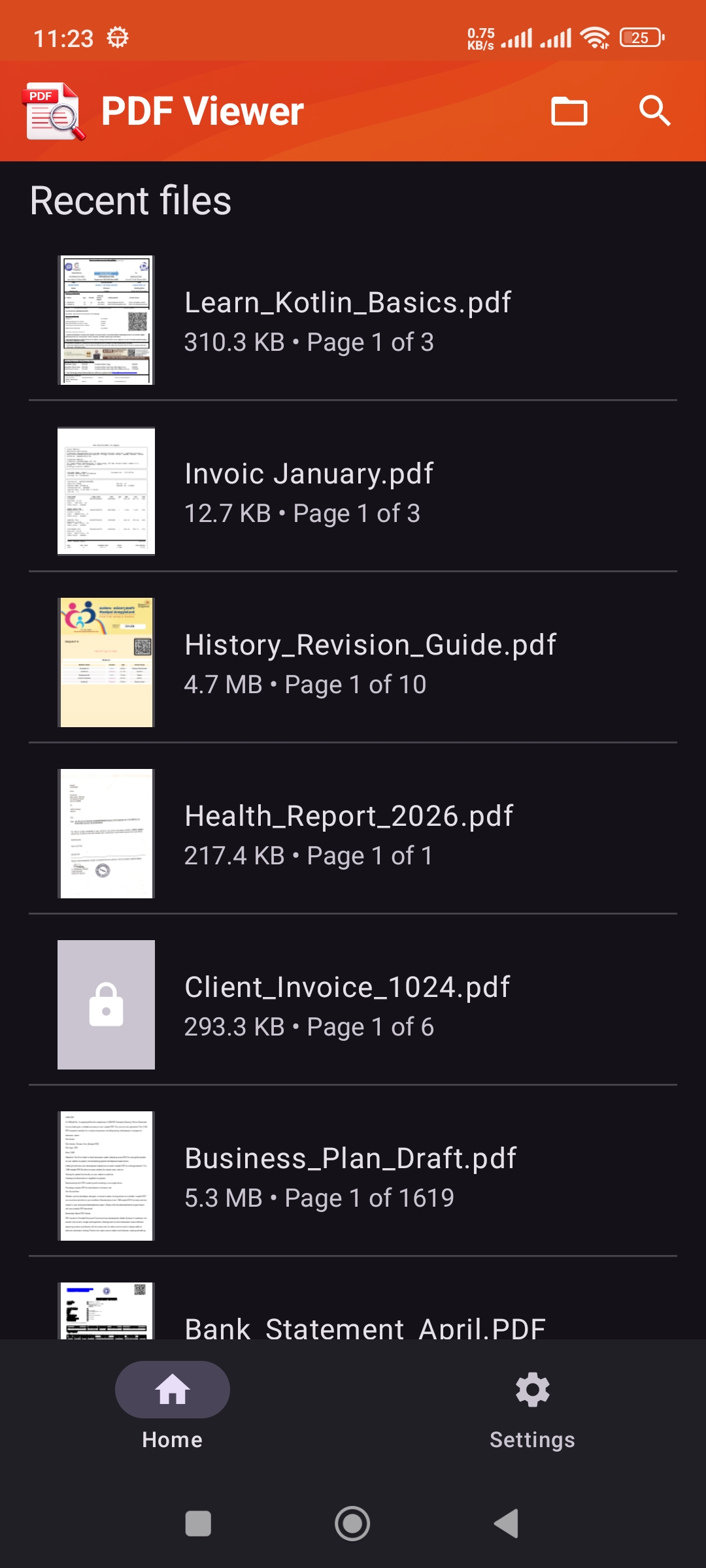
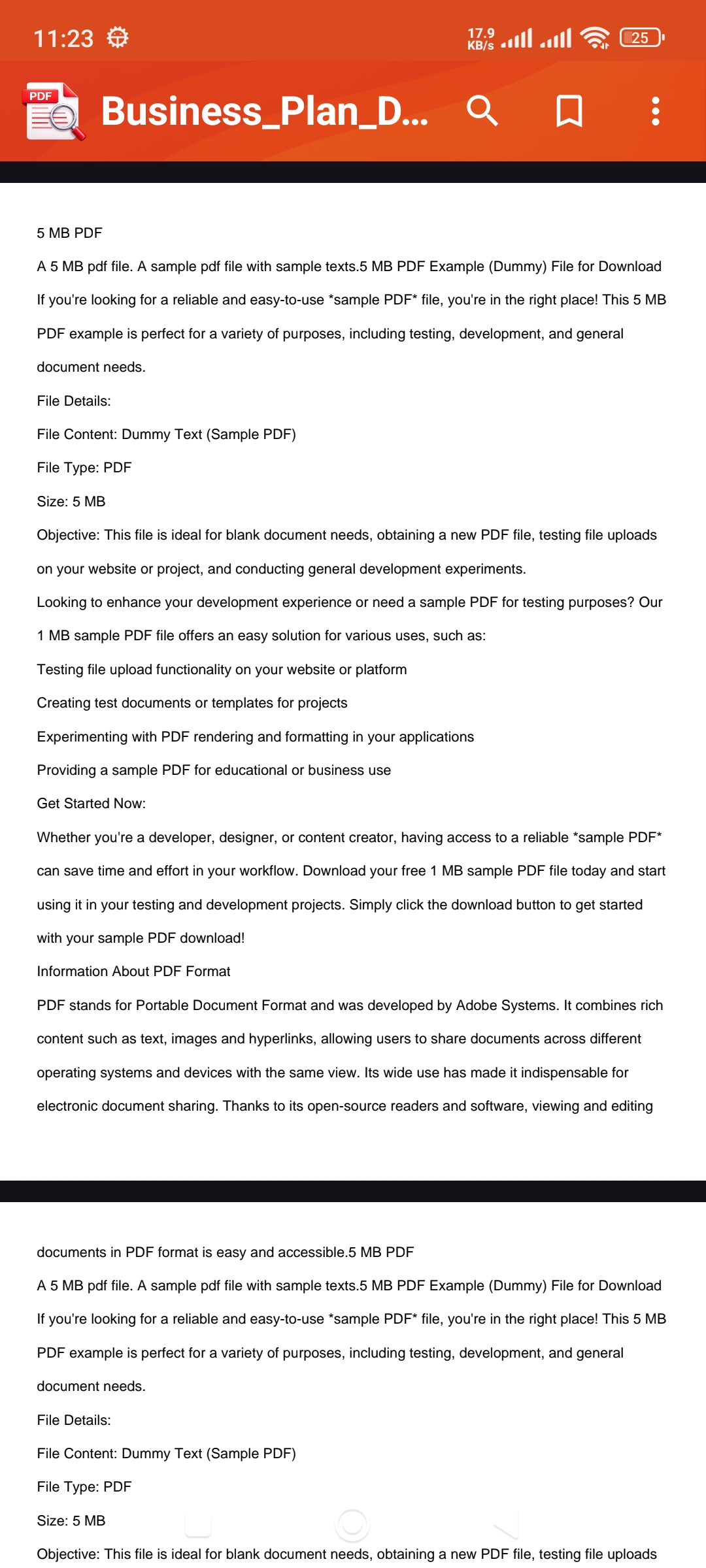
PDF Viewer Android app screenshot 1
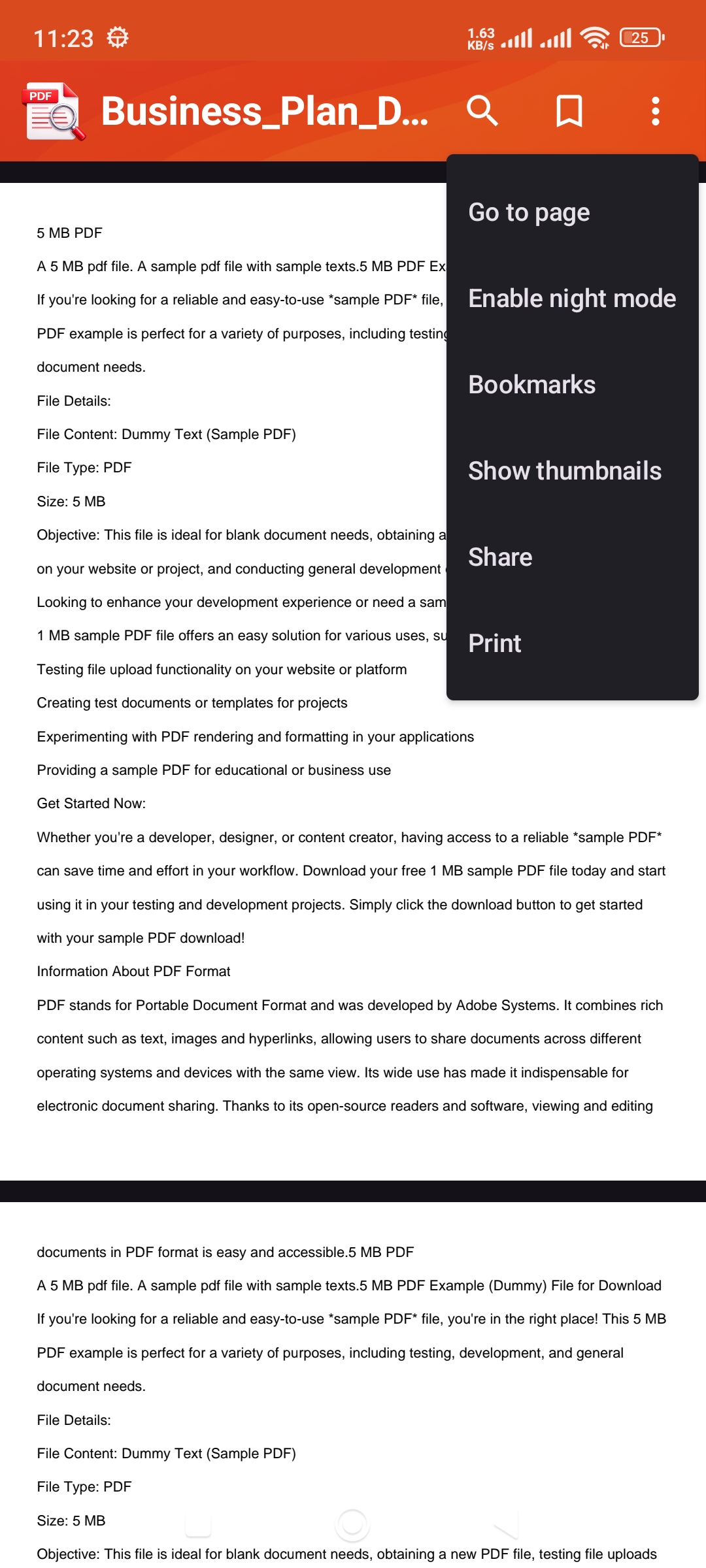
PDF Viewer Android app screenshot 2
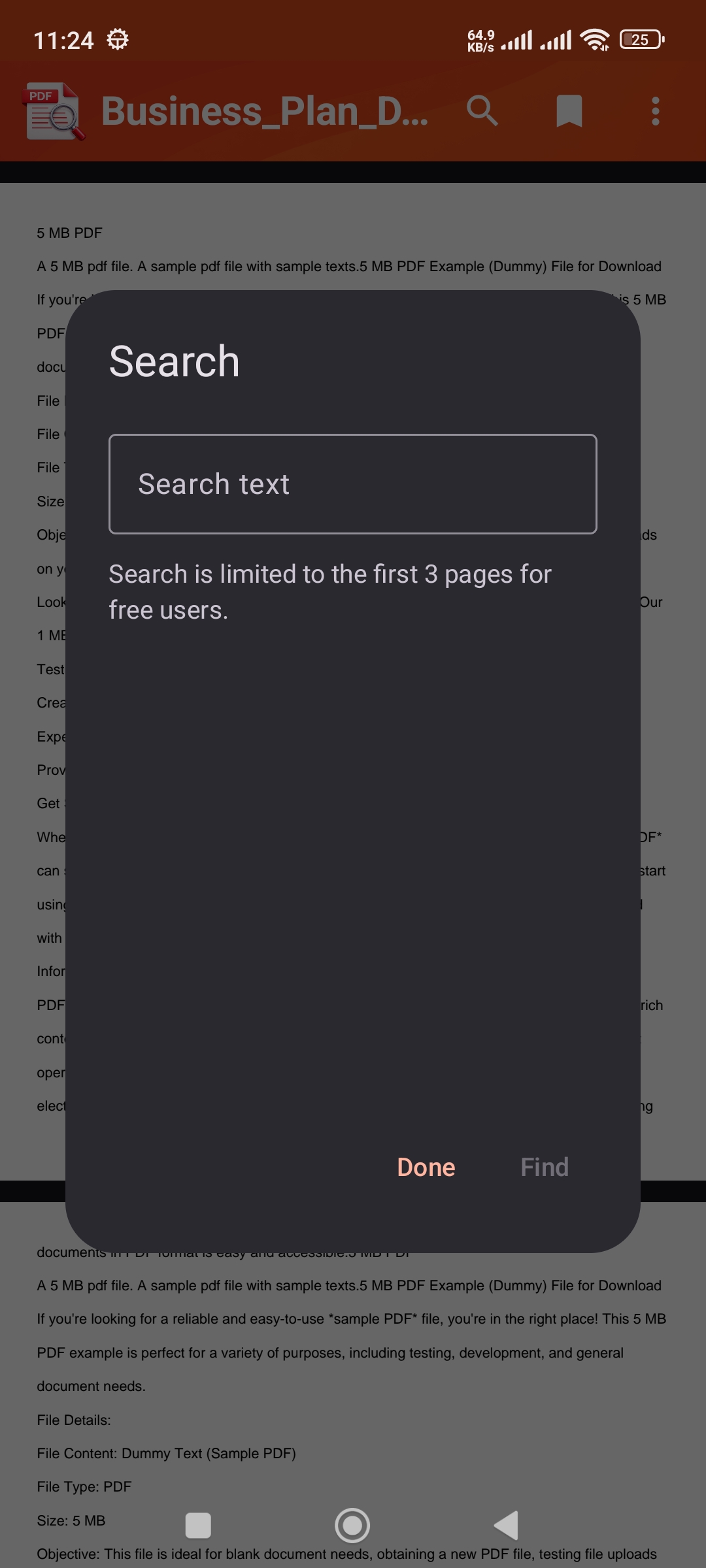
PDF Viewer Android app screenshot 3
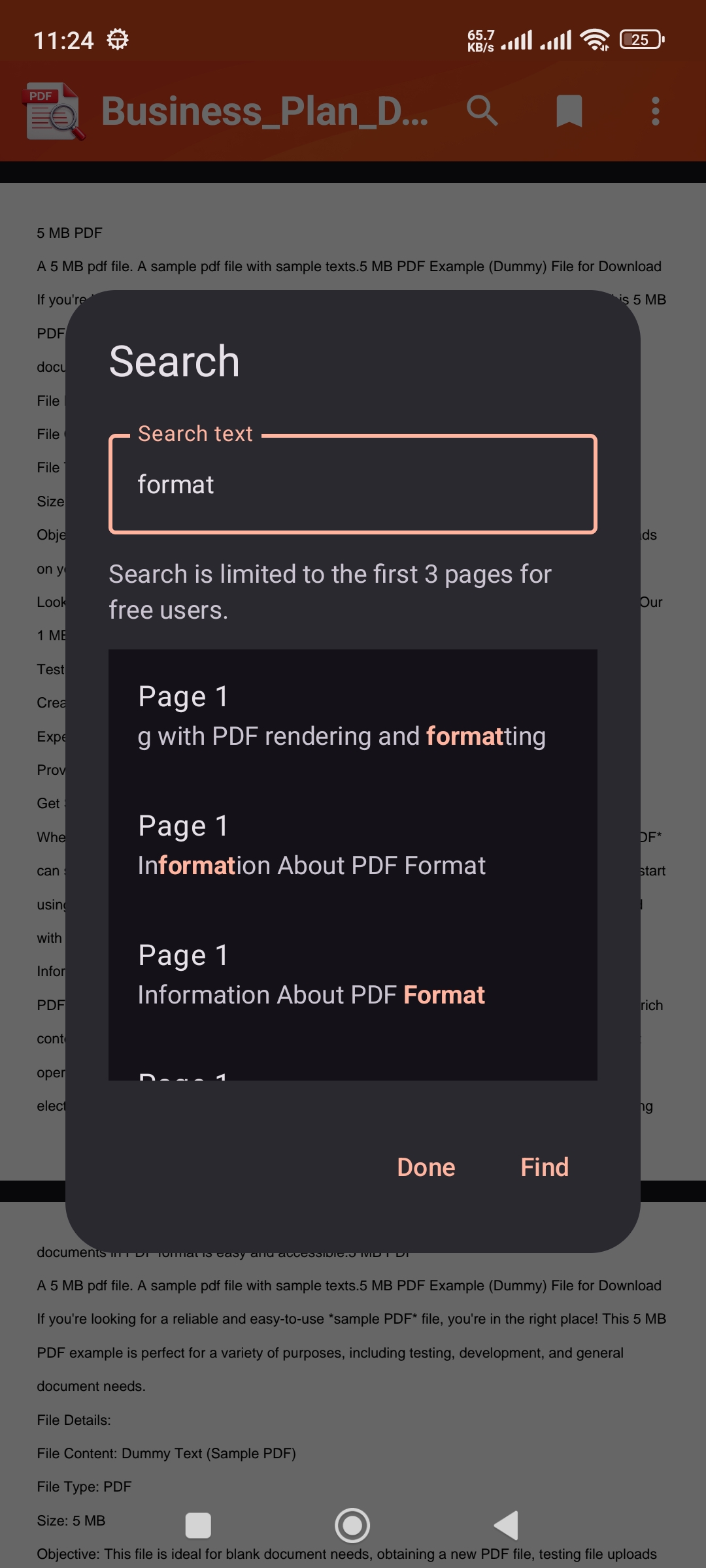
PDF Viewer Android app screenshot 4
PDF Viewer Android app screenshot 5
PDF Viewer Android app screenshot 6
PDF Viewer Android app screenshot 7
PDF Viewer Android app screenshot 8
PDF Viewer Android app screenshot 9

Start Reading in Seconds

1

Install PDF Viewer

Download PDF Viewer on your Android phone or tablet.

2

Open a PDF

Choose a PDF from the app picker, file manager, downloads, email attachments, or shared links.

3

Read, Search, Bookmark, or Listen

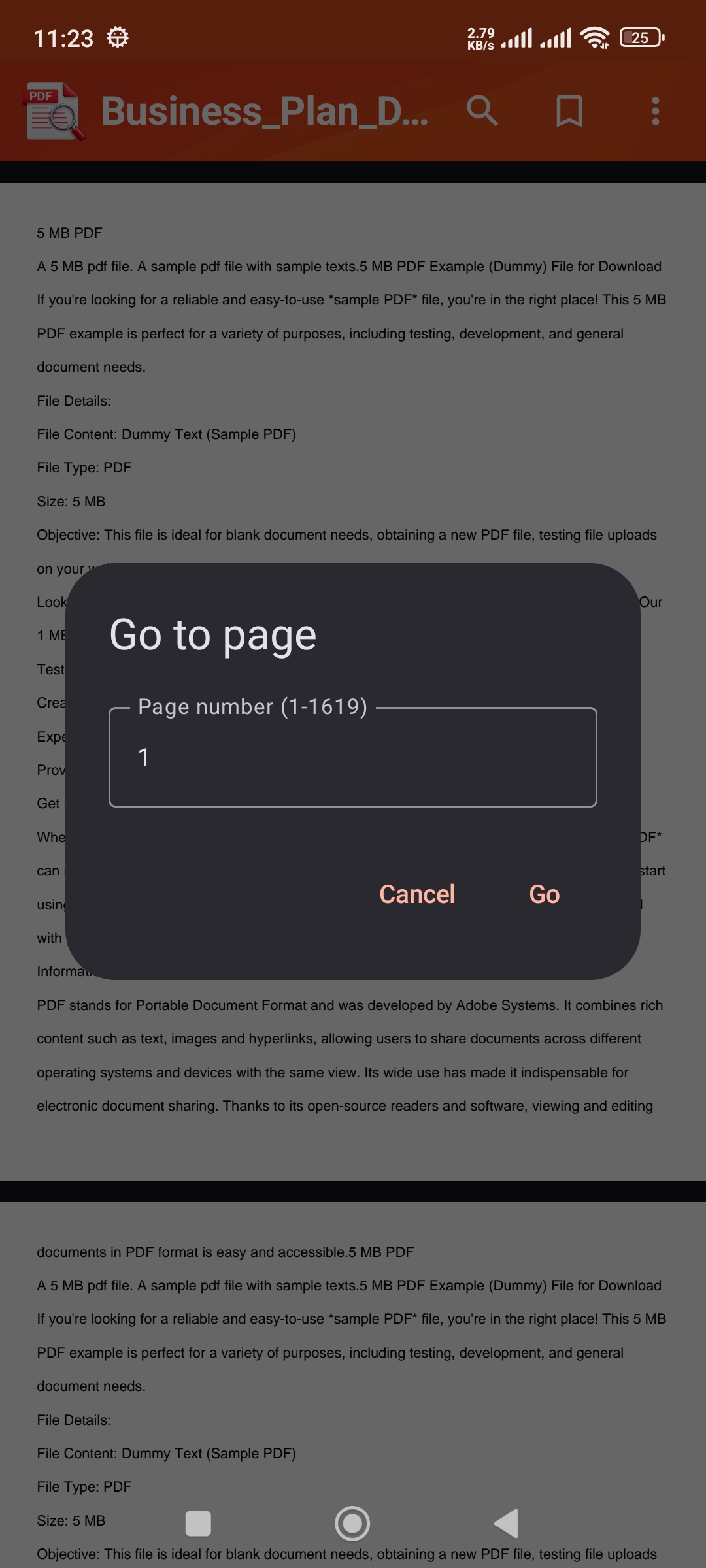
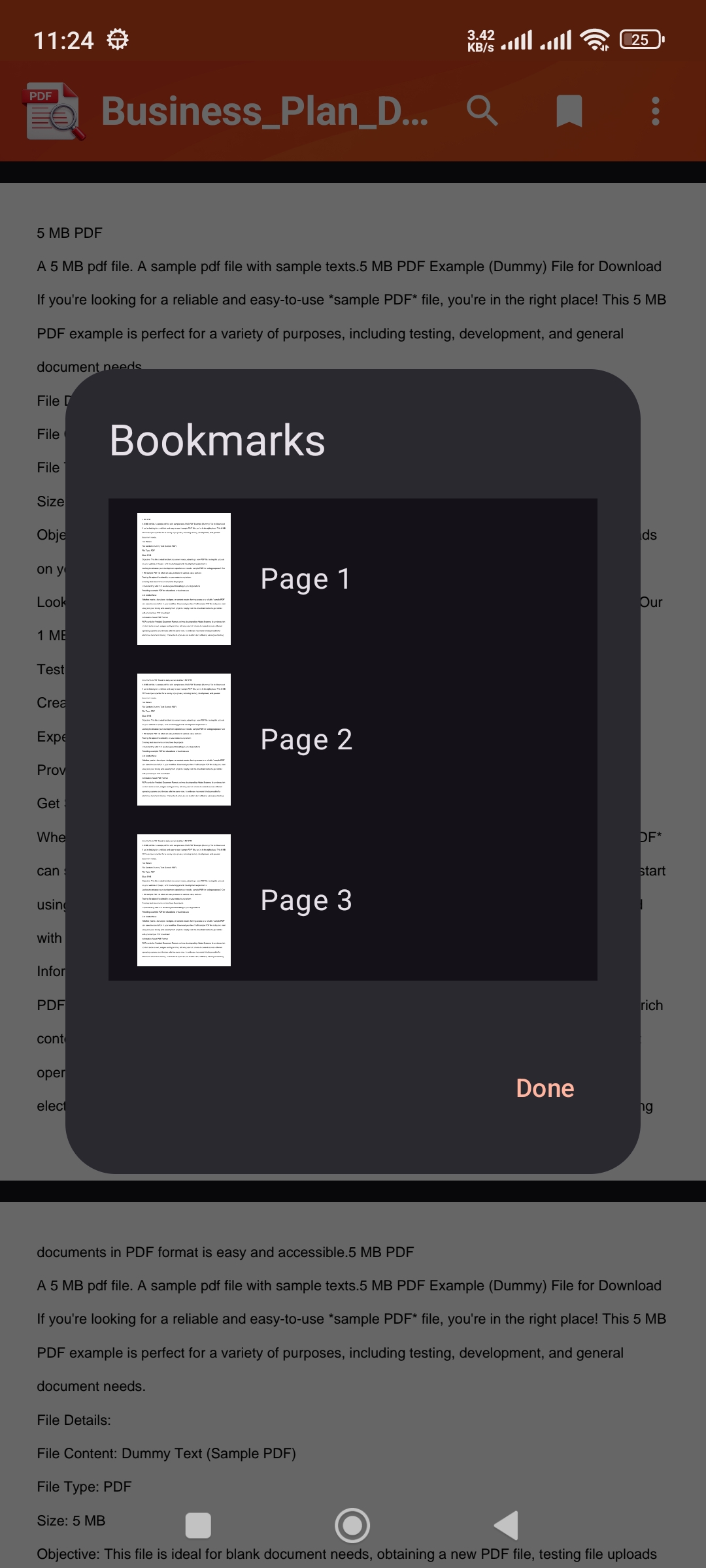
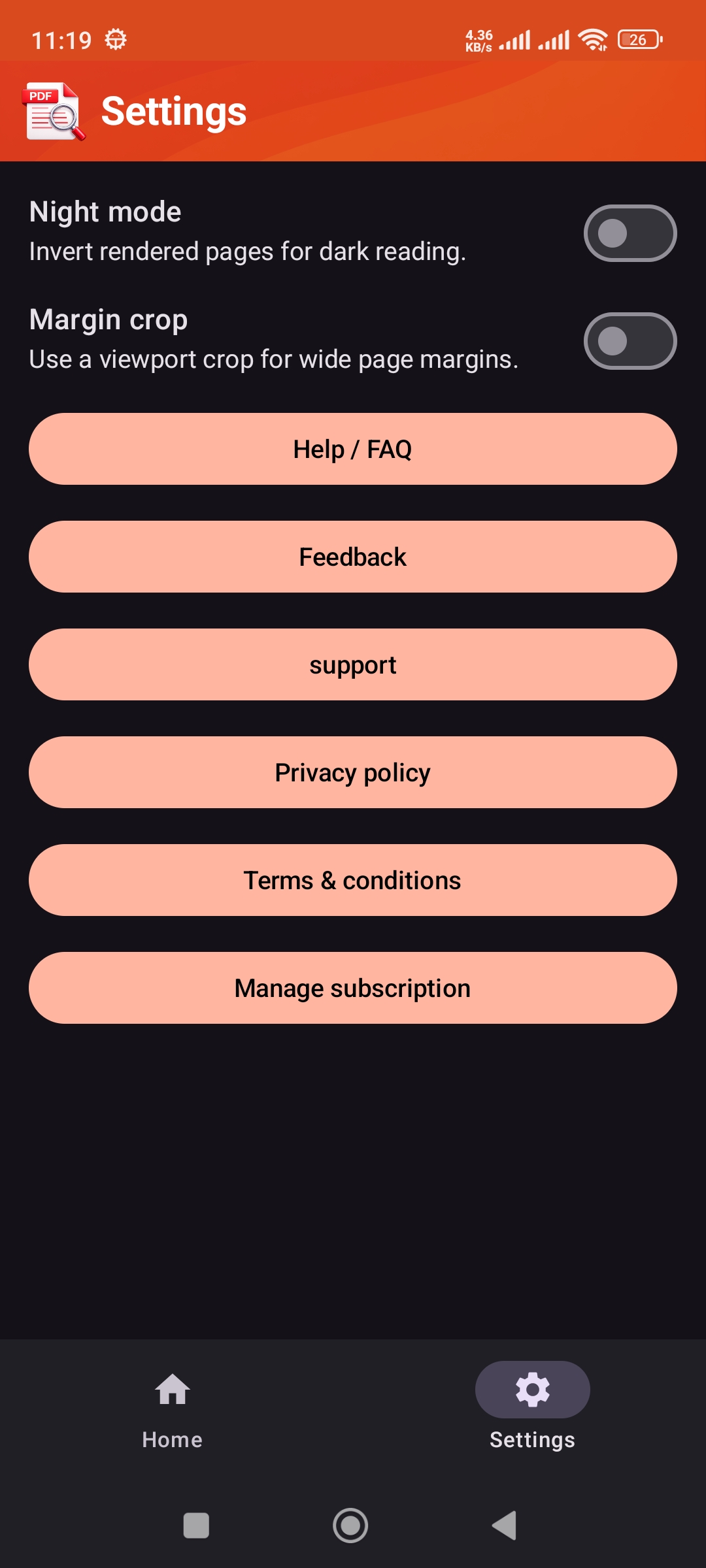
Use zoom, thumbnails, bookmarks, page jump, search, night mode, and read aloud to work with your document.

Why Users Love PDF Viewer

Fast & Modern

  • Fast PDF opening and smooth rendering
  • Lazy loading with high-resolution nearby-page preloading
🔎

Find Content Quickly

  • Text search with highlighted snippets
  • Go to page, thumbnails, and bookmark navigation
🔊

Listen to PDFs

  • Read aloud controls with voice customization
  • OCR fallback for scanned or image-only pages

Perfect For

🎓

Students & Learners

Read notes, books, assignments, and study material with search, bookmarks, thumbnails, and read aloud support.

💼

Professionals

Review reports, invoices, forms, manuals, and office documents with fast navigation and resume reading.

📚

Everyday Readers

Open personal PDFs, eBooks, manuals, and downloaded documents in a clean, comfortable reader.

Hands-Free Reading

Use read aloud, voice controls, and OCR fallback to listen to supported PDFs and scanned pages.

Frequently Asked Questions

How do I open PDF files in PDF Viewer? +

You can open PDF files from the app picker, file managers, downloads, email attachments, shared links, and other external apps.

Does the app remember where I stopped reading? +

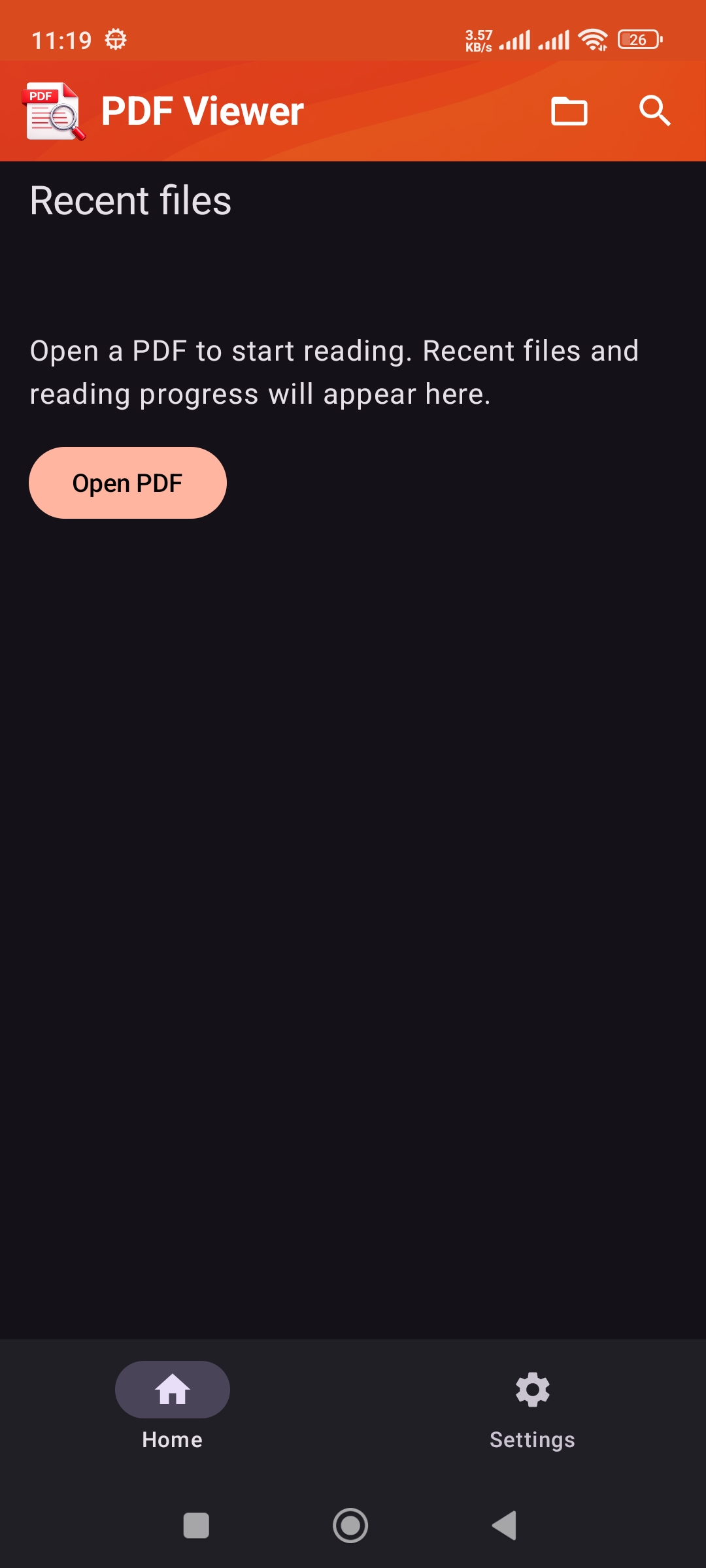
Yes. PDF Viewer can restore your recent files, reading progress, last page, and zoom level.

Can I search inside PDF files? +

Yes. The app supports in-document text search with result snippets, highlighted matches, and quick result navigation.

Does read aloud work with scanned PDFs? +

Read aloud works best with PDFs that contain selectable text. For scanned or image-only pages, OCR fallback helps detect text when supported.

Can I open password-protected PDFs? +

Yes. PDF Viewer supports unlocking password-protected PDF files.

Is PDF Viewer free? +

PDF Viewer includes a free preview experience. Subscription options are available to unlock full-document viewing and extended reading access.

Open, Search, Listen to, and Manage PDFs 📄

Download PDF Viewer and start reading documents faster on your Android phone or tablet.