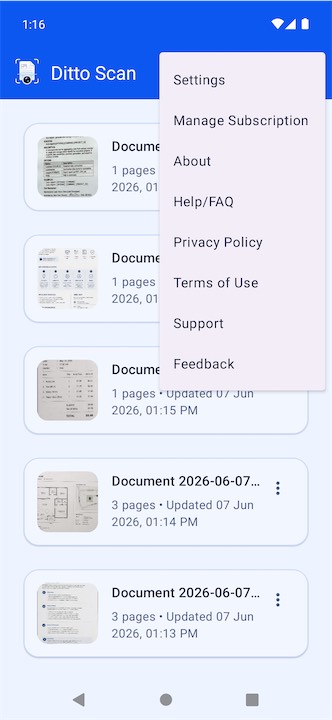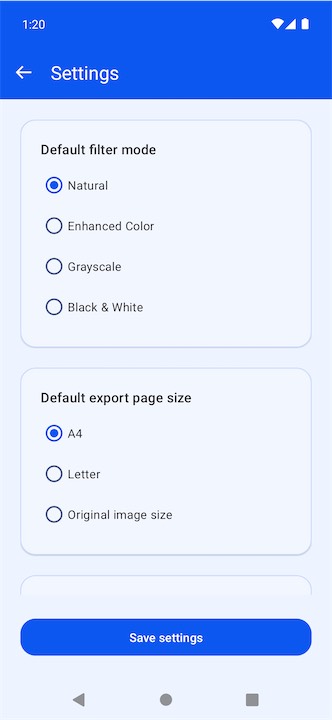
Ditto Scan App Icon

Ditto Scan - Scan Documents and Export PDFs on Android

Capture paper documents with your camera or import existing photos, then crop, deskew, enhance, organize, and export them as polished multi-page PDFs. Ditto Scan is built for fast everyday scanning on Android phones and tablets.

Camera + Gallery Scan live pages or import document photos
Multi-Page PDF Export complete documents with size and quality options
Phone + Tablet Responsive layouts for compact and larger screens
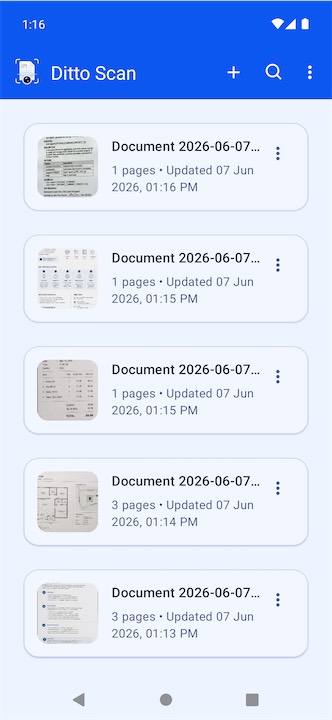
Ditto Scan document scanner screenshot

See Ditto Scan in Action

Scan to PDF in 3 Steps

1

Capture or Import

Scan a page with the camera or import an existing document photo from your gallery or Android photo picker.

2

Edit and Organize

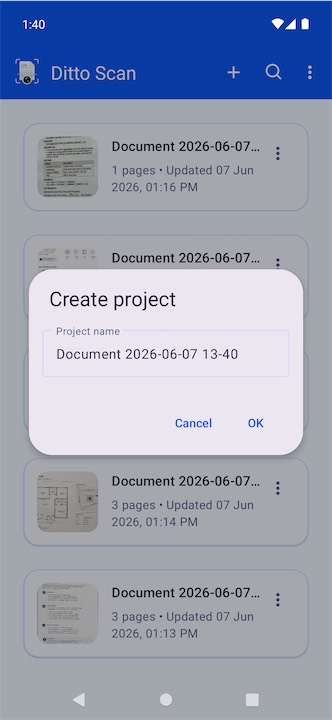
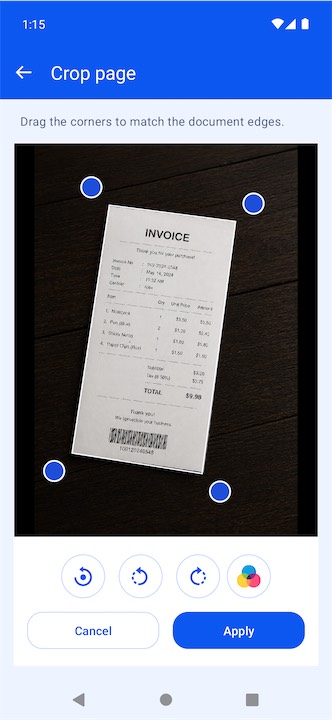
Crop corners, deskew, rotate, apply a filter, then add, reorder, or replace pages inside your document project.

3

Export and Share

Choose your PDF page size and quality, export the document, and share it directly from your Android device.

Why Android Users Will Like It

๐Ÿ“ท

Fast Capture Workflow

  • Camera scanning, gallery import, flash control, and optional grid overlay
  • Live preview modes help you frame documents before saving
๐Ÿงฝ

Clean, Readable Pages

  • Crop, deskew, rotate, and enhance each page before export
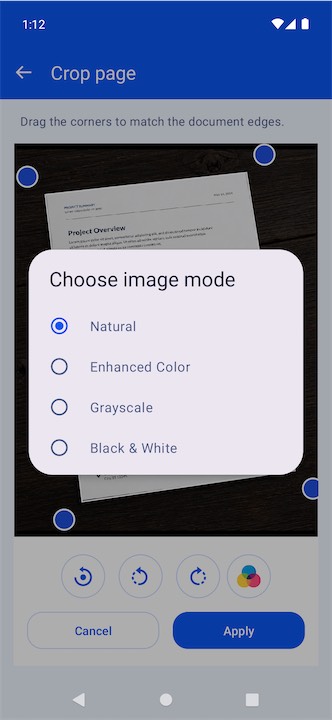
  • Choose from Natural, Enhanced Color, Grayscale, and Black and White
๐Ÿ“„

Multi-Page Project Editing

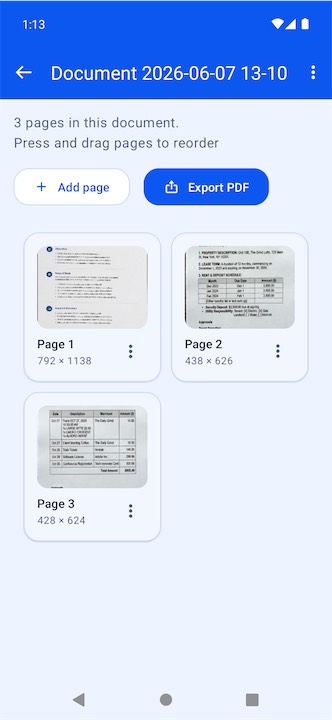
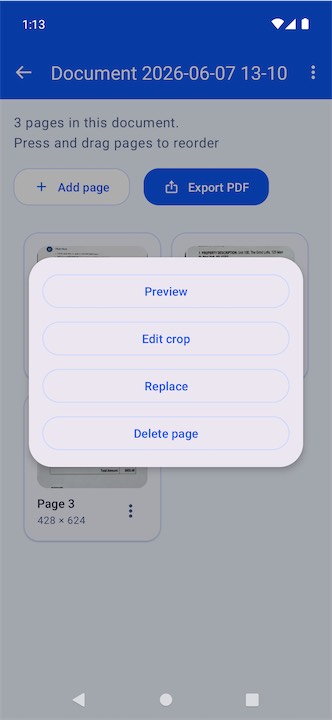
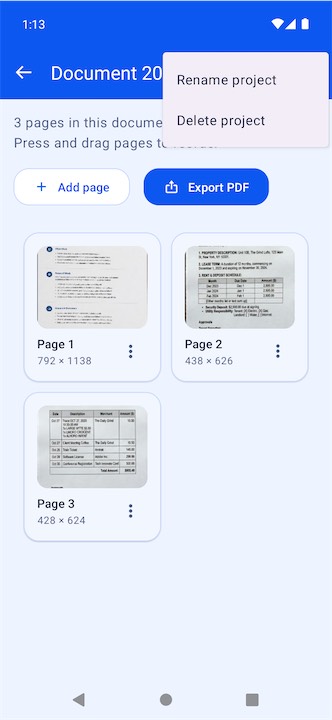
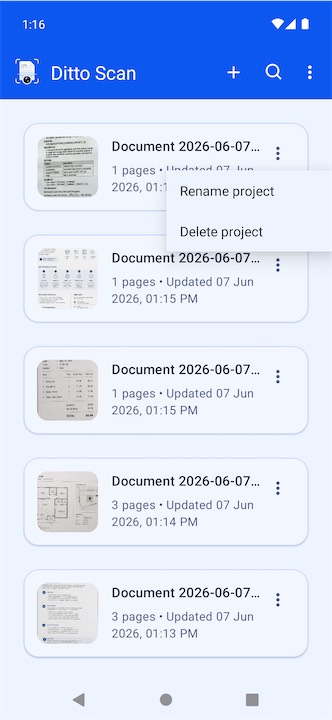
  • Create document projects, add pages later, and rearrange them with drag and drop
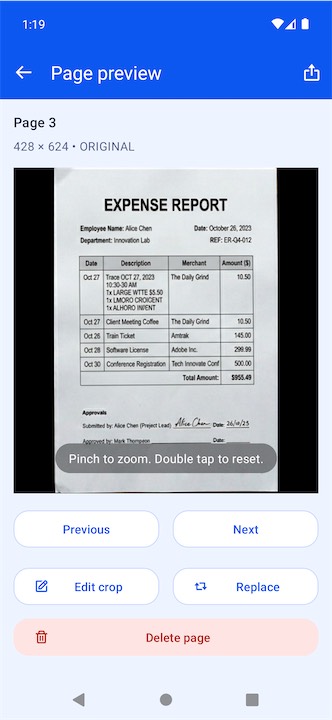
  • Preview, zoom, replace, or delete individual pages whenever needed
๐Ÿ“ค

Share-Ready PDF Export

  • Export multi-page PDFs with A4, Letter, or Original size options
  • Pick low, medium, or high quality and share through Android's share sheet

Perfect For

๐ŸŽ“

Students

Capture handwritten notes, study sheets, forms, and classroom handouts into tidy digital documents.

๐Ÿ’ผ

Professionals

Digitize contracts, invoices, signed pages, and printed paperwork while away from a desktop scanner.

๐Ÿงพ

Receipts and Bills

Store receipts, expense records, and household bills as readable, easy-to-share PDFs.

๐Ÿ 

Everyday Paper Backup

Keep copies of home and personal documents in app-private storage on your Android device.

Frequently Asked Questions

What is Ditto Scan? +

Ditto Scan is an Android document scanner app that lets you capture or import pages, edit them, organize them into projects, and export PDFs.

Can I scan paper documents with my phone camera? +

Yes. Ditto Scan supports camera-based document capture with flash control and an optional grid overlay.

Can I import images from the gallery? +

Yes. You can import existing document photos from the gallery or Android photo picker.

Can I crop, deskew, and rotate pages? +

Yes. Ditto Scan lets you manually crop page corners, deskew the document view, and rotate pages before saving.

Can I create a document with multiple pages? +

Yes. Ditto Scan supports multi-page document projects and PDF export.

Can I rearrange pages later? +

Yes. You can reorder pages with drag and drop, add new pages, replace a page in place, or remove pages you no longer need.

Can I share a single page as an image? +

Yes. A single page can be shared as a JPEG from the preview flow.

What PDF settings can I choose? +

You can choose A4, Letter, or Original image size, plus Low, Medium, or High export quality.

Does Ditto Scan store files locally? +

Yes. The app stores projects and related files in app-private local storage on your device.

Does Ditto Scan work on tablets too? +

Yes. The app supports responsive layouts for phones and tablets, including flexible tablet-friendly screens.

Turn Paper Documents Into Clean PDFs on Android

Download Ditto Scan to capture, edit, organize, and share documents from your Android phone or tablet.